Direct Access Mode is now available for open beta testing in the SFC app.
This feature allows you to access your Peplink router’s local network directly from your mobile device without routing traffic through a Cloud Location.
We invite you to participate in the beta test and share your feedback to help us improve the feature.
Join the test group
The links below contain instructions for downloading the beta version of the app
iOS: Join the SpeedFusion Connect beta - TestFlight - Apple
Android:
On Mobile Device: https://play.google.com/store/apps/details?id=com.peplink.speedfusionConnect
On Web: https://play.google.com/apps/testing/com.peplink.speedfusionConnect
Instructions
Prerequisite: Ensure your router is running firmware version 8.6.0 RC3 or later (Download the firmware here) and is with at least 1 WAN with a public IP
-
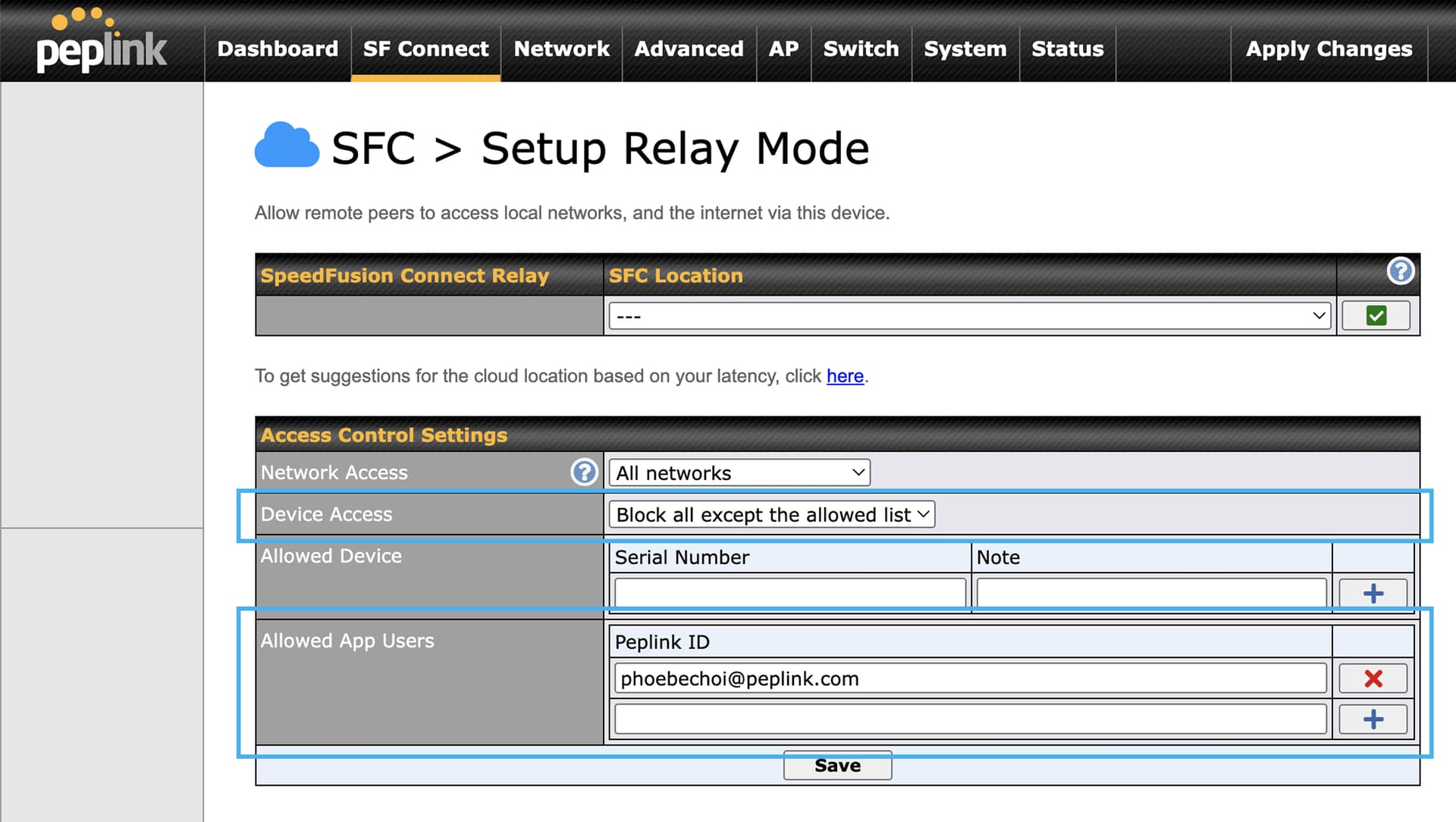
In Web Admin, go to the SF Connect > Relay Mode page. Under Device Access, select Block all except the allowed list, then add your Peplink ID to the Allowed App Users list.
-
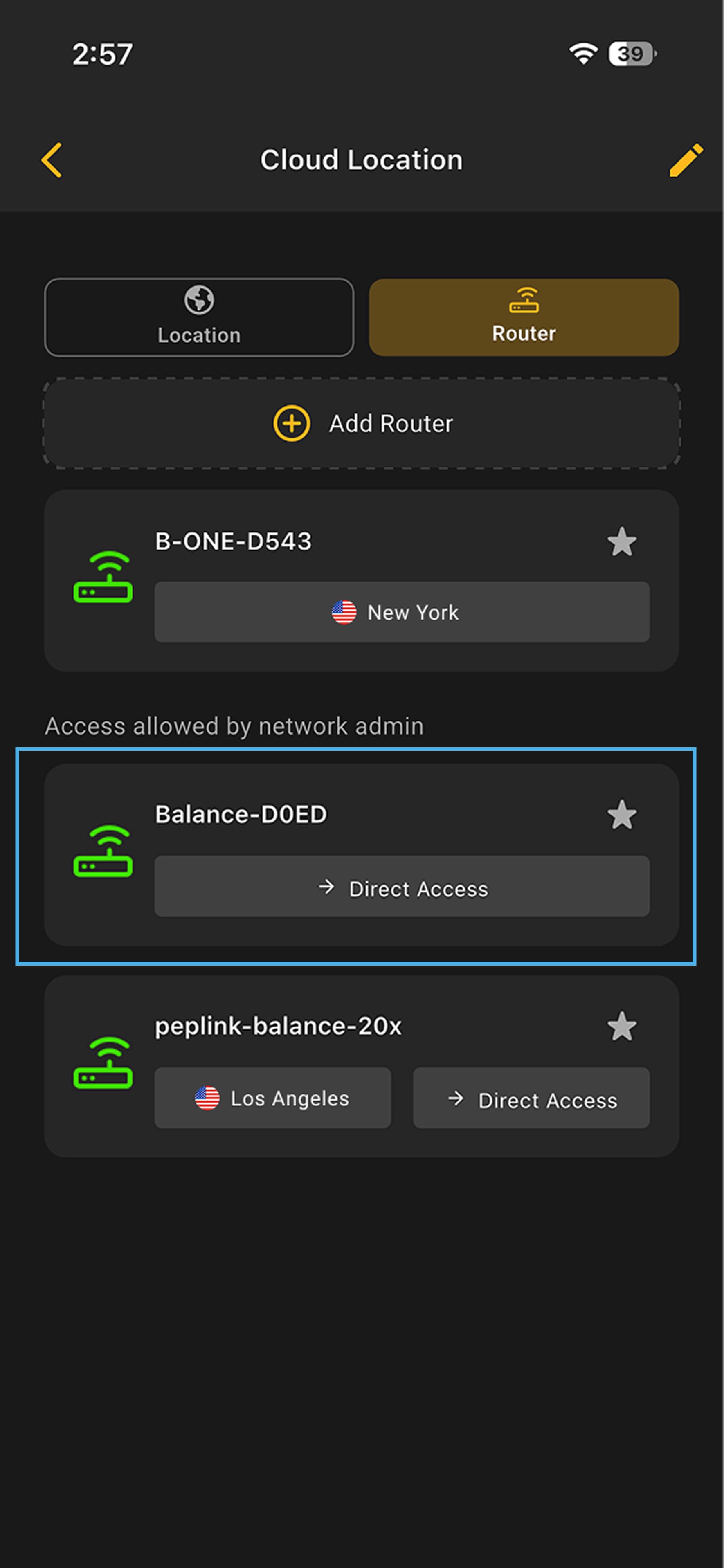
Log in to the SFC app using the same Peplink ID. Once signed in, your router should appear in the router list under Access allowed by network admin.
Note: If you have used the relay sharing code to add the router, you can also choose to connect to the router through a Cloud Location on the same page. -
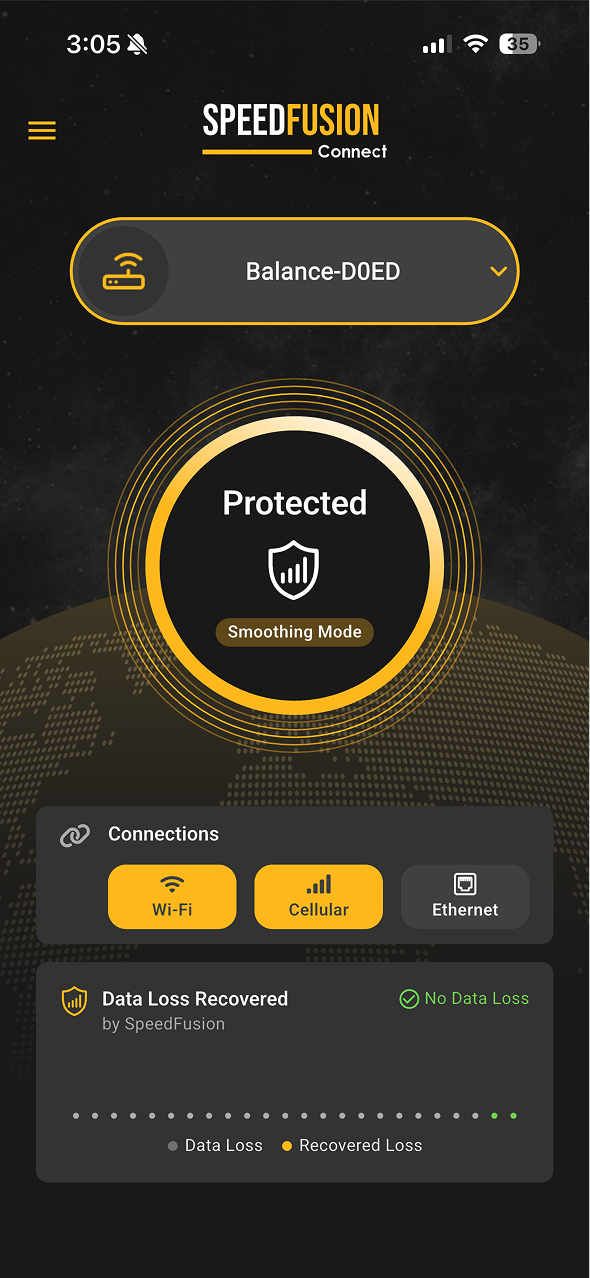
Connect to the router
Once the connection is established, you will be able to access the router’s local network directly from your mobile device.
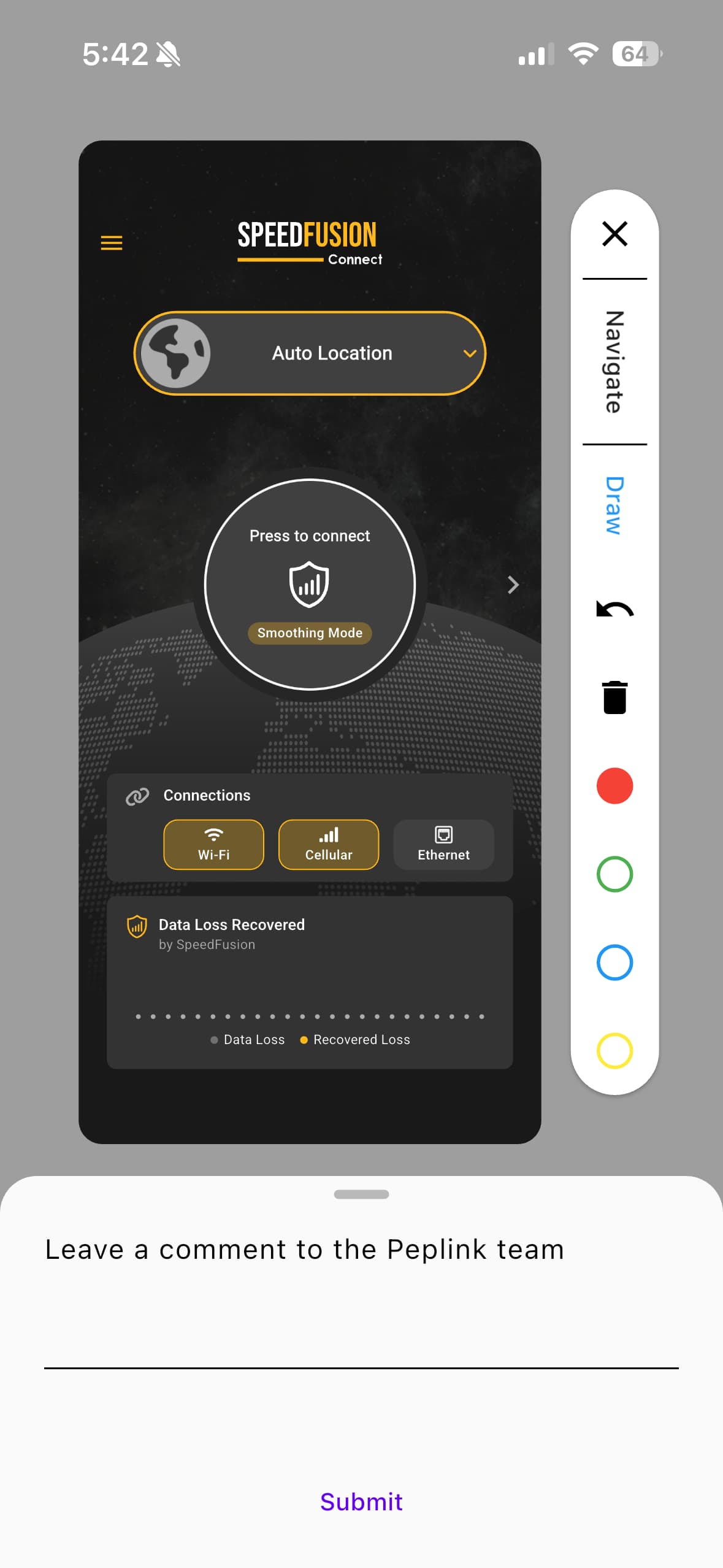
Feedback
If you encounter any issues or have feedback during testing, please submit it through the app. Your feedback will help us improve the feature before its official release.
For iOS Users:
- Press the screenshot buttons.
- Alternatively, slide three fingers down the screen.
For Android Users:
- Slide three fingers down the screen.
You can use this shortcut to quickly capture a screenshot and submit feedback. You can also draw on the screenshot to highlight specific issues.