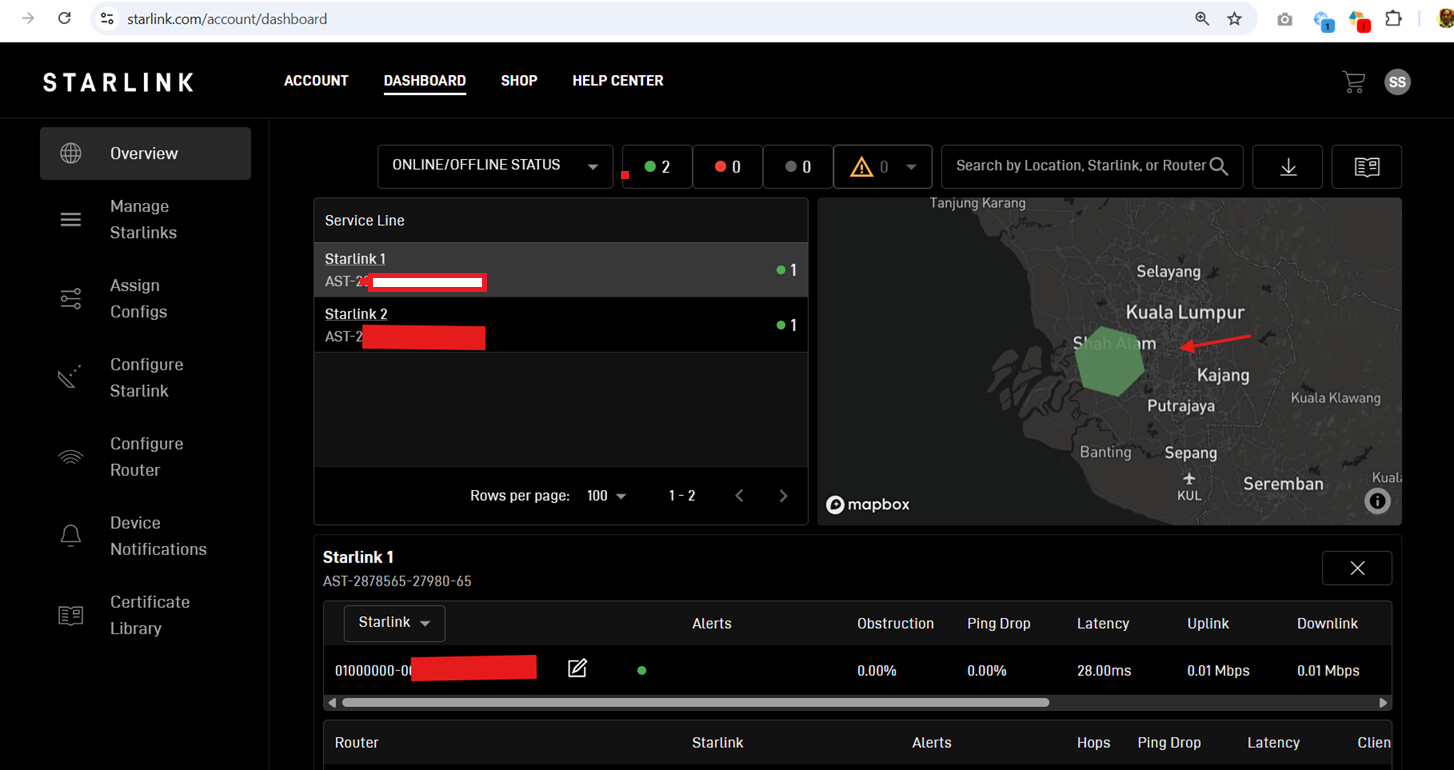
Starlink GPS location

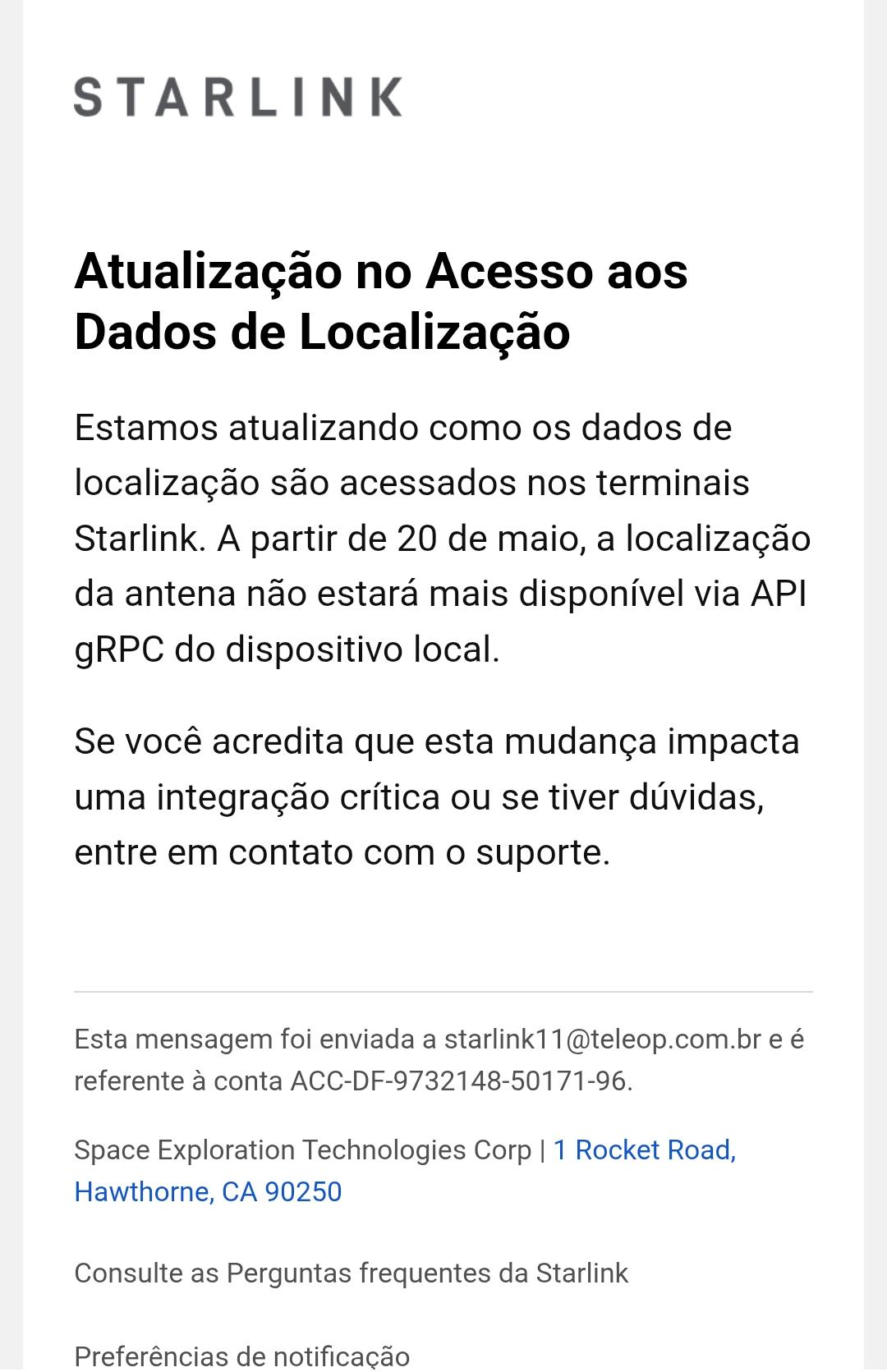
Just got an email from Starlink saying “We are updating how location data is accessed on Starlink terminals. Effective May 20, dish location will no longer be available via the local device gRPC API.”

Will this affect Pepwave getting GPS location data from a Starlink?

2 Likes

I am curious about this as well. Received the same email. A few of my vehicles use the Starlink GPS for tracking.

Definitely, there will no location shown in IC any more if the only source is Starlink.

I posted about this here: Starlink local gps access going away!

1 Like

Weird. I haven’t received the email yet. Might it be plan specific? Or terminal specific? Is there more than one way to extract the location data from a Starlink terminal?

I have the “Standard v4” terminal and a residential plan if it matters.

Same in Brazil.

That’s just it. Starlink says they’re “updating how location data is accessed”, and that it “will no longer be available via the local device gRPC API.”

They didn’t say they’re removing access, and the way they phrased it leaves room that they might be “updating” with a different method of getting it. Figured since Peplink is a “Starlink Authorized Technology Provider”, someone here may know more about it.

quite concern for this as get position from Starlink is very useful for us.

2 Likes

If you aren’t already using it, this is what you need: Peplink Online Shop

I use the Starlink GPS, but I only use it as a secondary source. It’s more reliable to use the Peplink GPS antenna, especially when you pair the Starlink with a mobile SIM for backup WAN.

We are investigating this to see if there will be an updated way to gather the location information locally.

6 Likes

Not all devices support internal GPS. e.g. The BR1 Mini HW3 did, the BR1 Mini 5G doesn’t.

1 Like

If no dedicated GPS on the device why not try a network GPS.
Devices like the B One 5G appear to have this capability…

Doing this for devices that don’t have a GPS. Eg wireless Mesh Devices that don’t have GPS which is essential. for mobile. network RF mapping…

Here I’ve run up a Pi with USB GPS and configured an onboard GPS server using a simple Node Red implementation - serial in (GPS) - TCP out (listen on port 10110)
I then point the device without GPS to the RPi IP address on port 10110 and the device pulls the GPS location.
GPS is a Ublox 7 magbase mouse cheap n nasty for like $10-$20…
Just ran this config on my B One 5G…
In InControl I edited my previous starlink obtained position so it reflected a location 100km away… Hit save changes and it slewed back to the Pi GPS location… So a simple albeit clunky way of providing GPS location to my router…

2 Likes

That’s amazing that they would build a Mini that didn’t have a GPS port. I’m not sure what Peplink was thinking on that, especially for a device that is specifically designed for mass deployment on mobile applications. I had no idea.

Are you able to provide an update?

It’s a frustrating change for those of us relying on the terminal for location data. Most users I know are starting to pivot toward dedicated external GPS antennas to avoid the dependency on Starlink’s API shifts and ensure tracking remains uninterrupted.

Hi All,

Please allow me to clarify why the Starlink location information may no longer match the actual device location shown previously.

Based on the latest information available, Starlink appears to be making changes to their telemetry/API behavior around 20 May, and this behavior change is triggered from the Starlink side rather than by Peplink.

Previously, the Starlink telemetry/local API exposed actual GPS coordinates (latitude/longitude), which allowed Peplink and InControl2 to display accurate device positioning on the fleet map.

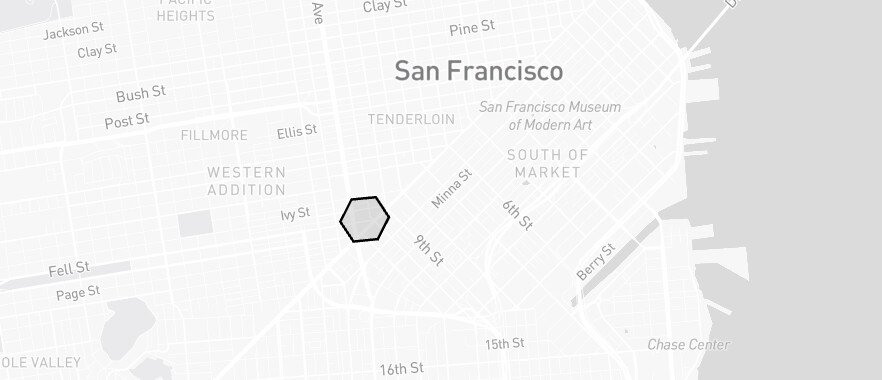
However, with the newer Starlink telemetry/API behavior, precise GPS coordinates may no longer be exposed to third-party integrations in the same way as before. Instead, the available location-related information appears to be based on H3 geospatial indexing / H3 Cell ID representation rather than exact GPS coordinates.

For comparison:

  • Actual GPS coordinates
    • Example: 37.7749, -122.4194
    • Represents the exact physical device location with high accuracy
  • H3 Cell ID
    • Example: 8928308280fffff
    • Represents a hexagonal geographic region instead of an exact point location

To better explain this, an H3 Cell ID works more like a “zone” or “coverage area” on the map rather than a true GPS pin location.

For example:

  • Actual GPS may place a vehicle precisely at:
    • A parking lot
    • Building entrance
    • Marina dock
    • Road junction
  • An H3 Cell may only indicate that the device is somewhere inside a larger hexagonal region that could cover:
    • Multiple streets
    • An entire neighborhood
    • A large industrial area
    • Several kilometers of highway
    • Offshore or marine regions

Because the device could physically be anywhere within that hexagonal region, the center point of the H3 cell may differ significantly from the device’s actual position.

As a result, Peplink cannot reliably display the exact device location on the GPS fleet map in the same way as before, since the telemetry information currently exposed by Starlink no longer provides GPS-level positioning accuracy.

At Peplink, we always value customer feedback and continuously evaluate ways to improve integration behavior wherever possible.

At the same time, we would also like to better understand whether the new H3-based location information provided by Starlink would still be useful operationally for customers if exposed within InControl2.

Since H3 Cell ID represents an approximate geographic region instead of an exact GPS position, there are still open questions on how practical or meaningful this information would be in real-world deployments. For example:

  • Would users still find value in seeing the approximate H3 region on the map?
  • Would the information still help for fleet visibility, regional monitoring, or service availability tracking?
  • Or would the reduced accuracy create confusion compared to traditional GPS positioning expectations?

We are currently collecting feedback and use cases from the community to better understand whether:

  • H3 Cell ID information should be exposed in InControl2
  • How it should be presented visually
  • And whether it would provide enough operational value despite not being equivalent to true GPS positioning

We appreciate everyone’s feedback and use cases, as it helps us evaluate the best way forward for future integration improvements.
2 Likes

H3 location should still provide enough value for us in marine, but not likely much for land applications.
How big is one H3 hive? Is it possible to get a higher accuracy based on the switching between different hive?

One thing might be useful is can we put the hive on the map so we can make geofence lines easier?

This seems good enough for marine…

I feel old. This feels like GPS “Selective Availability” all over again (and might be painfully apt given militaries use Starlink).

It’s better than nothing and good enough for a lot of applications.

1 Like

H3 supports resolution down to about a meter., which is comparable to GPS. So the important question is - what H3 resolution does/will Starlink support?