Apr 24, 2026
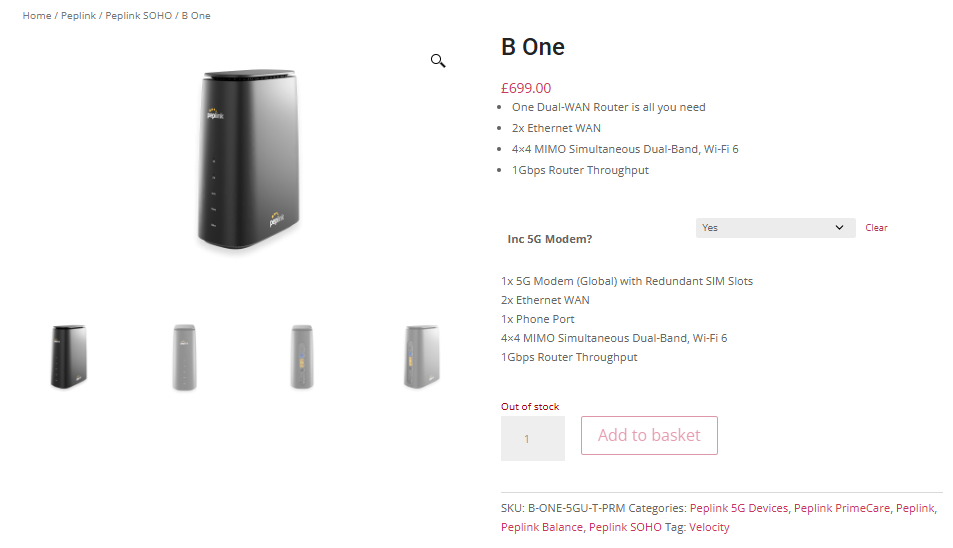
For users of the B One 5G with the exact model SKU B-ONE-5GU-T-PRM, 8.6.0 Beta 1 has been removed from InControl 2 due to an issue that may cause the unit to become unresponsive. Other B One 5G models are not affected.
If you are using B-ONE-5GU-T-PRM, please do not upgrade to 8.6.0 Beta 1.
Apr 26, 2026 - FusionHub HW2
For users of FusionHub HW2 , please do not upgrade to 8.6.0 Beta 1 . Upgrading to this firmware may cause the instance to become unusable. FusionHub HW1 is not affected.
We are pleased to announce that Router Firmware 8.6.0 Beta 1 is now available.
Very exciting!!! @Lai there is updates for the 580X HW2 in the release notes, yet there is no download option available for the unit from the beta firmware page. Can you please advise?
After reading the notes, I’m curious about the jumbo frame support roll out. Specifically, I’m surprised that the B One series would get it before the new 310. Can you calibrate our expectations? Thanks!
Very excisting list of changes and fixes.
So great you added the firewall rule names feature now, that we had requested long time.
Question: What does the new WAN “Enforce Bandwidth Limit” option does (what is different from adding upload and download rate as we did before, if I check it)?
Couple of things that need addressing,
The 580x hw2 and 310 HW5 don’t have an entry in the beta firmware list but are listed in a firmware file br1p_br2p_transitp_hd1dp_hd2dp_hd1hw4_hd2hw7_b310hw5_b580xhw2-8.6.0b01-build6388.bin might want to either update that file name or put entries for them in the list.
There is an error in the supported hardware list, “210 HW4-5 / 310 HW4” are listed in both the devices supported section and the notice about them being 8.5 maintenance releases from now on section, they will need pulling from the devices section in your next release notes. Well, unless you feel like extending support, that’d be great too.
Thank you to everyone involved in working on and supporting the improvements made to the firewall logging. It’s really great to see that the firewall rule name is included in the logs now, along with logging of IDS and DoS.
Please open a ticket. If you are able to reproduce the issue, please do so and gather a diagnostic report (before rebooting or reverting to earlier firmware).
Attaching the diagnostic report to the ticket may speed up the process. We may still request remote assistance to be enabled to investigate live, but I can also understand if you need to revert the firmware to restore functionality.
35589:
[Beta 1] [AP Controller] Added support for advertising
metered Wi-Fi connections in beacon frames for AP
and controller-managed SSIDs
Does that mean that if an SSID is marked as metered, the local AP and its controlled APs will all start advertising that SSID as metered? Also is that dynamic? For example when the main WAN connection is active those SSIDs are not metered, but if the fail-over Cell WAN link is active, then I would want the SSIDs to be advertised as Metered. Is that what this allows to do?
35071
[Beta 1] [Cellular & 5GK / 5GP] Fixed a modem
health-check crash that could occur when FN990 is
connected in 5G mode.
(Fixed in: 8.5.3s094, 8.5.3s027)
Does that mean that if an SSID is marked as metered, the local AP and its controlled APs will all start advertising that SSID as metered?
Anecdotally, it seems that way.
Also is that dynamic? For example when the main WAN connection is active those SSIDs are not metered, but if the fail-over Cell WAN link is active, then I would want the SSIDs to be advertised as Metered. Is that what this allows to do?
It’s just a on/off checkbox under the “hidden” advanced settings. Making it dynamic would be cool but I’m not sure how dynamic downstream software is. For example, does Apple’s ecosystem only check the metered status when joining a network? Or does it check continuously? And even if it checks continuously, is it only superficially checking? Or is it pushed through the OS stack and background updates/etc actually stop. It’d require some experimentation.
An Important Note has been added to the first post regarding 8.6.0 Beta 1 for the B One 5G with the exact model SKU B-ONE-5GU-T-PRM. Please refer to it for details.
Thank you for sharing the behavior you see @DaveZ. And yes you brought up some good questions about how dynamic the client devices are to WiFi networks that may reclassify themselves at random times. My guess is that the ecosystem is all over the place regarding this, with devices and apps that adapt on the fly and others who might stubbornly refuse to adjust even between sessions (just remembering the parameters of the first time they saw the network).
My perspective is that leaders in that space shape the future of undefined scenarios. So having that capability on your router/AP systems can only lead to the ecosystem deciding for itself if that is beneficial. If it is, others will follow and eventually newer devices will also pay attention to dynamic changes. If not, it will have no impact. At least this has been my experience over the last 30 years.
35037 [Beta 1] [Device API] Added API support for uploading and downloading configuration files using token-based authentication.
34932 [Beta 1] [FusionHub] Added SSH and CLI access to FusionHub for token and authentication management.
36080 [Beta 1] [Starlink] Enabled management-only mode for Starlink WANs when an overage restriction is detected.
35571 [Beta 1] [B One] Added support for Edge Compute on B One Series devices when PrimeCare is active.
33801 [Beta 1] [BR1 Mini 5G] Added Ethernet port status monitoring for BR1 Mini 5G models.
23046 [Beta 1] [Firewall] Added firewall log entries with the matching rule name.
I know I wasn’t the only one on this one Super Excited!
35267 [Beta 1] [WAN] Added per-WAN bandwidth limiting to let each WAN interface be rate-limited independently.
I’m hoping this means we can finally enforce this locally!
Really impressed Peplink team , This is a huge update!
 . And yes you brought up some good questions about how dynamic the client devices are to WiFi networks that may reclassify themselves at random times. My guess is that the ecosystem is all over the place regarding this, with devices and apps that adapt on the fly and others who might stubbornly refuse to adjust even between sessions (just remembering the parameters of the first time they saw the network).