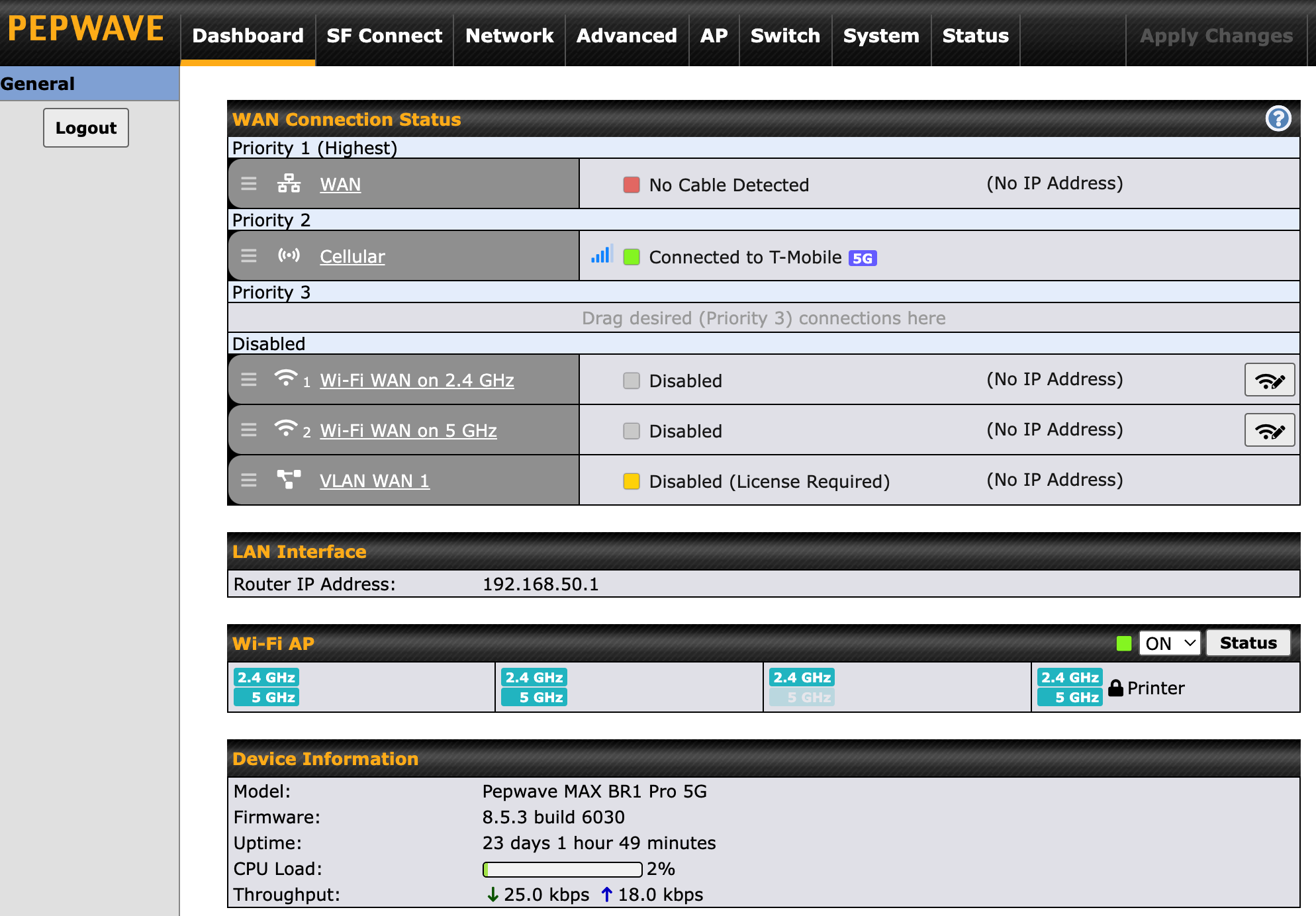
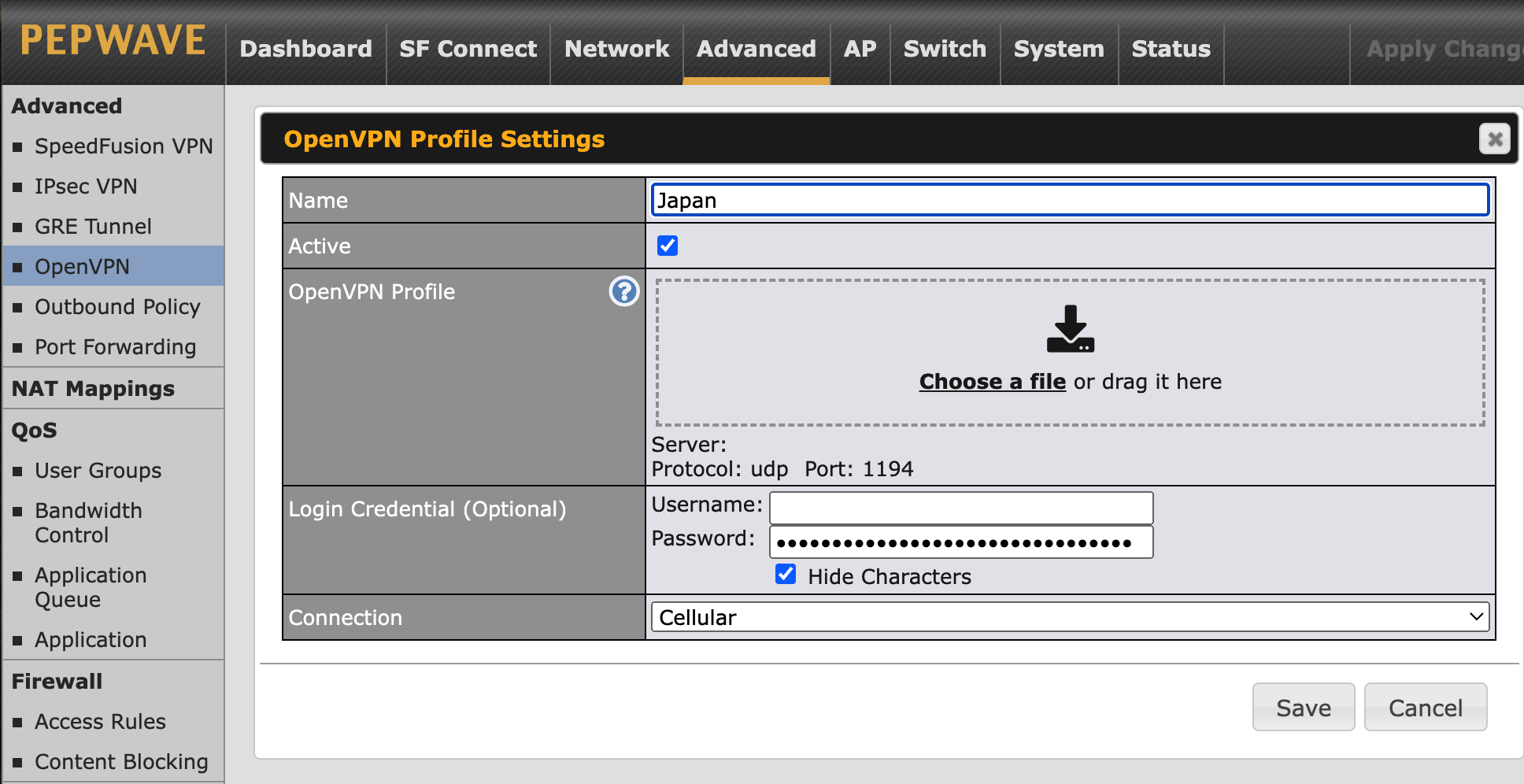
My connection to an OpenVPN service (ovpn.com) has not been able to connect since upgrading to 8.5.2.
The provider is asking for logs and any errors being returned - I can’t find that anywhere - is there place I can see what is happening when i try to connect (other than the dashboard)?
I upgraded to 8.5.3 and this issue is back. The OpenVPN connection tries to connect and continuously fails. By chance has anyone else run into this in 8.5.2 or 8.5.3? I’d prefer not to be stuck on 8.5.1 - but that’s where it works…
Hello @grahamk,
Please raise a Peplink Support ticket, referencing this forum thread. Once you have your ticket, please post the ticket number back here so the moderators know it is getting addressed through the formal support channels.
FYI, none of our customers have experienced any issues with OpenVPN after upgrades, although customers using OpenVPN accounts comprise less than 0.1% of our customer base. Most use Peplink’s SpeedFusion technology (https://www.peplink.com/technology/speedfusion-bonding-technology/) as their VPN. Have you looked at using SpeedFusion instead?
I use ovpn.com because it allows me to have a static IP for some inbound traffic - that is really all I use it for. Will Speedfusion give me the same functionality?
Would a Fusion Hub Solo meet your requirements? The license for one client is free from Peplink. Additional clients can be added at no cost if they are under PrimeCare as, essentially, they bring their own license with them.