Hi Sit, I was referring to the LAN side.
2 Likes
Hi, is there any update on 8.5.4 being available for HW5?
We really want to use the iPhone WAN tethering.
The new version of the Balance 310 doesn’t have USB WAN, the USB port on the back is listed as Console and it says NO under USB WAN on the spec sheet.
2 Likes
My understanding from the firmware release notes was that this was a dual-purpose port - there are no exceptions shown under the reference in the notes:
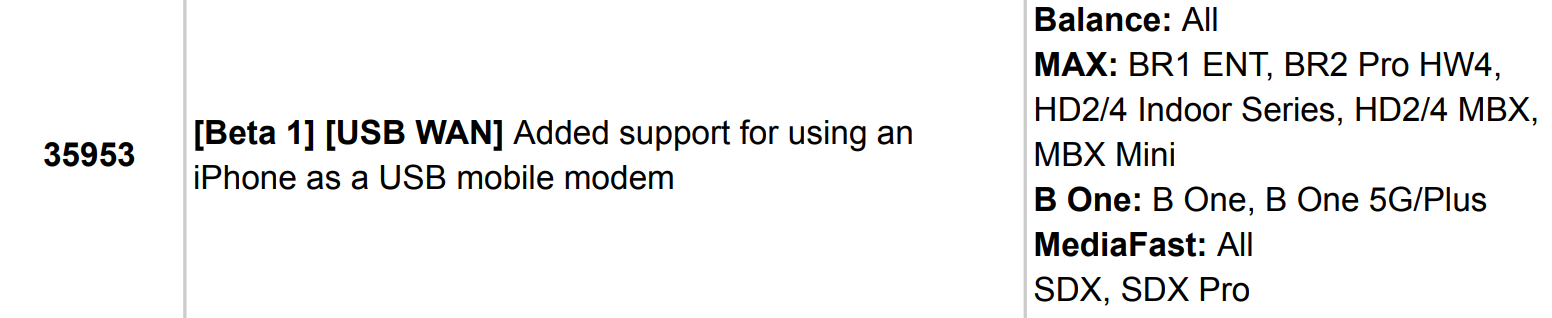
Perhaps I have misinterpreted…
Peplink told me usb is not for wan unfortunately. They said that was an oversight. Hopefully they fix for future hardware revisions
1 Like
Hello @sitloongs
We are sharing this here in case anyone else may need to be aware.
According to the details available via Peplink’s website, if the router has an active CarePlus plan, then it should have ten (10) Peers available.
Attached is an extract of the PDF downloaded from Balance 310 - Peplink, with comments added, along with a screen capture for visual reference.
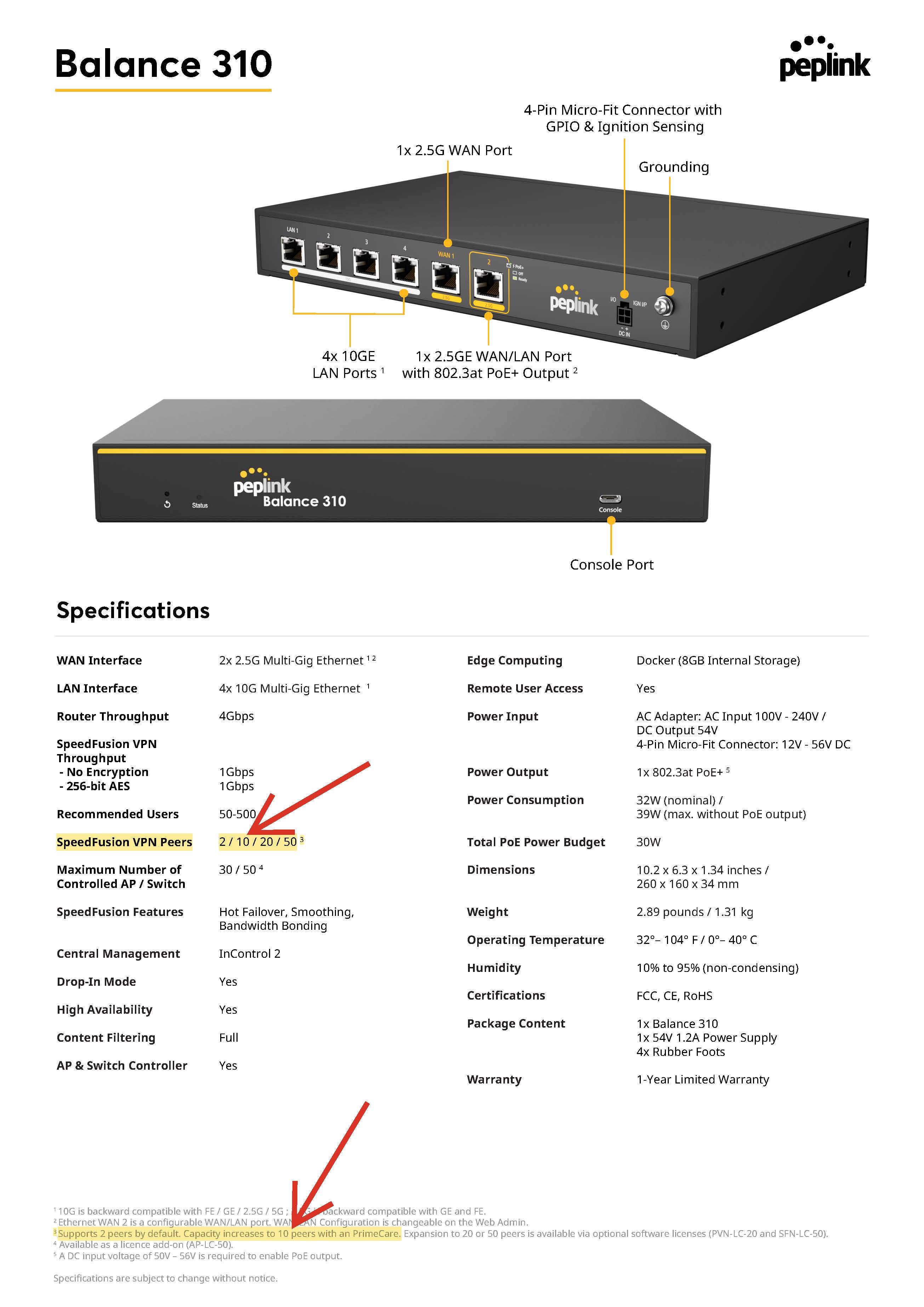
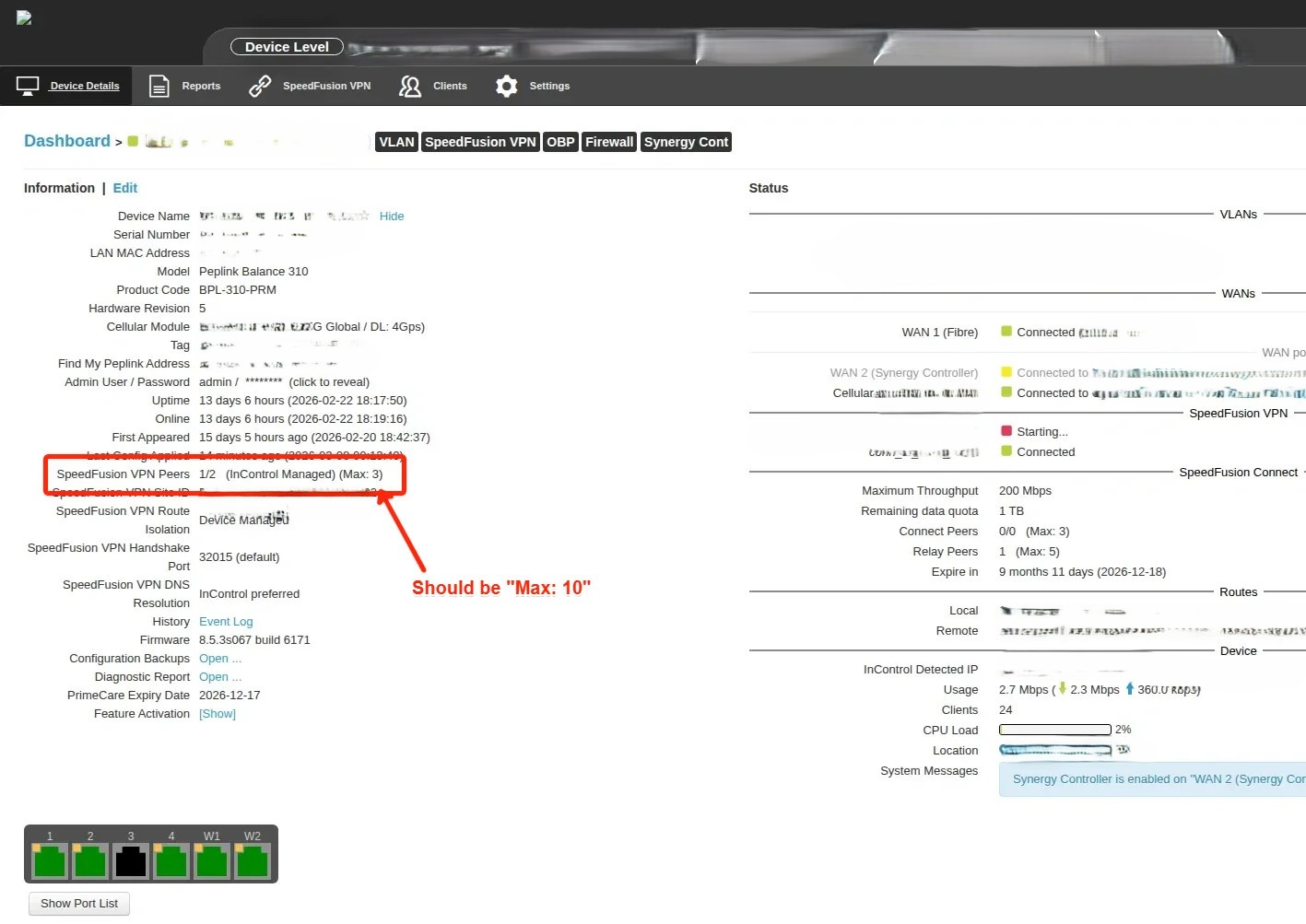
Although we don’t need ten (10) right now, it would be good to know that what we are promoting to our customers is what we’re actually delivering.
We received this information on the issue:
Please ask the Peplink team when to expect the fix for this (we have seen this on other units already deployed).
Have a good week ahead,
Marcus 
@mldowling The 8.5.4s022 build for B310 is ready and you can download from here. Please help to test and verify and give us a ticket if things aren’t working with RA.
Thanks,
Eddy
1 Like
Hello @Eddie,
We are getting this error when attempting to use the firmware supplied via InControl2 at the organisation level.

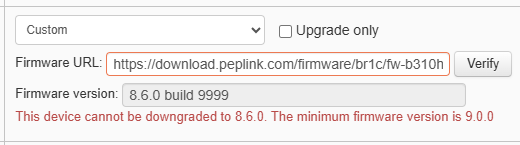
The message is the same if attempted at the device level
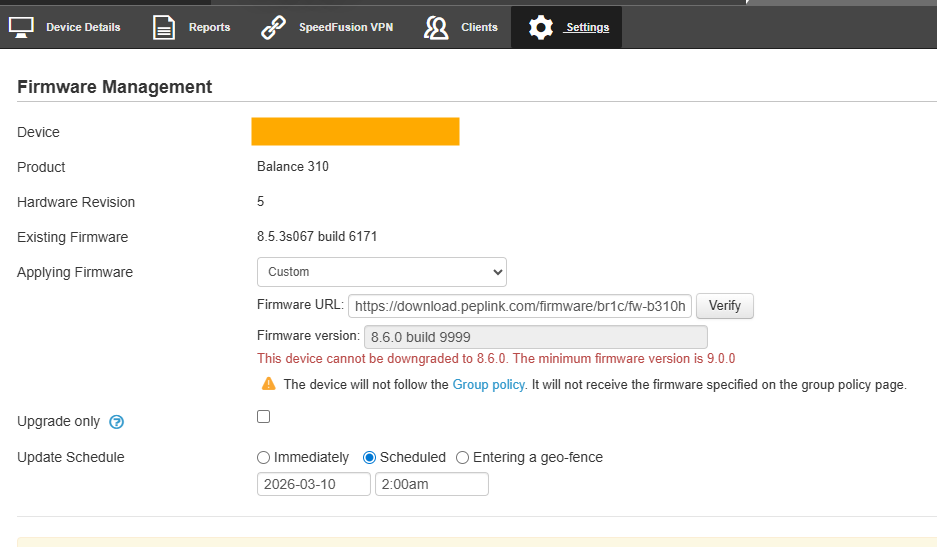
When working from the Remote Web Admin via InControl2, we got this
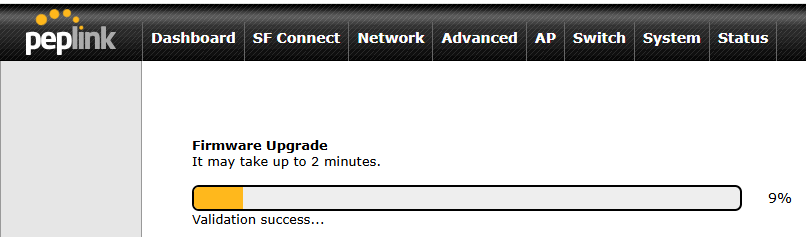
The router failed to reconnect to the internet on our 2.5Gbps Fibre. The Synergised BR1 Pro 5G connected, though it would not pass internet traffic, as such the SpeedFusion tunnel would not establish. We managed to log in locally and rebooted the router back to firmware version 8.5.3s067 build 6171.
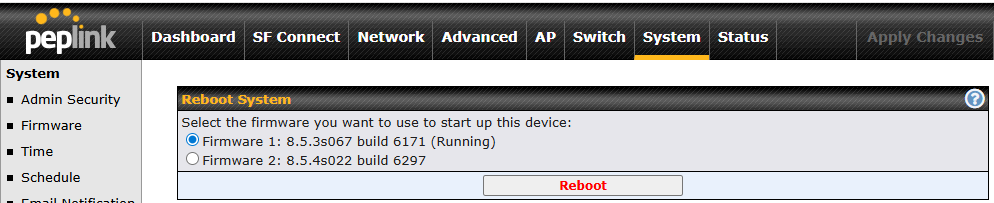
Regretably, the verification does not pass. Drop me an email (or new support ticket), and I’ll send the diagnostic files captured on 8.5.4s022 before rolling back.
Look forward to the next version to test,
Marcus
Hi Marcus,
-
Upgrading from IC2 I could see the same error. Already reported to IC2 team.
-
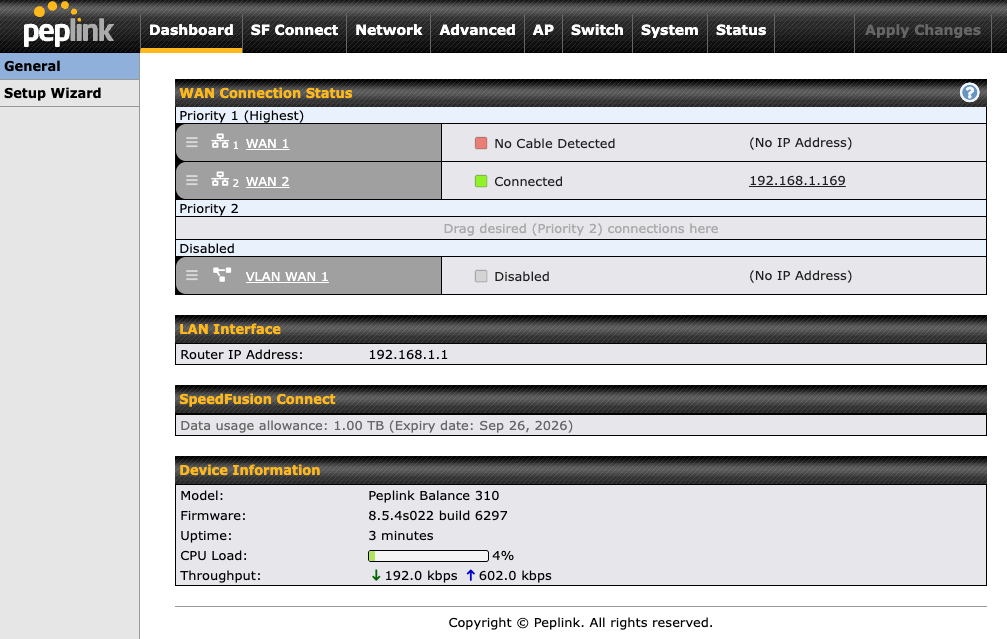
I have upgraded via Remote WEB Admin from 8.5.3s067 build 6135 to 8.5.4s022 build 6297 and Ethernet WAN connected back without issues.
Could you open a ticket and provide more details about your exact setup to test the identical topology and diagnostic report taken on 8.5.4s022. Thank you.
1 Like
Good Morning @Saulius_Saltmeris and @Eddy_Yeung,
Please see Peplink Ticket 26030296 for the additional details.
Have a good day,
Marcus
2 Likes
Nice work @mldowling. Will be pulling the trigger soon on this…
1 Like
I just want to be clear on this, the BPL-310-PRM doesn’t support jumbo frames on the LAN ports?
I am installing a unit next week was hoping anyone knew the answer before I start testing
“I just want to be clear on this, the BPL-310-PRM doesn’t support jumbo frames on the LAN ports?”
Hi James,
Jumbo frames will be added in 8.6.0 and you can try Beta1 (link).
Below is a a screenshot from 8.6.0 Beta1 Release notes. I will ask Team to fix note as for some reason B310 is missing in the supported devices list.

3 Likes