I can’t seem to find anything helpful but feel free to punt me to other posts you might know of…
Equipment: Peplink B One 5g
5g SIM: Calyx (Tmobile 5g unlimited)
The issue I’m having is making calls over WiFi when connected to Peplink WiFi (5g via Peplink is fine) AND when my connectivity on my mobile device is nil. Is there an analog feature in the Peplink settings to enable WiFi calling? I’ve stumbled on a few other posts that call out a myriad of settings to tweak but nothing that clearly outlines the proper steps in order, just tweaks that assume a level of user knowledge that I don’t currently have.
In the Peplink app you could give your cellphone QoS priority (go to clients and click on the up arrows next to your phone). Unfortunately under apps there’s no simple checkbox for VoIP/VoWiFi.
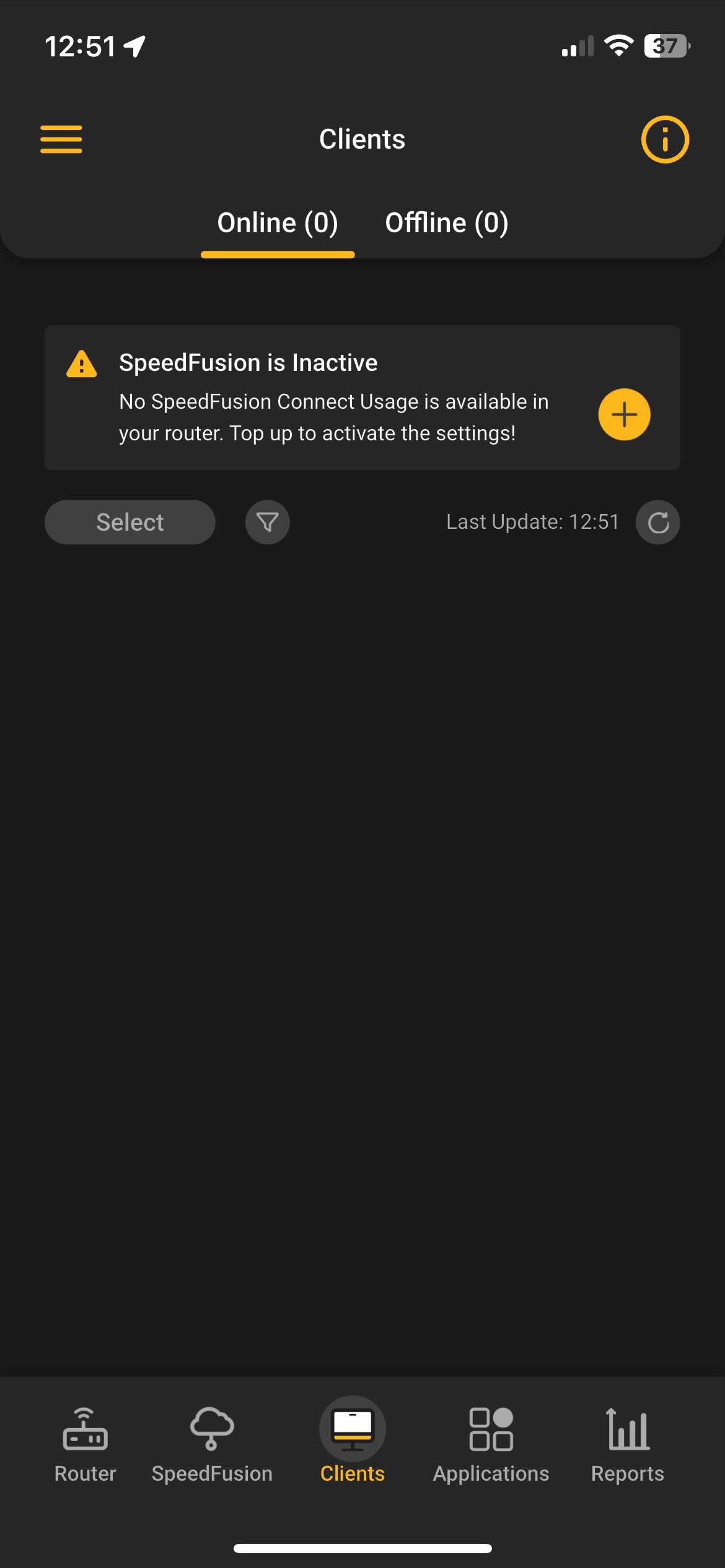
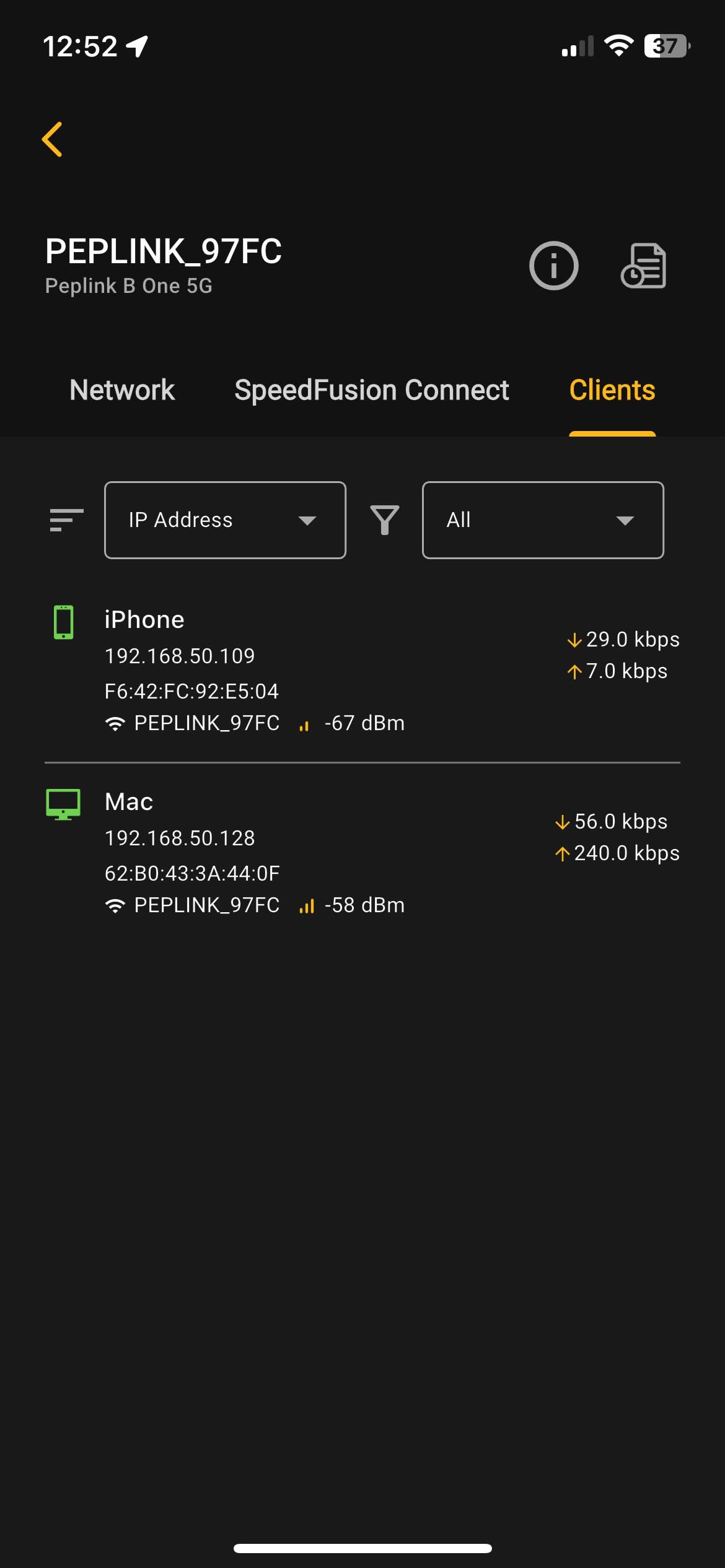
Thanks, but when I open the Peplink iOS app and click through to clients, there aren’t any listed? I also have the Peplink Router Utility iOS app, when I open that and navigate to the Clients list, I see my iPhone but not seeing a way to click through to QoS priority…I’m unable to load more than one image in each post but the first here is from the Peplink iOS app and the second reply thread below has an image from the Router Utility iOS app.
First, can you rephrase the following: “The issue I’m having is making calls over WiFi when connected to Peplink WiFi (5g via Peplink is fine)”?
I find the above confusing. Can you draw signal paths of what works and what doesn’t? I.e. “phone → WiFi → Peplink → 5g WAN”. Does that work or not? What about other paths? Thanks.
In any case, on your iPhone, let’s verify the following:
Settings → Cellular → [the SIM] → Wi-Fi Calling → WiFi Calling on This iPhone
Settings → Cellular → [the SIM] → Wi-Fi Calling → Add Wi-Fi Calling For Other Devices
Settings → Cellular → [the SIM] → Calls on Other Devices → [turn everything on]
Now, swipe down from the upper right corner of the phone to get to the “control center”. You should see the name of your mobile carrier in the upper left if you have coverage, plus how many “bars” of cellular and WiFi signal you have.
Make sure that WiFi is enabled (it’ll be blue)
Now turn on airplane mode (tap the airplane)
Wait a minute
Does the carrier name reappear “but different”?
a. AT&T will change “AT&T Wi-Fi”
b. Verizon will change to “VZW Wi-Fi”
c. etc.
Disable airplane mode
Let’s start with this and see how far you get before we try WiFi calling on your Mac because that does not use IPSec and stands a better chance of working.