Hey community!
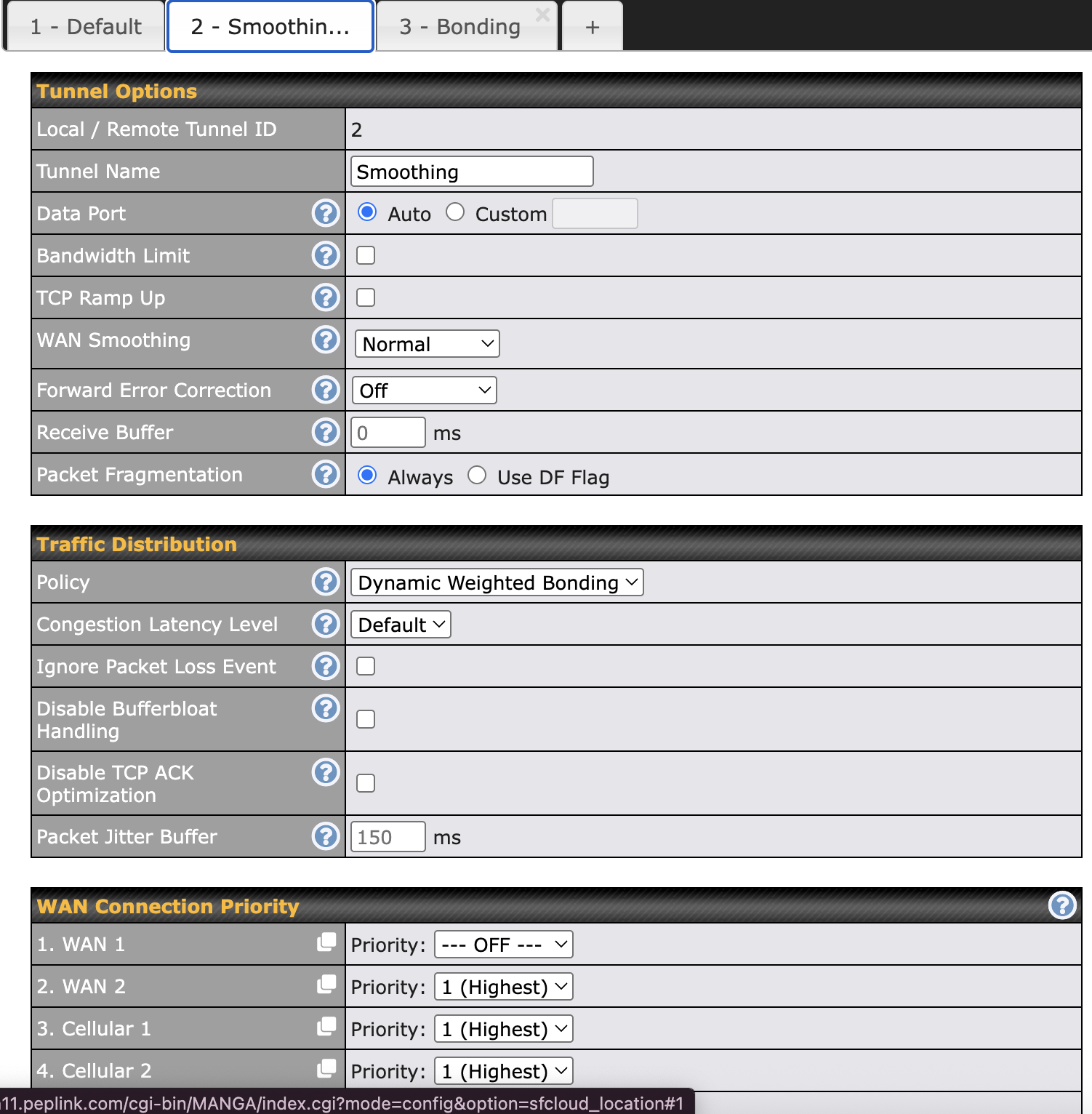
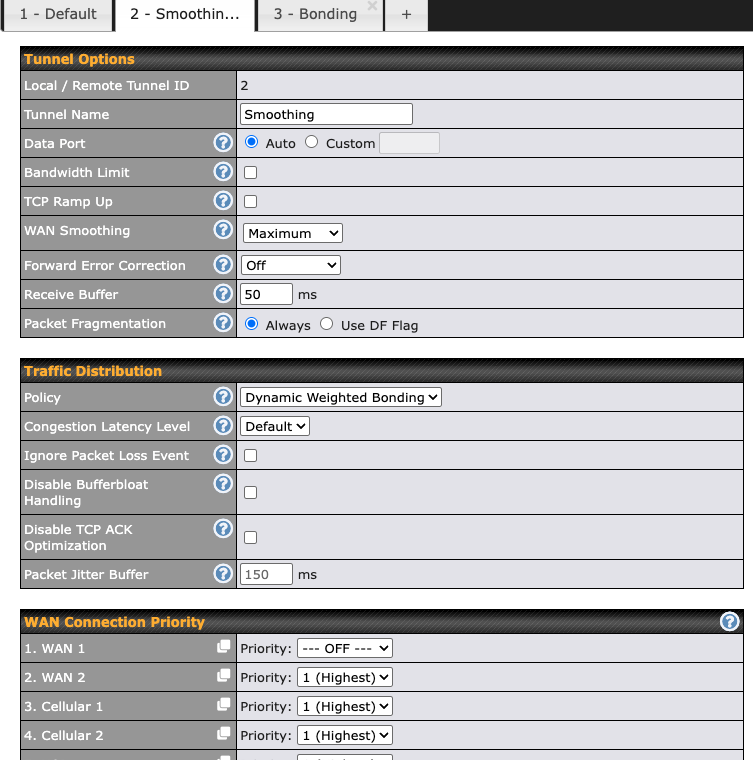
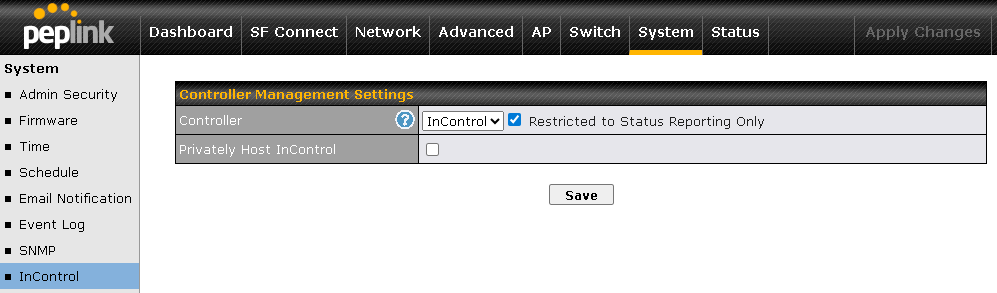
I want to change my WAN Smoothing settings to maximum, and add a little bit of buffer (live streaming outbound so some amount of delay is fine), but when I click Save and Apply, it bounces all settings back to defaults. I’m doing this through webadmin portal, as I can’t seem to find where to do this in Incontrol2. I’m sure that it’s a heirarchy thing where either Incontrol2 or the Peplink phone app is overriding the webadmin settings, or at least I think that’s the case. I’m pretty confident in the settings I want, but feel free to chime in on that as well as I’ve attached screenshots for your viewing pleasure. Any help would be awesome with this.
Setup - BR2 Max 5g, Cell 1 - ATT, Cell 2 VWX - no other WANs currently.
Unifi Express 7 is my router in this case, so that is the only client which is receiving SF down the Pep’s port 4.
If there is any other info I can provide please let me know. I’ve been using this unit for almost 2 years now, but admittedly, I’m still pretty lacking in knowledge.
Thanks!
Theo