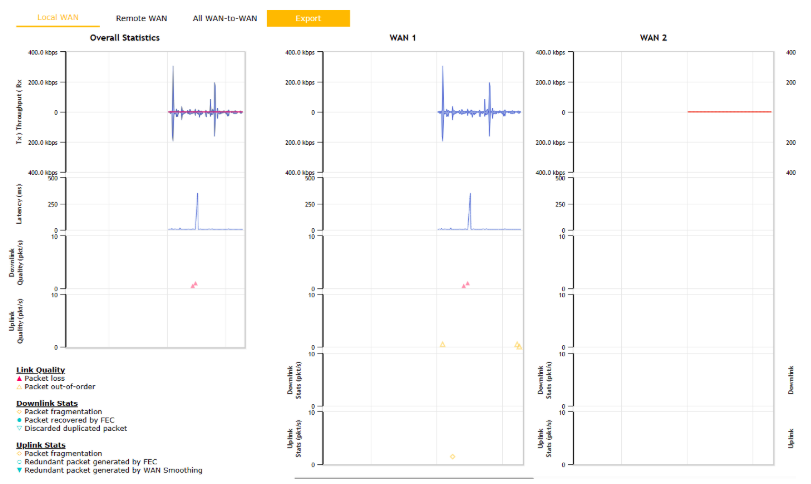
Hi, it’s me again. We have both WANs active, but when we access the Peplink, we see that one is in standby. Both WANs are at the same priority. Looking at the graphs, we notice that both have traffic, but in the third image, we can see that WAN 2 has packet loss.
Hello @Casa_Rana,
What you are looking at here is the Peplink SpeedFusion tunnel. Traffic priorities for the SpeedFusion tunnel are configured separately from the router’s WAN Priorities.
At a basic level, we set all active WANs on the router to the same priority, then we customise the SpeedFusion tunnel, along with customised outbound/inbound traffic routing policies and firewall rules, to manage everything.
Who is your local Certified Peplink Partner that you brought your Peplink solution from (https://www.peplink.com/buy/peplink-certified-partners/)? They are the best equipped people to help you get the most out of your Peplink solution.
If you get stuck, post what country you’re based in, and a local active Peplink Partner may respond. FYI, I’m based in Australia and support the AU/NZ and South Pacific region, you’re welcome to PM me if that’s of benefit.
Have a good day,
Marcus 