Dear Community,
Good day!
Please advise whether you have faced with such situation and if you know how to solve this problem.
Sim card is installed and devise is online in the Peplink Portal

. Ping from WAN (cellular) is successful.
However while trying to add eSim we face with such error : Cellular BYO eSIM download failed (No Internet connectivity is available during the activation process. Please make a second WAN
connection to the Internet.)
Hi…
Are you using an internet connection at the WAN of the device?
1 Like
Hi,
I’m using only cellular connection. WAN port is not connected.
Is it possible to complete the eSIM activation using only the cellular connection, without a WAN connection?
Please…
You need a second WAN connection!
" Cellular BYO eSIM download failed (No Internet connectivity is available during the activation process. Please make a second WAN connection to the Internet.) "
1 Like
Thank you,
Understood. I just was curious about why it does not work with active cellular
Because it needs an active internet connection to complete the process and if your only wan is cellular and you’re in the middle of installing a new SIM that obviously won’t work.
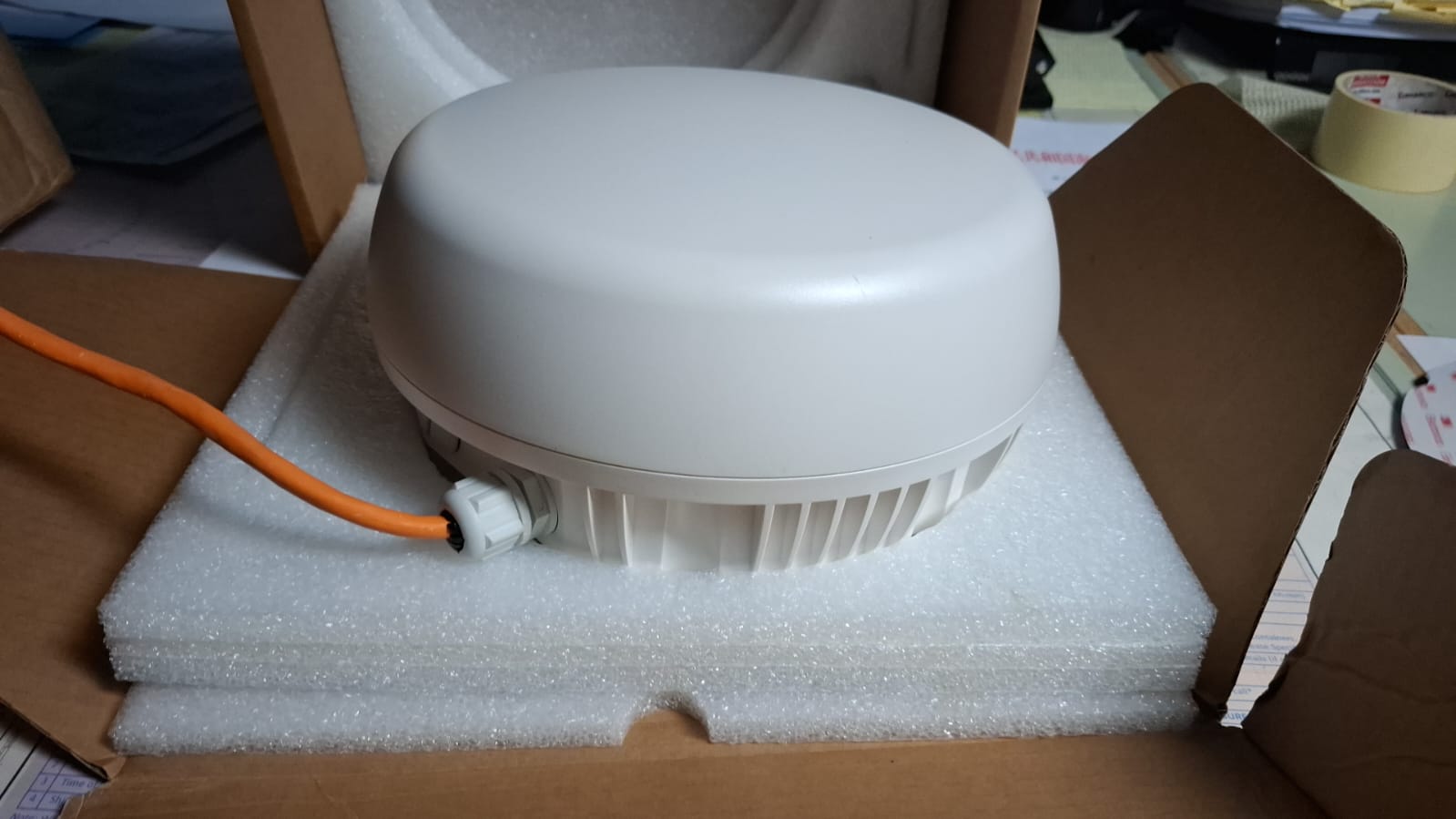
It helped. Sorry for stupid question, however, the device is inside the coverage box. The device has 2 LAN and 1 WAN port. One end of the cable is connected to LAN another one to switch (to give internet access to multiple devices). And everytime I need to activate eSim I need to open the box and connect via WAN, right? Is there any other solution?
There are a few solutions:
1: If it’s the version of the Mini 5G with WIFI, you can use WIFI WAN as a connection, a simple solution is to enable tethering on your phone when in range and then connect to the phone with Incontrol.
2: Run a second ethernet cable to the WAN port. Connect to whatever is available as needed.
3: Without running a second wire, you could buy a splitter max (ACW-SPLT-MAX). that would let you power the device with the splitter max and plug the one ethernet cable in to the WAN port. Any time you need to update the ESIM, swap the config on the WAN between being WAN and LAN3 and hock it up to an internet source.
4: If your switch at the other end of the Ethernet is VLAN capable, add a VLAN to that port that is carrying another internet connection and then configure the VWAN connection on the BR1 Mini 5G to expect that connection. This could be a permanent connection such as a DSL or Starlink, but it could also just be set to a port on that switch and you could hock up whatever you can temp as needed (another BR1 device, starlink mini, wifi AP connected to somthing you are parked near, a USB ethernet adapter plugged in to an Android phone that supports ethernet tethering).
1 Like
One thing most people are missing here is that you CAN provision a BYO eSIM over cellular, as long as the cellular you’re using to do it is on ANOTHER eSIM, such as the Peplink eSIM 
3 Likes
Moreover, I was connected via a physical SIM card and was trying to activate the eSIM, so I already had an active internet connection. However, the device was still requesting a WAN port connection.
@Kelly_R , that’s your issue. You can’t activate an eSIM on a radio that is currently operating on a pSIM, if that is your only mode of connectivity.
This is why you need to have a WAN or alternate cellular connection. To get it to work with a single cell device, you will need to connect to WAN, Wifi as WAN, or enable the Peplink eSIM to use temporarily while you provision your BYO eSIM.
3 Likes
Yes as @ChristopherSpitler mentioned if you have even a temporary peplink esim plan it allows you to load additional BYO profiles, the key is it’s treated just like a mounted slot, so the esim slot has be loaded to allow additional profiles to be loaded. If you have a wired wan or wifi-as-wan as your internet and you had a physical sim, behind the scenes peplink changes to the esim slot to allow additional profiles to be loaded.
I’ll also add then in a pinch you could also use your hotspot and wifi-as-wan to have that other internet connection up.
1 Like
Thank you. Also, as I see the option to download eSim is available only through InControl portal right? I cannot load it if I am connected via local console in LAN, is that correct?