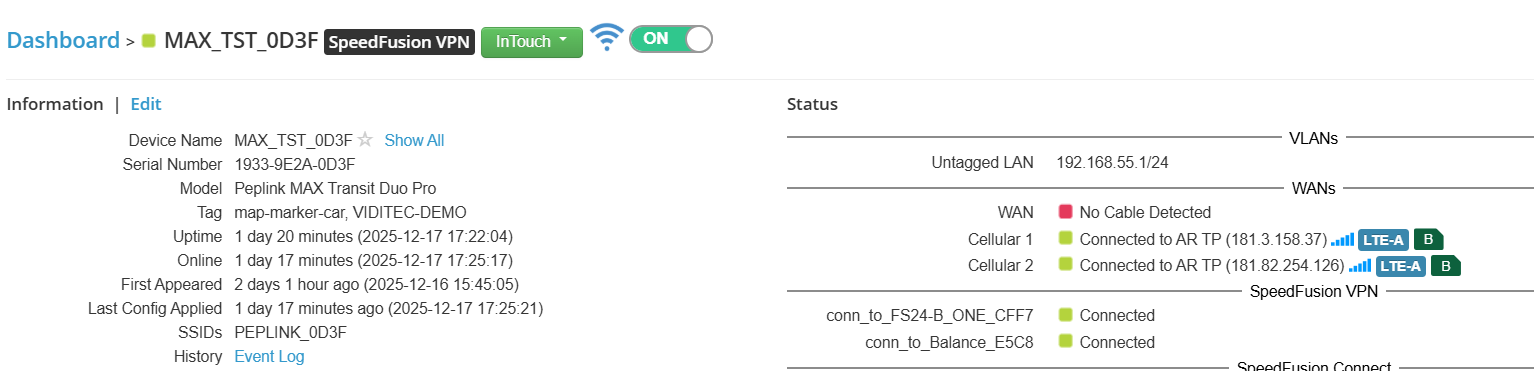
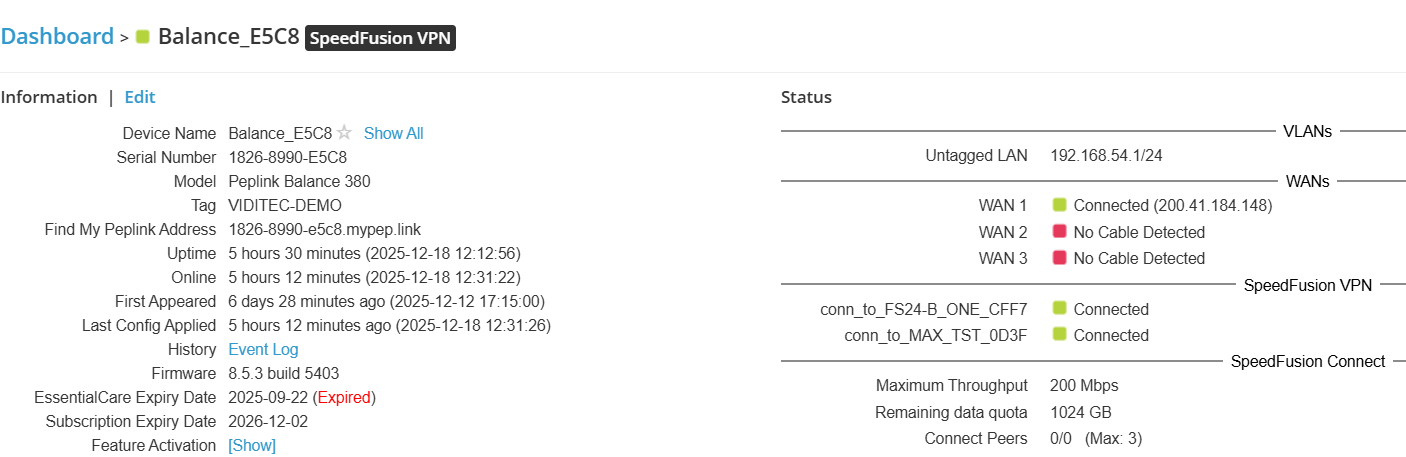
We have an Elemental Technologies Video encoder , it´s encoding an UDP stream at 224.1.1.1:1234 , connected to a Max Transit Duo Pro at LAN 1 , configured via VPN Speedfusion to a Balance 380 , I can ping every device in the network ( local and remote devices ) , but I can´t see the UDP stream in any notebook connected to the Balance 380 . Does the VPN admits UDP traffic ? Is there a method for config that ? Can anybody help me on this matter ? Thanks
A level 2 tunnel should do that.
Or Advanced>UDP Relay
And you can ping that IP from your notebook?
UDP traffic passes over a speedfusion tunnel fine.
The only time you might need to consider a L2 tunnel is if its multicast video and being broadcast on its local subnet.
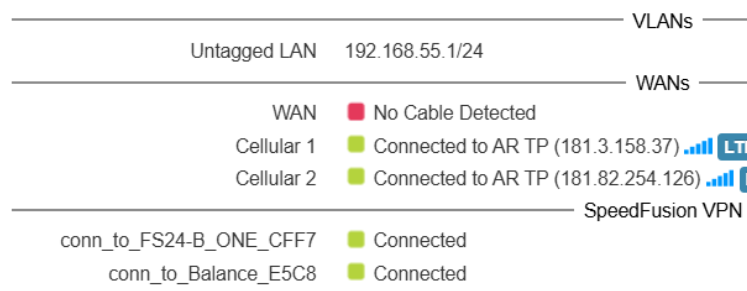
At 192.168.55.1 is the Max Transit Duo Pro , and a encoder is at 192.168.55.15 at it´s LAN port , I can ping both from mi notebook perfectly , but the UDP is impossible to ping I think , is only a stream. That encoder is generating the UDP , it´s a multicasting broadcasting from 192.168.55.15 to the LAN port of Max Transit. Other question , how can I do a L2 tunnel ? In the Max Transit or in the speedfusion config ? Thanks for helping !!!
Now , I set Enable UDP at the Max Transit Duo , I set a rule for the UDP , I can see 8.7 Mbps of traffic trough the MAx TST but I can´t see the UDP video in my notebook: I think the UDP is udp://224.1.1.1:1234 for the VLC
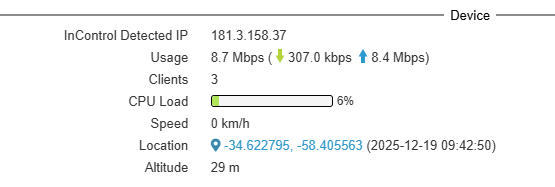
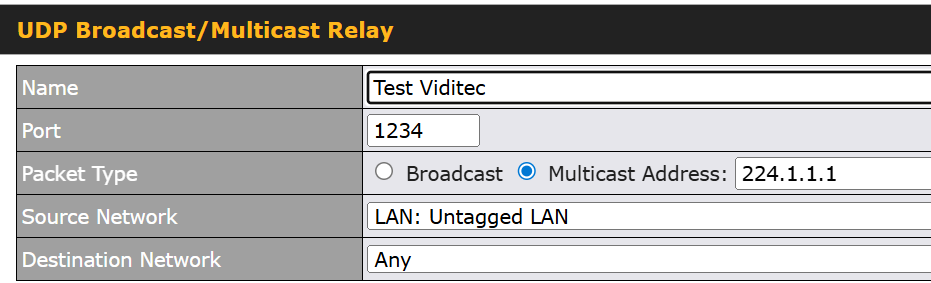
Also , I noticed that , I´m sending 8.6 Mbps trough the MAX TST , in the Balance 380 I only see 3.4 Mbps of traffic…very strange , and of course I cannot see the UDP in my VLC. The Speedfusion is configured as Mesh , with Max TST , Balance 380 and B one ( this last is in my office ) , can be a problem this mesh ?
