Hi Guys, I am having this exact problem with my Starlink Mini connected to Max BR1 Pro 5G router. I disabled bypass mode to revert back to the Starlink WiFi as my only fix.
I dont think it matters but my setup is trying to use WiFi inside the van via the AP One AX with the logic that I would have stronger WiFi from within van.
Direct to Starlink I get 150 Mbps download and through Max BR1 Pro, 25 Mbps. Upload seems equivalent at 14 Mbps.
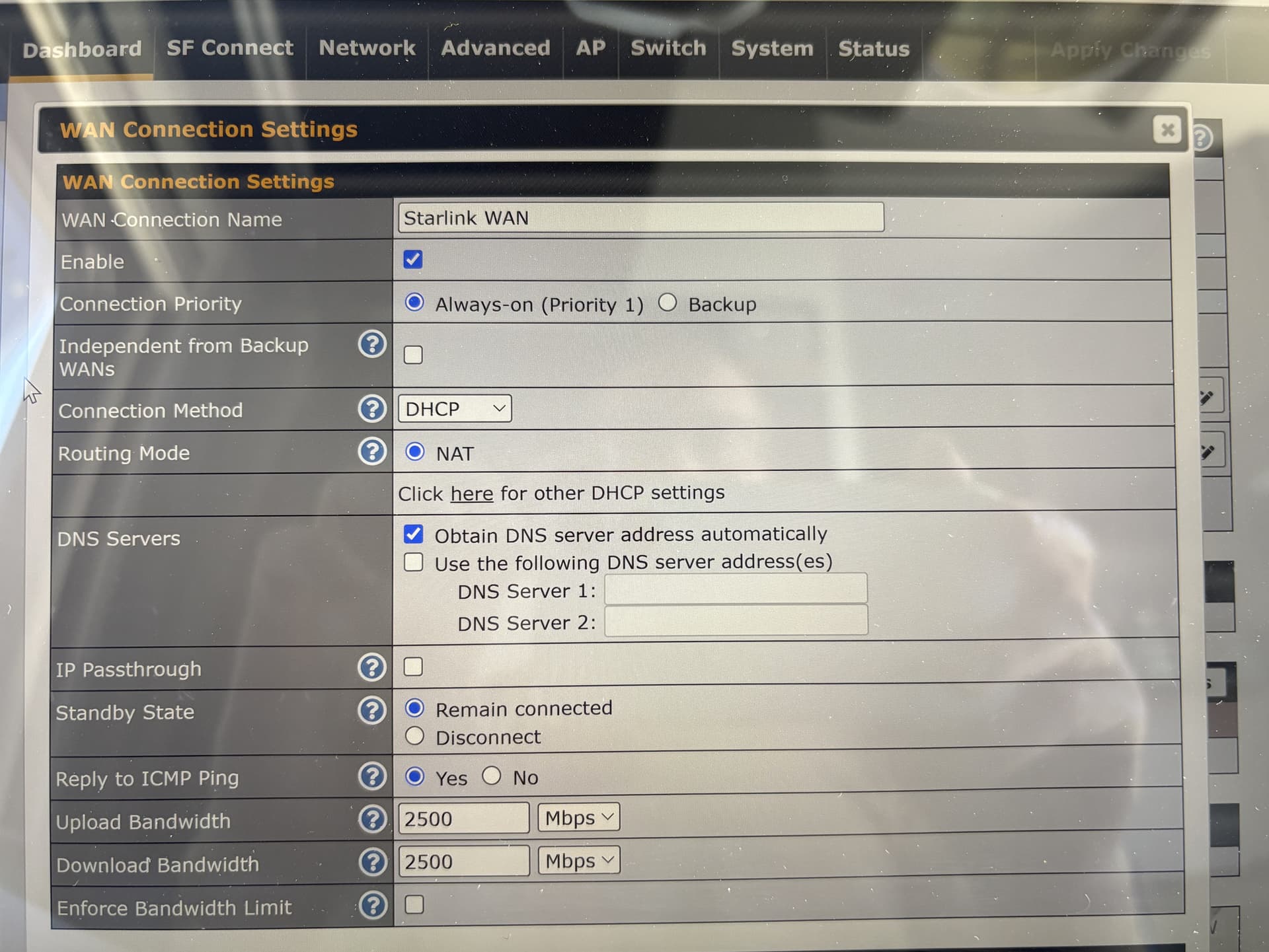
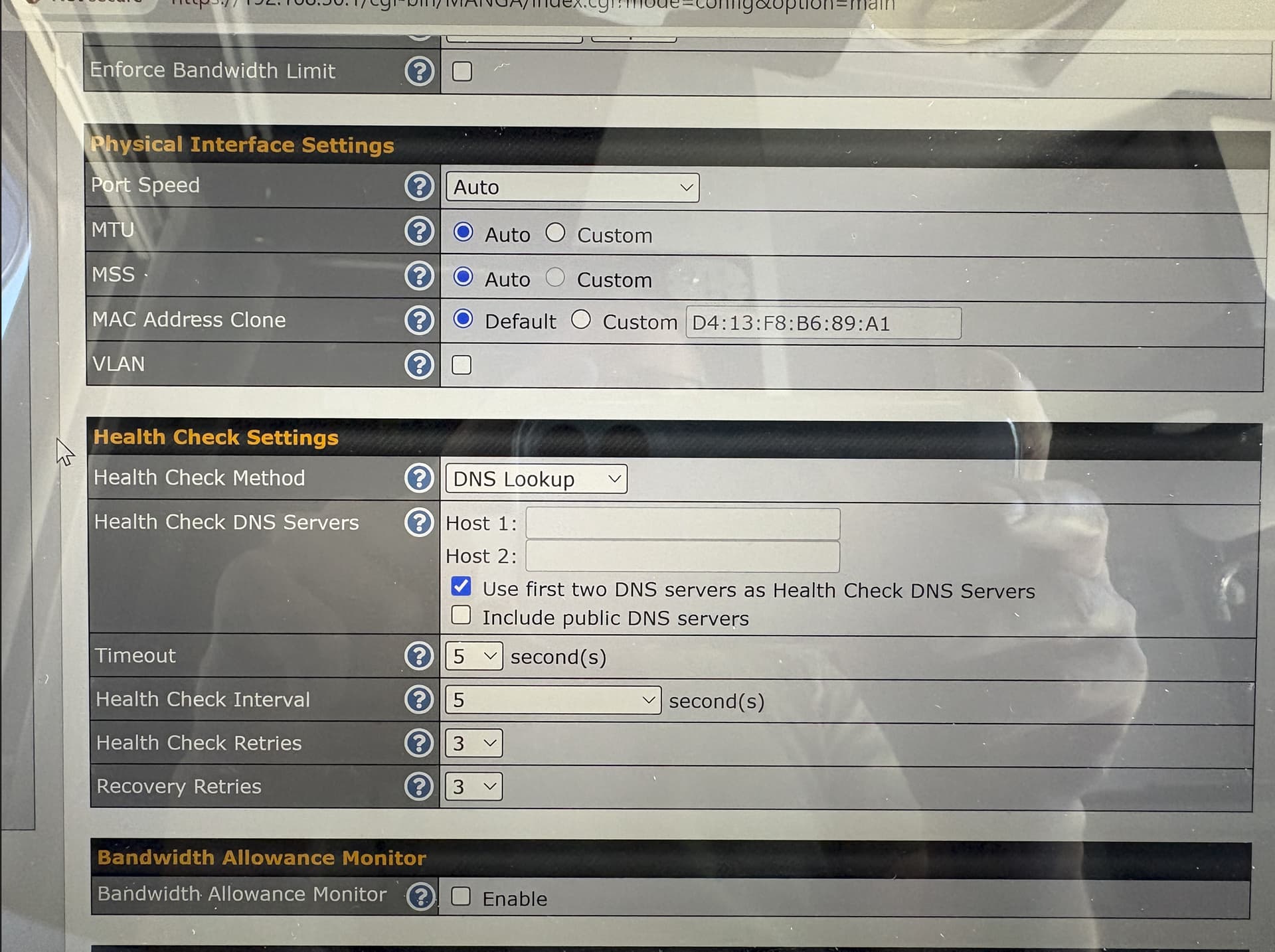
I tried a bunch of random things in the settings but dont really know what I am doing. Hopefully, these pics of my WAN setup can help with suggestions. Please let me know if you spot anything.
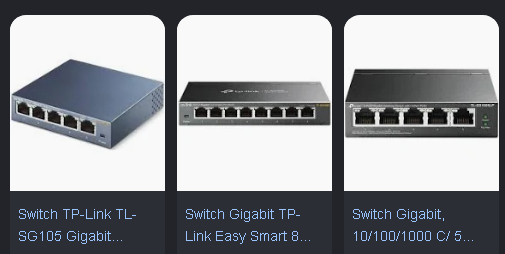
@MarceloBarros, can you please recommend a L2 switch? I did see others talking about a switch, but I have no experience with these so would need some directions.
Yes… I confirm… try to use a L2 switch, between the WAN of the Peplink and the Ethernet port of Starlink. It is sad… but… There is a hardware bug… That impact the performance of some Peplink devices, when connecting direct at Starlink dish.
Funny… but you can use ANY standard L2 switch… like netgear, tplink, dlink, trend, etc…
Just need to be a device, made by a good network vendor.
(Note: The link is to the local Australian Netgear pages)
There are other models to choose from if you feel like spending more money and getting fancy, though simplicity wins when you need a Layer 2 switch between your Peplink’s WAN ports and a troublesome StarLink system.
There’s definitely something wrong with Peplink’s Ethernet handling.
I, too, get slower than expected Starlink speeds, and I just assumed it was them. The mention of using an intermediate switch set me off doing some testing. I just set the port on a Max BR1 Mini hw3 to 100-half, don’t advertise speed. Power cycled the Starlink, and under Status, it shows it’s connected auto-negotiate, 1 Gbps. The Peplink shouldn’t connect at anything other than 100-half, and the Starlink shouldn’t see any auto-negotiation from the Peplink side at all, so it should be forced to match speed.
Unfortunately, there’s little diagnostic info available on either end.
Has there been any updates with this? I have a Balance One ver 3 and even after adding a switch and using the Peplink Starlink settings I’m lucky if I can get 15-20 Mbps on a 100 connection.