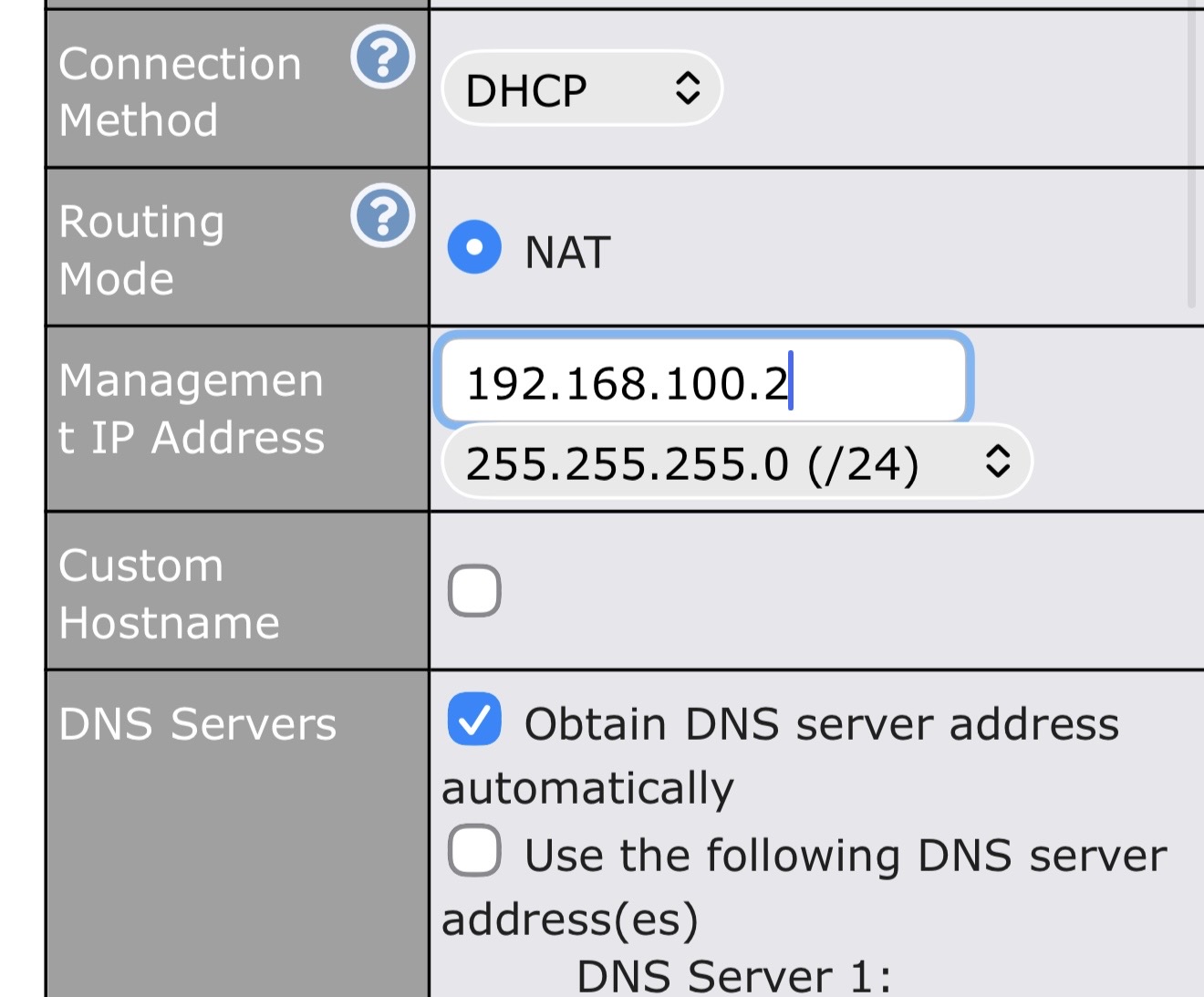
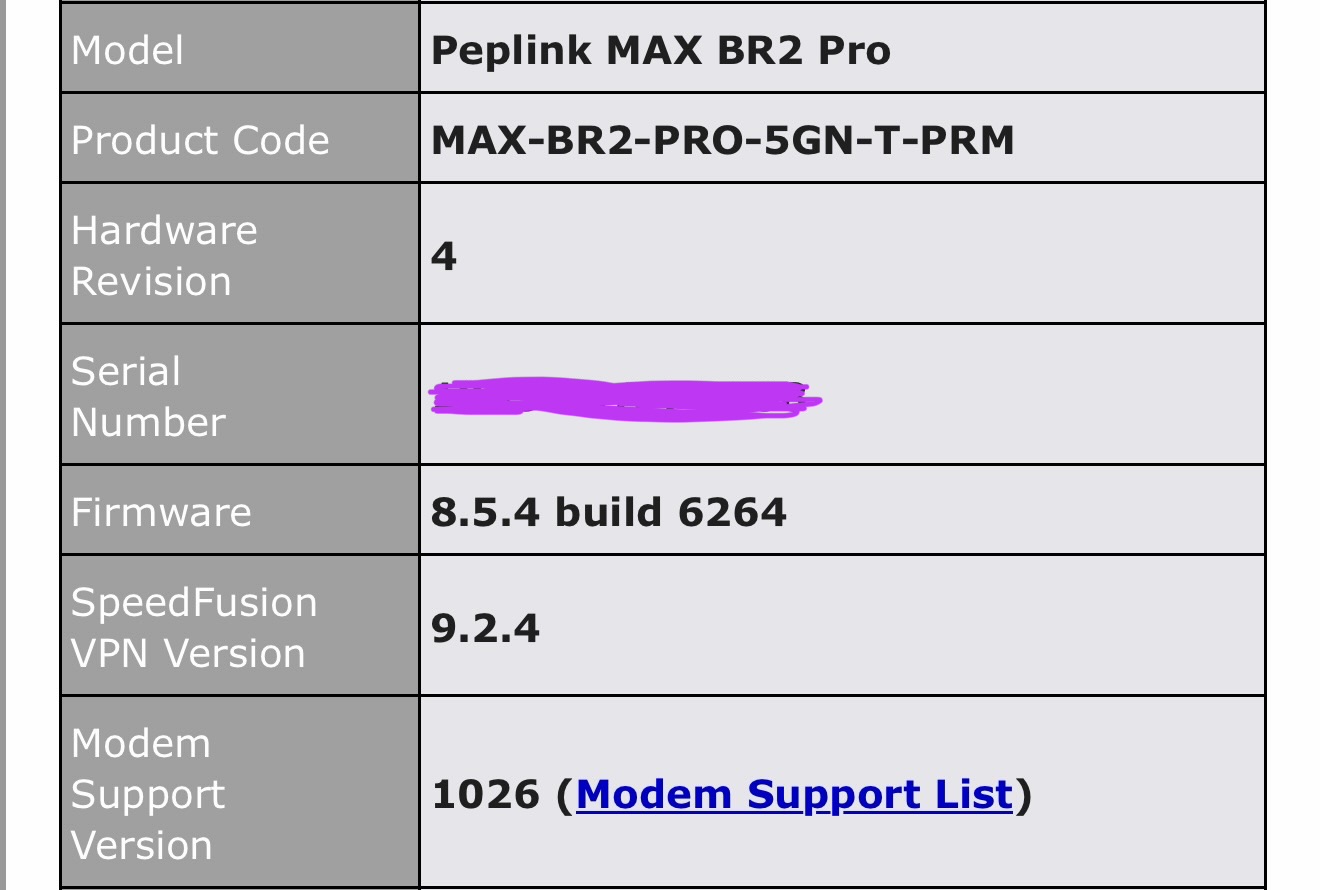
I’ve recently directly connected my Starlink gen 3 directly to my Max BR2 pro’s WAN1 port, configured the port as Starlink.
All firmware is up to date on Starlink and BR2.
From everything I’ve researched it appears as though you do NOT have to manually set the management up any longer in order to access the Starlink app. However I absolutely do have to otherwise I cannot access it.
Do I understand this correctly or is there another setting aside from configuring the WAN as Starlink to be able to access the Starlink app?
I’m confused. If you login to the Starlink app then you should see all of your subscriptions, and no matter where you connect from. Also from there you can control dishes remotely.
According to this other post on the forum, the big reason to use the “Management IP Address” feature is to get direct access to debug data on a modem.
Personally, I leave it disabled unless I need it because both my cable modem and my Starlink dish use 192.168.100.1 for this purpose.
The management IP is only required for your Starlink app to reach the dish via the local network. This can be useful for situations where the dish is not connecting to the Starlink network such as requiring a sideloaded firmware update. Otherwise, you should be able to see your Starlink’s stats via the app from anywhere your phone has Internet connectivity.
In my experience there is no need to set the management ip as long as you assign the wan interface as Starlink in the WAN page. If you wish for users to be able to access the Starlink terminal (even when the router may be using a different wan bearer eg cellular as its primary) just add a Outbound policy to Enforce any source to an ip address of 192.168.100.1 via the starlink wan interface and put it at the top. This will ensure you can always access the starlink using the Starlink app on a smartphone.
Also if you are using more than 1 starlink on your router and you want to be able to access the starlink grpc api for both terminals then be sure to enable stalink proxy in the support page of the router and it will give you different port numbers to access each antenna.
Correct you no longer need to set it or dns entries if your firmware supports the starlink integration. If you have older devices you still need to set it.