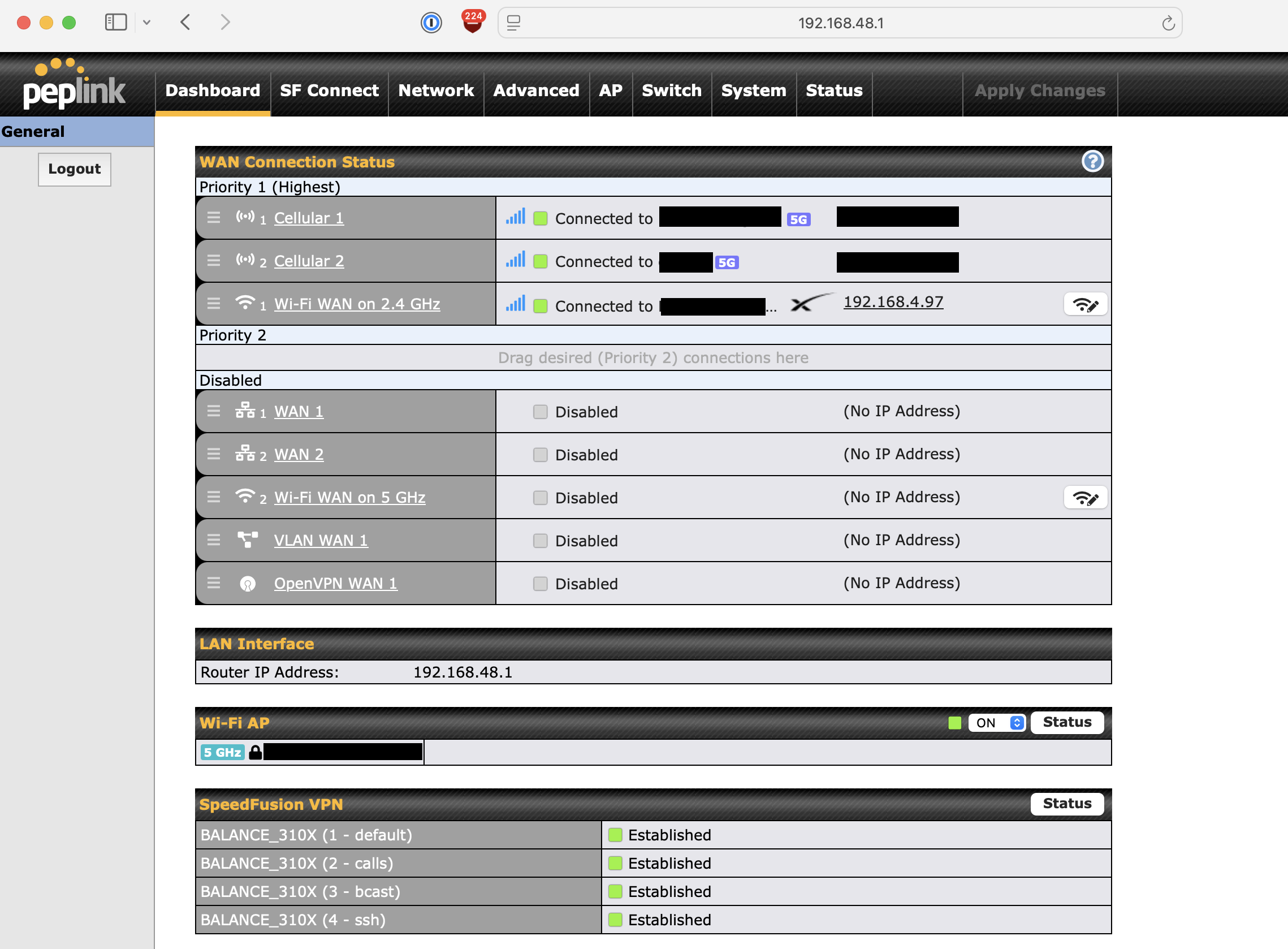
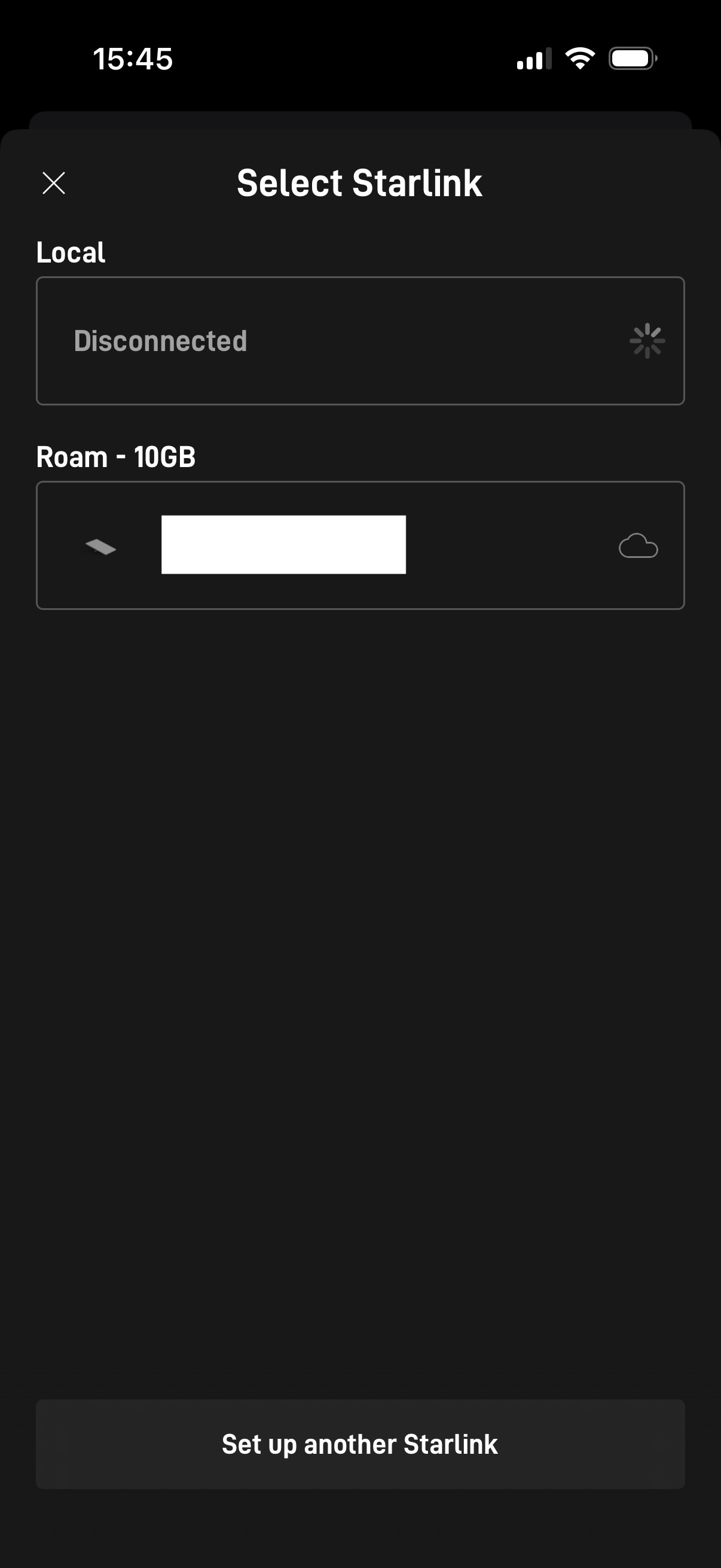
I have a Starlink Mini connected via WiFi-As-WAN 2.4GHz to my Peplink BR2 Pro.
What do I need to configure to be able to access the dashboard/settings via the iOS Starlink App? I can access via Roam, but I want to access via Local.
I have searched for a solution, but there is only one for a WAN connection, but my use case is WIFI-as-WAN.
Go to your GUI settings, click on network, and select the WAN on the left side menu.
New page will open, and theres a specific menu to enable Starlink. Once this is enabled and applied, you should be able to reach the Starlink via the app, while connected to the Lan of peplink or via a Wifi connection to the peplink.
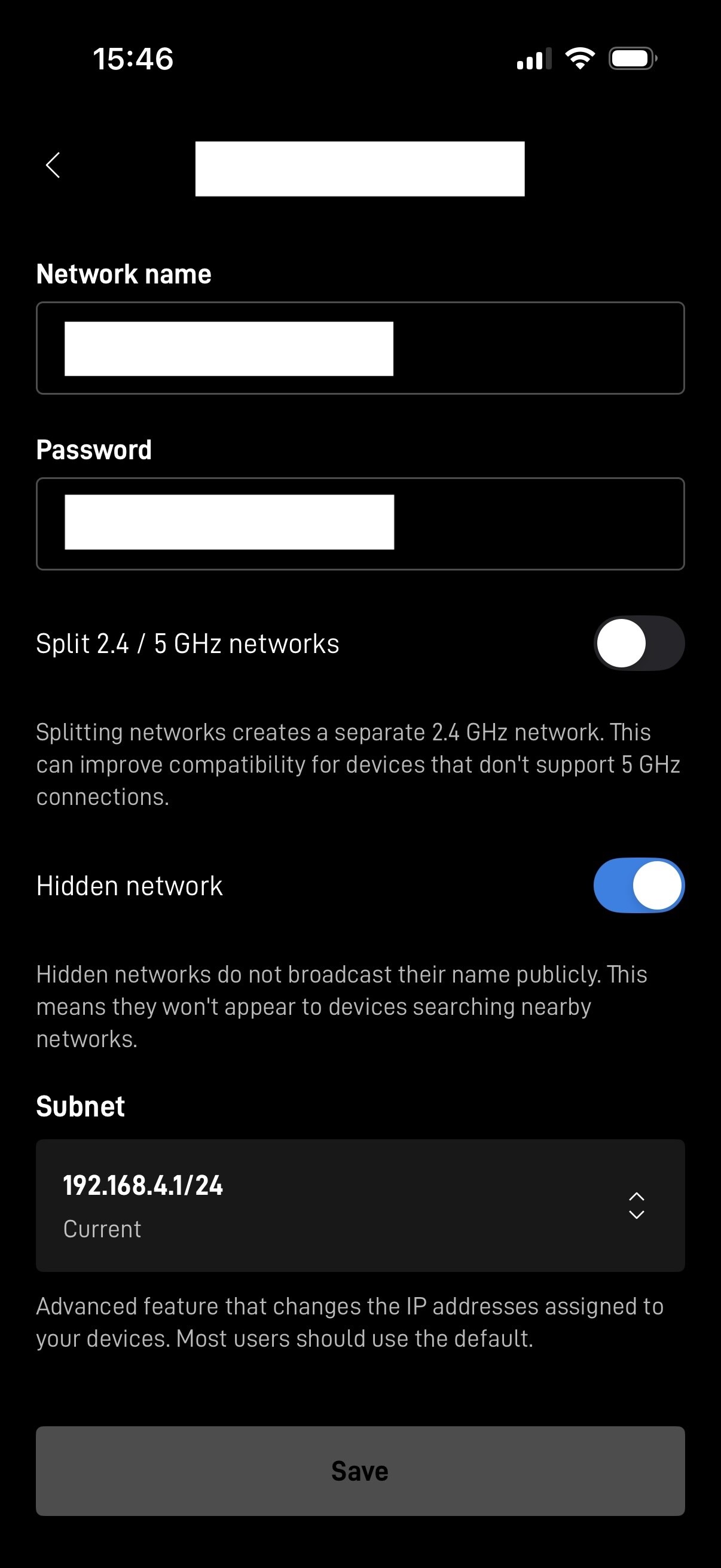
So I tested via accessing the starlink dashboard page http://192.168.4.1 in a browser (because I set the subnet for starlink to be 192.168.4.1/24 )
Here is the outcome when connected to:
Starlink wifi: it works
Peplink BR2 Pro (.48 subnet): it works
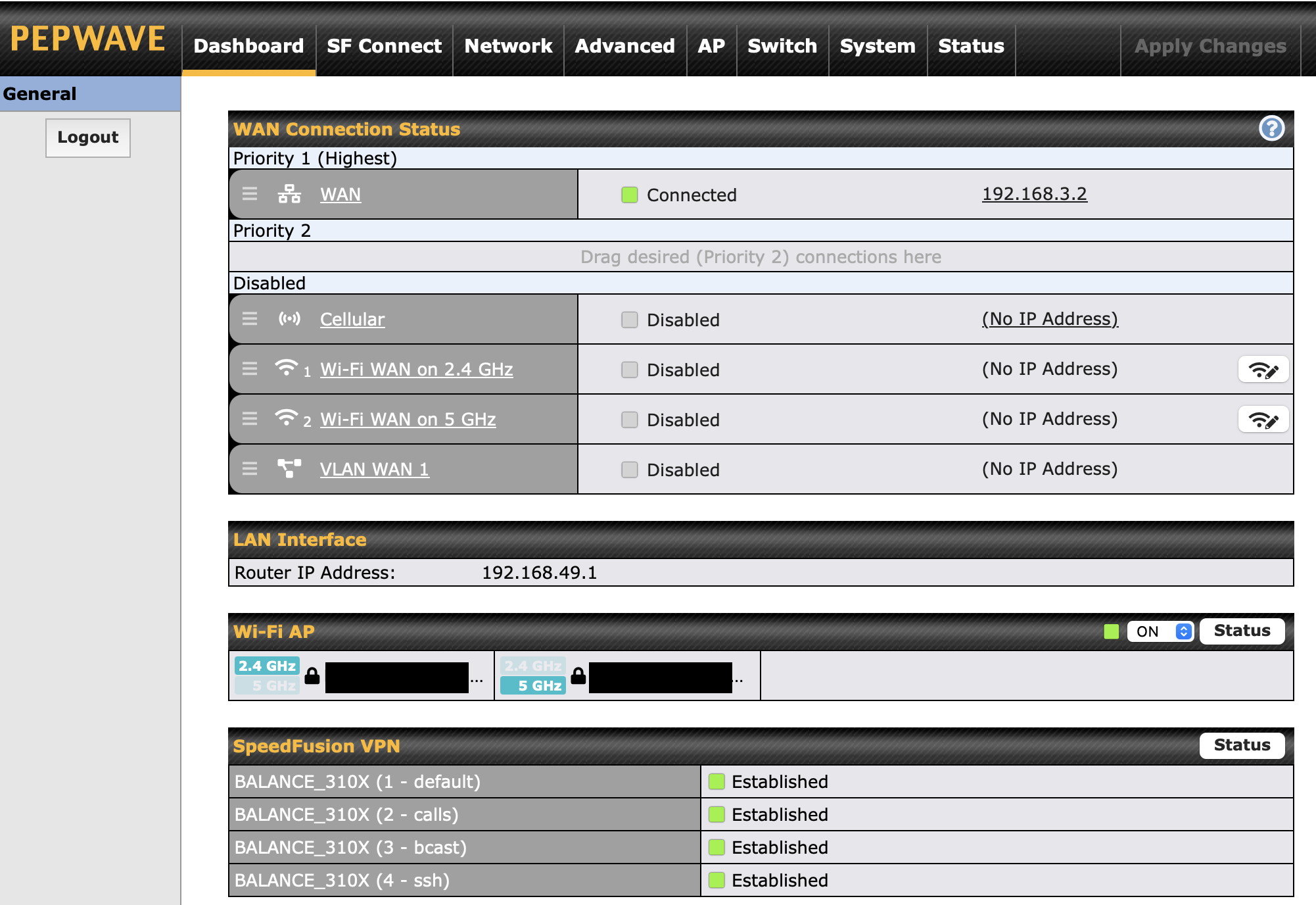
Peplink BR1 Pro (.49 subnet): it doesn’t work
Here is my setup:
Starlink Mini + BR2 Pro is inside a car
BR1 Pro is inside House A
BR2 Pro and BR1 Pro are connected to a Balance 310X (House B) via speedfusion VPN.
FYI while I am BR1 Pro wifi (.49) I can access e.g. dashboard of BR2 Pro (.48) and any other ip, but I can’t access dashboard of starlink (192.168.4.1)
Google it:
" The default IP address to reach the Starlink dish’s admin interface (in standard mode) is 192.168.100.1, while the Starlink router itself often uses 192.168.1.1 as its gateway; however, with your own router, you typically set a static route to 192.168.100.1 via the WAN interface to access it. "
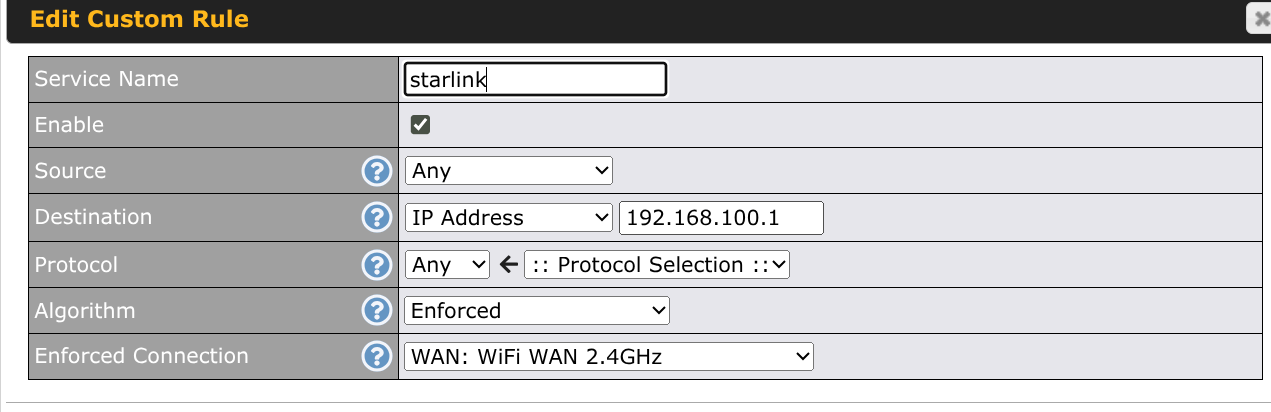
So… doing a outbound policy to 192.168.100.1, will allow you/app to access the starlink dashboard.
I have added outbound policy on .48 (BR2 Pro) and it indeed worked, I could access the dashboard page (http://192.168.100.1), but only while I was in the .48 subnet.
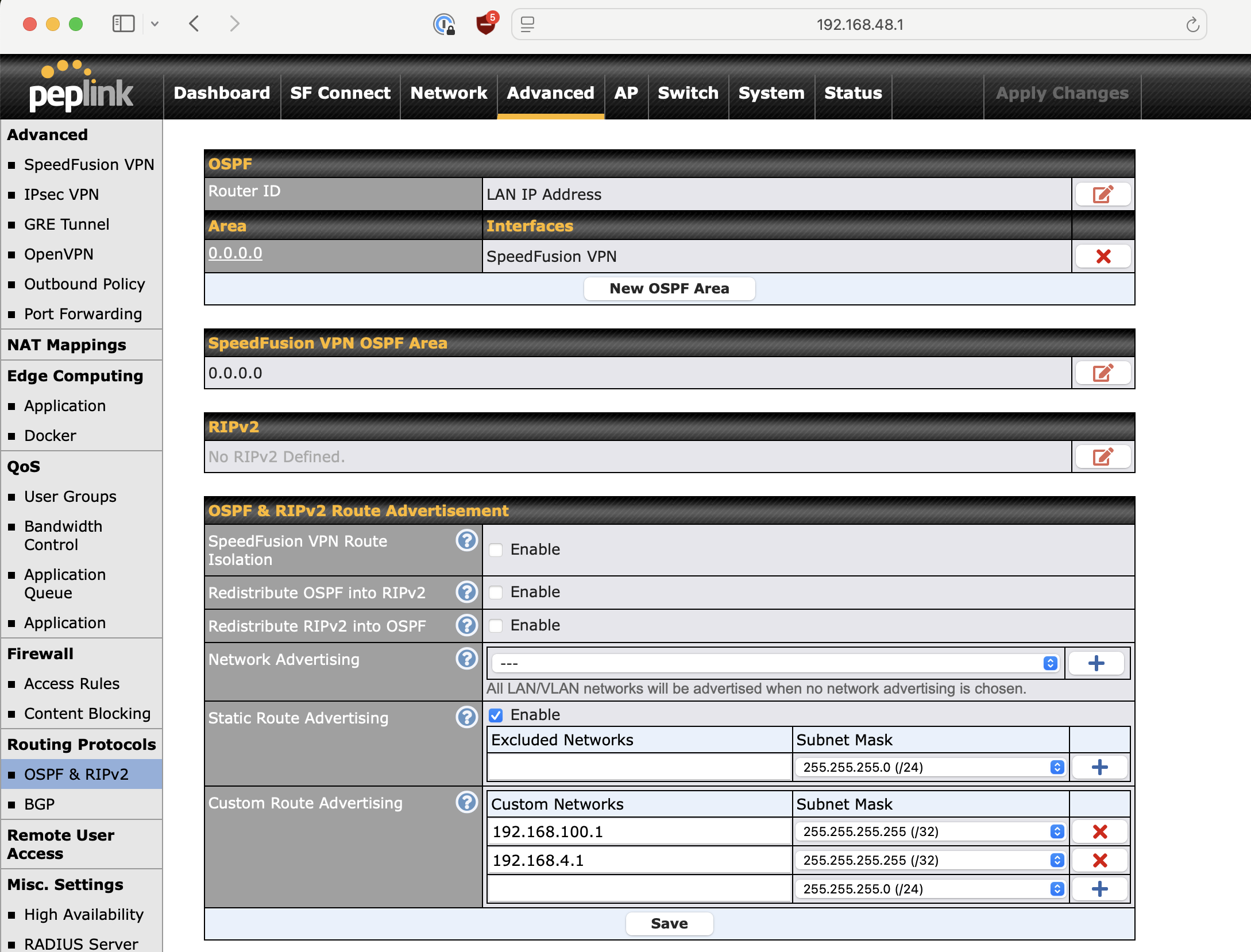
If I tried to access via the .49 subnet, it didn’t work. After some research and testing, I manage to get it working by adding the entries to Advanced → Routing Protocols → OSPF & RIPv2 → Route Advertisement.
Now I can access the dashboard via the browser + ios app.