Router Utility 1.4 for iOS is ready for beta testing via Apple’s TestFlight testing platform! It supports iPhone 6, iPhone 6 Plus, and Firmware 6.2. To join the beta, please follow these steps:
-
Download TestFlight: TestFlight is an iOS8 app that we will use to deliver the beta, please download it from the app store.
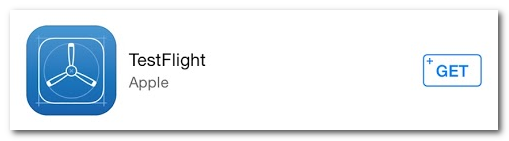
](TestFlight on the App Store) -
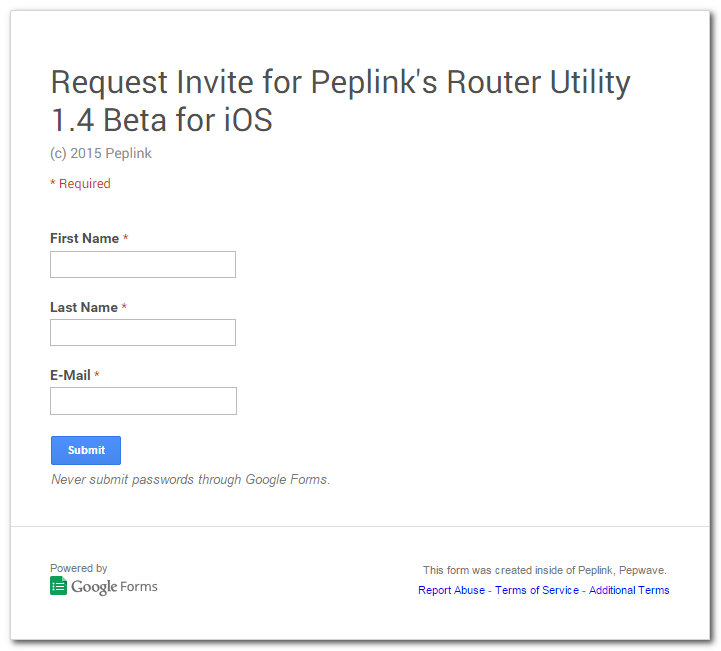
Sign Up for the Router Utility Beta: Click here to sign up for the beta.
](Request Invite for Peplink's Router Utility 1.4 Beta for iOS)
[FONT=arial]](Request Invite for Peplink's Router Utility 1.4 Beta for iOS) -
Open the Invitation Using Apple Mail: After signing up for the beta, you will receive an invitation. The invitation has a link that will install the Router Utility app via TestFlight.
[/FONT]
However, it will only work if you open the email with Apple Mail.
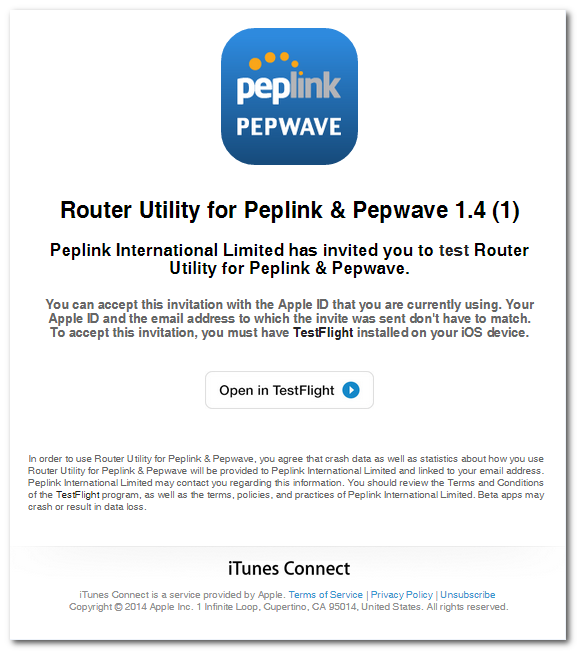
Press “Open in TestFlight”.
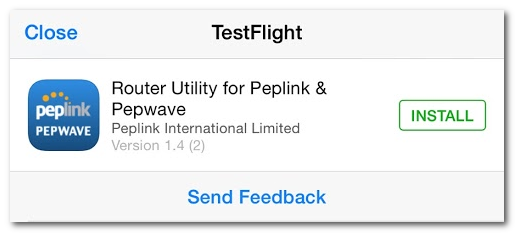
Once in TestFlight, press “Install” to begin your installation. This beta version is effective for a limited time. To leave the beta, simply reinstall the Router utility from the AppStore.
Please remember that this is beta software, we advise against using it in a production environment. Otherwise, try it out and let us know what you think!

