I just purchased a Peplink PHYSICAL SIM card (NOT eSIM). I installed it in my SDX FlexModule and it will not connect to any provider.
I replaced a SIM from another provider and it worked fine as does the SIM I’m keeping from a separate provider, so it is not a connection issue or anything like that – definitely the SIM card.
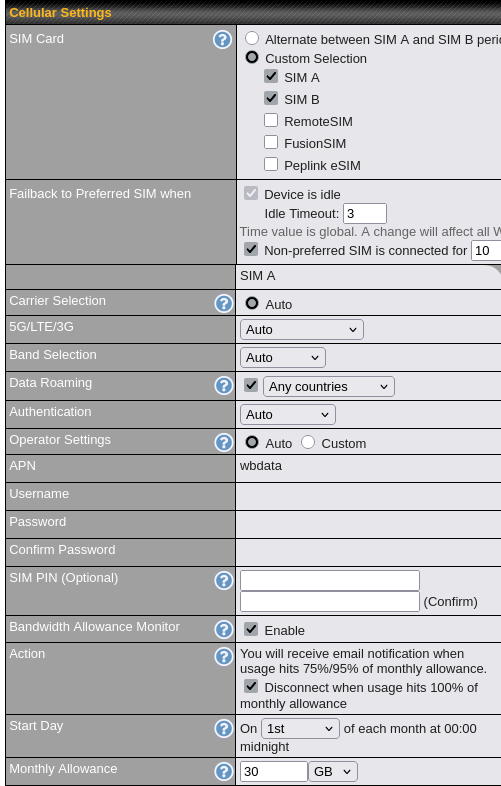
I have tried selecting Verizon as the specific provider (the underlying service for the SIM replaced and the other SIM in the modem), including setting the Network Mode to Verizon instead of Auto. I don’t have any APN info to enter, so have to keep that as “Auto.” My settings for this SIM are below.
While I don’t use InControl (and would like to keep it that way), I did try to add the SIM ICCID under eSIM pool, but that did nothing and seemed odd as it allocated 12GB to the “pool” (even though the data I purchased is far above that).
I tried the card in a spare phone and it would not connect to any cell provider either. It seems like the SIM is not activated or something, being rejected by all carriers – again, PHYSICAL SIM, not eSIM.
Might just be a defective SIM card, have had cards go bad from other providers before
I have ESIMs and a physical SIM from Peplink, it just worked. (in a Pepwave MAX BR1 Mini LTEA, no ESIM support)
Just checked it remotely, the APN should be wbdata so that loaded properly. with everything set to auto, mine actually joins a network named Peplink.
I suppose it is also possible they didn’t remember to link a data plan to the SIM card or it got linked to an invalid one.
Just file a support ticket and they should be able to get it sorted out pretty easily
Thanks. Helps to know it worked for you as I expected it to.
I certainly hope it’s not a bad SIM given the shipping costs and import fees I had to pay. It was connecting for short periods (first AT&T, then Verizon – said T-Mobile on my phone with no actual connection), but then would disconnect (I’m guessing failed health check). Now, it won’t even connect like it’s “banned” from the networks.
But, I’ll open a ticket with support. Hopefully, they will have a fix without me having to get another one sent. Thanks, again.
Hello @Brad_Jolly,
Doing this has helped us with new SIMs on several occasions when they did not work straight away. As you’re not using InControl2, this is how you do it from the local web admin page.
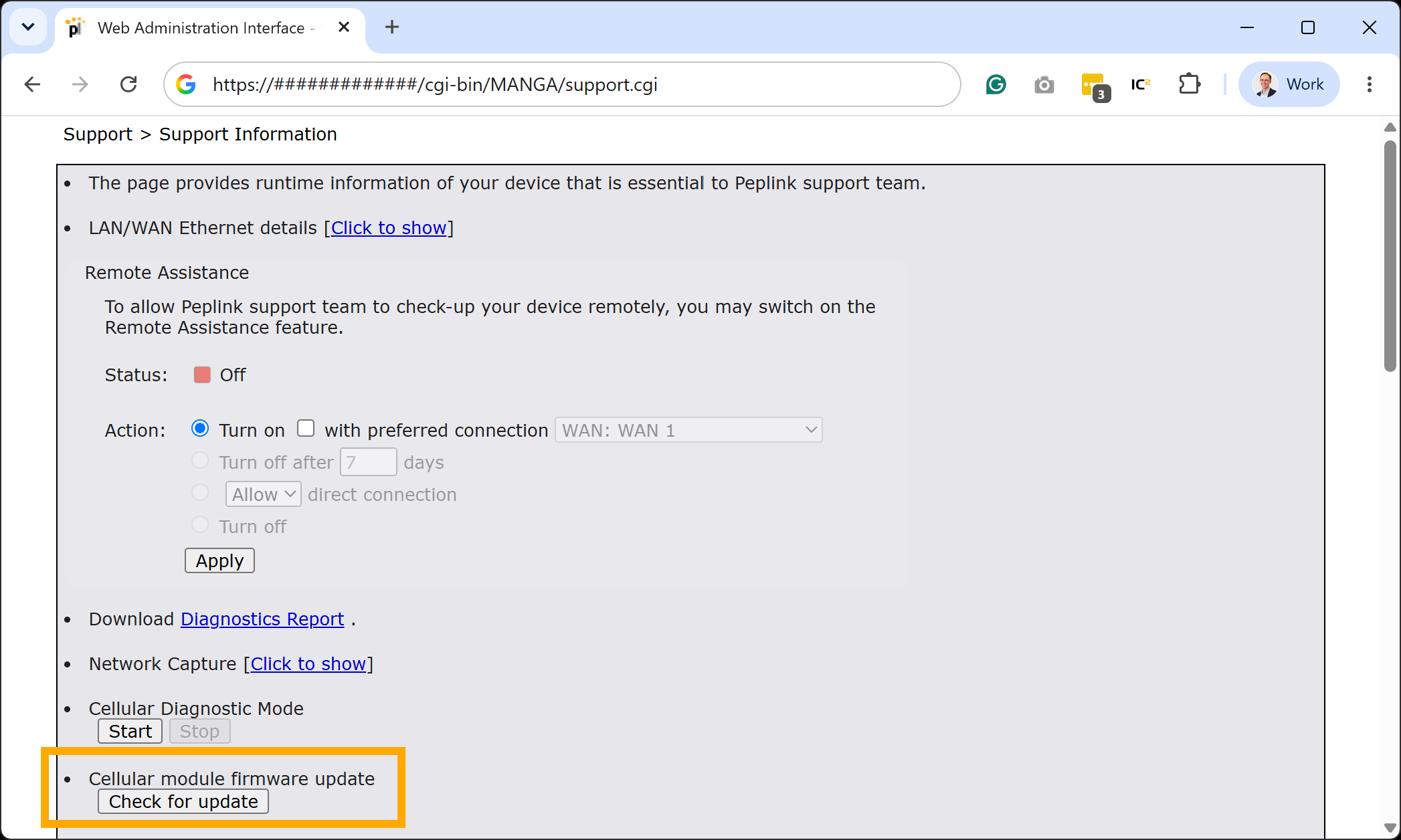
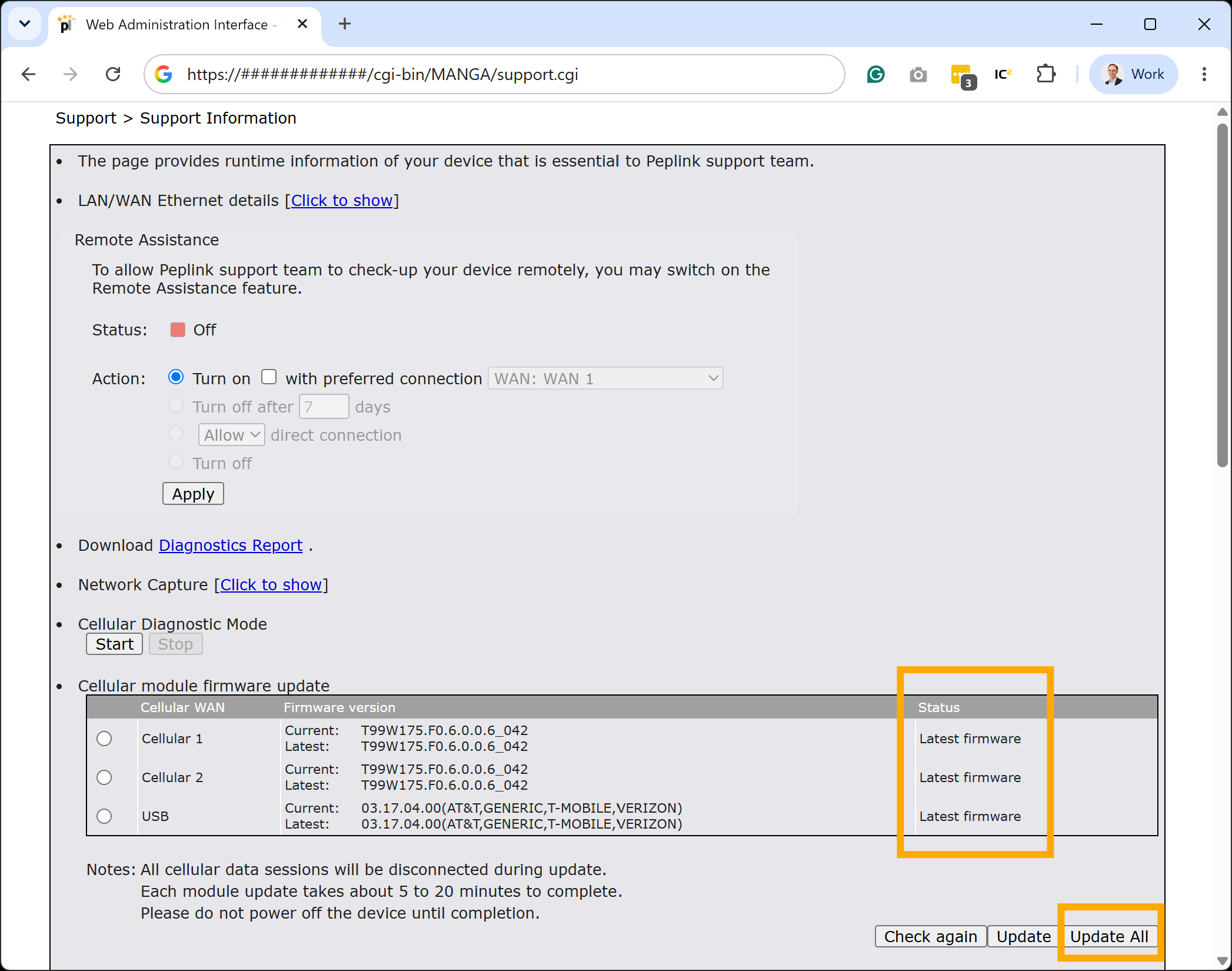
Navigate to support.cgi (change the URL of index.cgi) to get to the engineering support page. From there, select the “Check for update” button and ensure all of your cellular modems are up to date.
Thanks. Yes, I had checked for cell modem updates. I had updated them a month or so ago and thought perhaps there was another, but, unfortunately, there wasn’t. But, glad to know I was on a right track by checking. Thanks!