I can’t establish a direct Wi-Fi connection between the B one 5G and an Ecoflow smart plug (2.4 GHz).
To connect the plug, I need to go through the WAVLINK AX3000 repeater connected to the B one 5G.
Many older IOT devices can’t handle modern WiFi protocols.
I would try temporarily setting the SSID to an older security policy (such as WPA2 - Personal). Make sure Fast Transition is OFF.
If the IOT device starts working, then you should consider what to do next - leave your system as is?
Or create a separate IOT-Only VLAN and SSID for better isolation and security?
Thanks for your reply and sorry for my bad English.
Honestly, I have to say that the problem has only occurred in the last two weeks. For the previous four months, the socket was correctly connected to the B One 5G.
I also tried rebooting the Peplink with 8.5.3, firmware but without success.
Anyway I’ll follow your suggest and let you know the outcome.
1 Like
Did you update to 8.5.4 about 2 weeks ago?
I was having trouble with DNS after a reboot after an update - you might try changing DNS Proxy settings (turn it ON if it’s OFF, or vice-versa) and see if that helps.
Yes I updated the firmware about two weeks ago, but in the beginning the socket was correctly connected to the Peplink even with the 8.5.4.
Anyway I don’t how to change the DNS Proxy settings.
I would do this first: log into the peplink UI and see if the Ecoflow socket is connected at all:
- click on AP
- click on Wireless Client
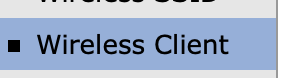
You should see a client list of connected devices

If your device is not listed, then click on Event Log and see if you can find if it ever connected.
- If the device is connected to your AP then I would begin to suspect DNS issues.
- if the device is not connected, I would begin so suspect WiFi issues
Hope this helps?
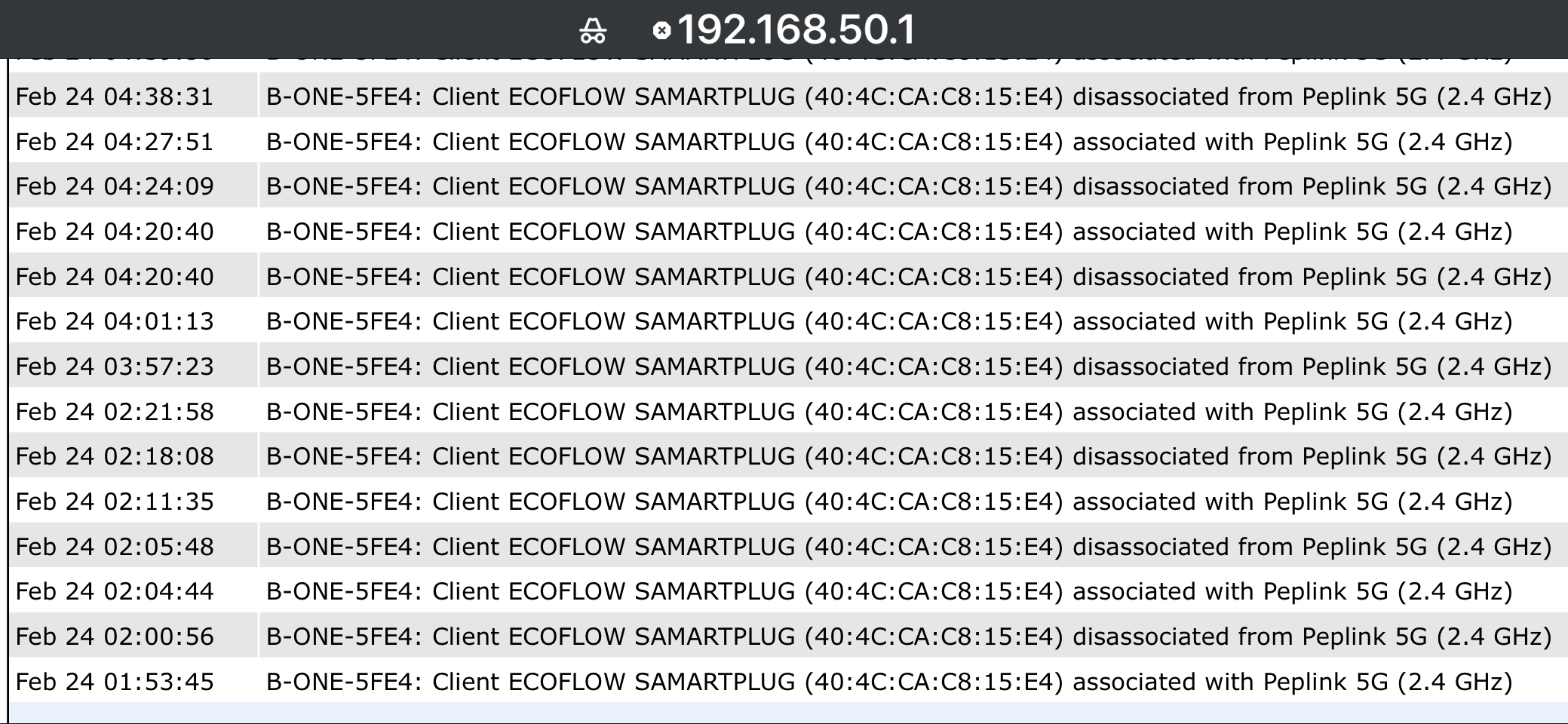
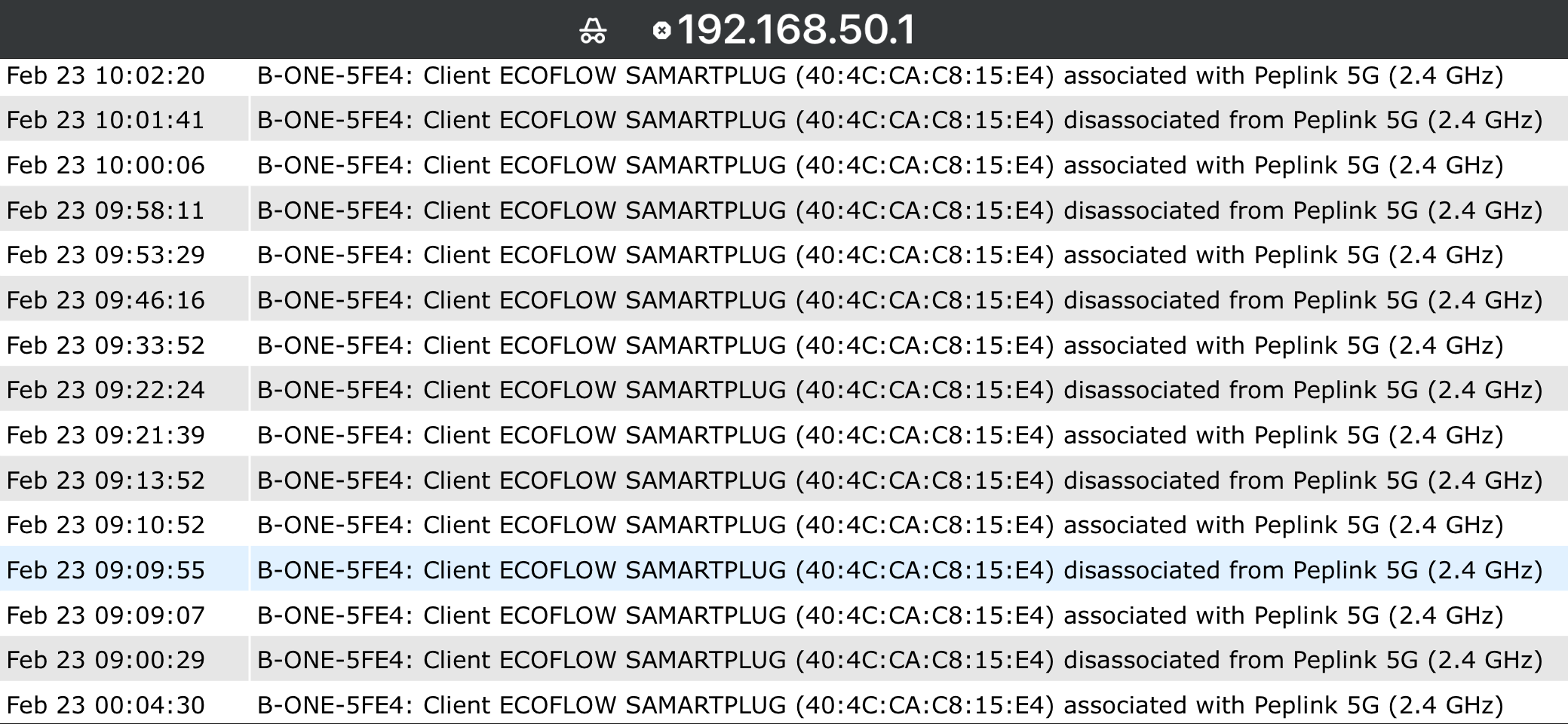
Interesting - so the device is connecting, but not staying connected. That could be poor signal.
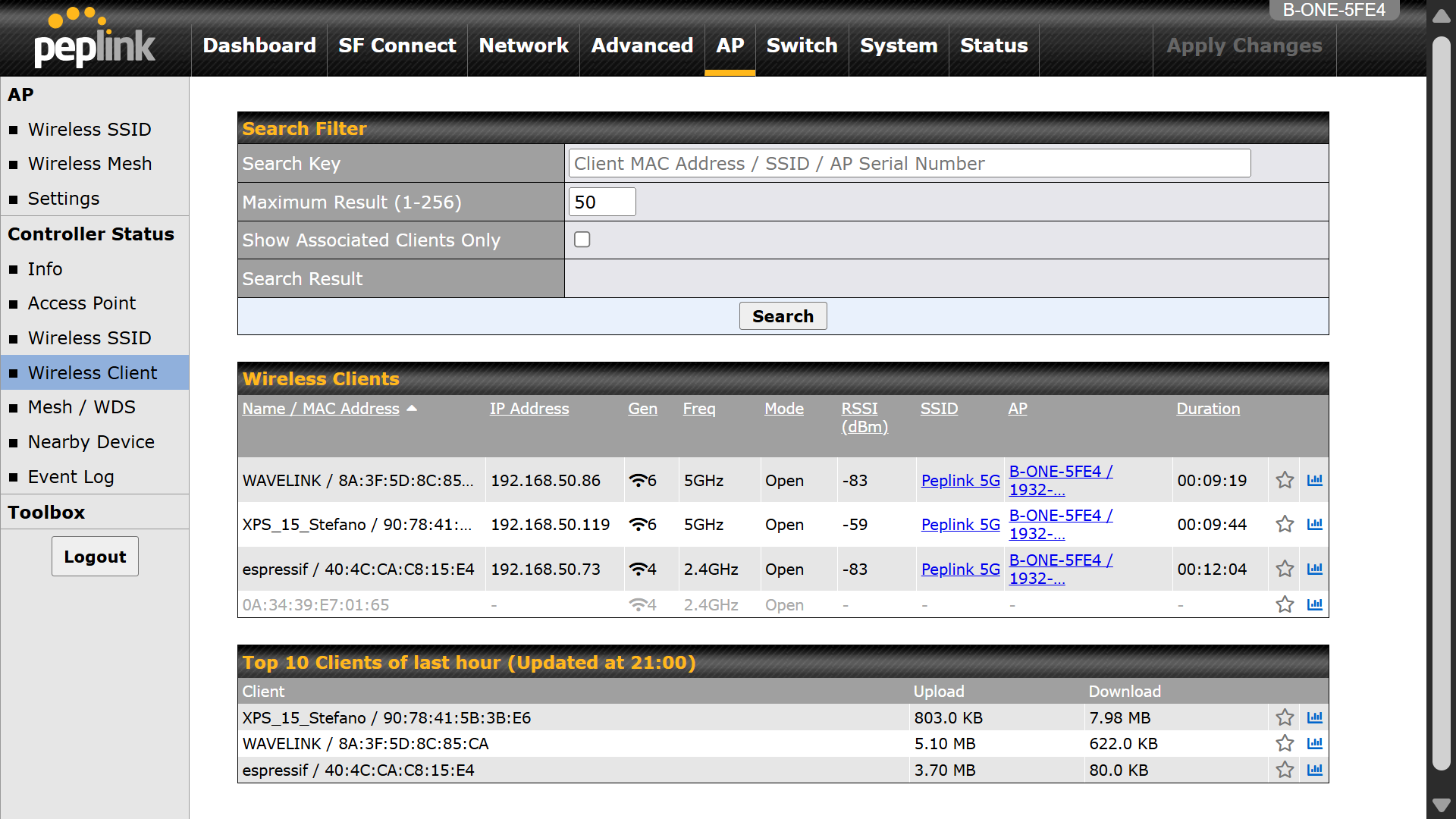
I would try watching the wireless client page, refresh it and see what the signal strength (the RSSI dBm value) is. If it’s lower than around -80 or -85, this suggests a weak WiFi signal, which could be caused by:
- interference on the WiFi channel
- something physically in the way (walls, floors, furniture) - did you move the B one?
- could the antennas on the B one have gotten loose?
- etc…
The problem related to the wifi coverage can be ruled out as I positioned the socket at a distance of about 3 meters from the Peplink but it doesn’t connect.
The WAVELINK repeater is at about 10 meters of distance and works correctly.
As you can see from the picture below on February 12th the socket was correctly connected (espressif).
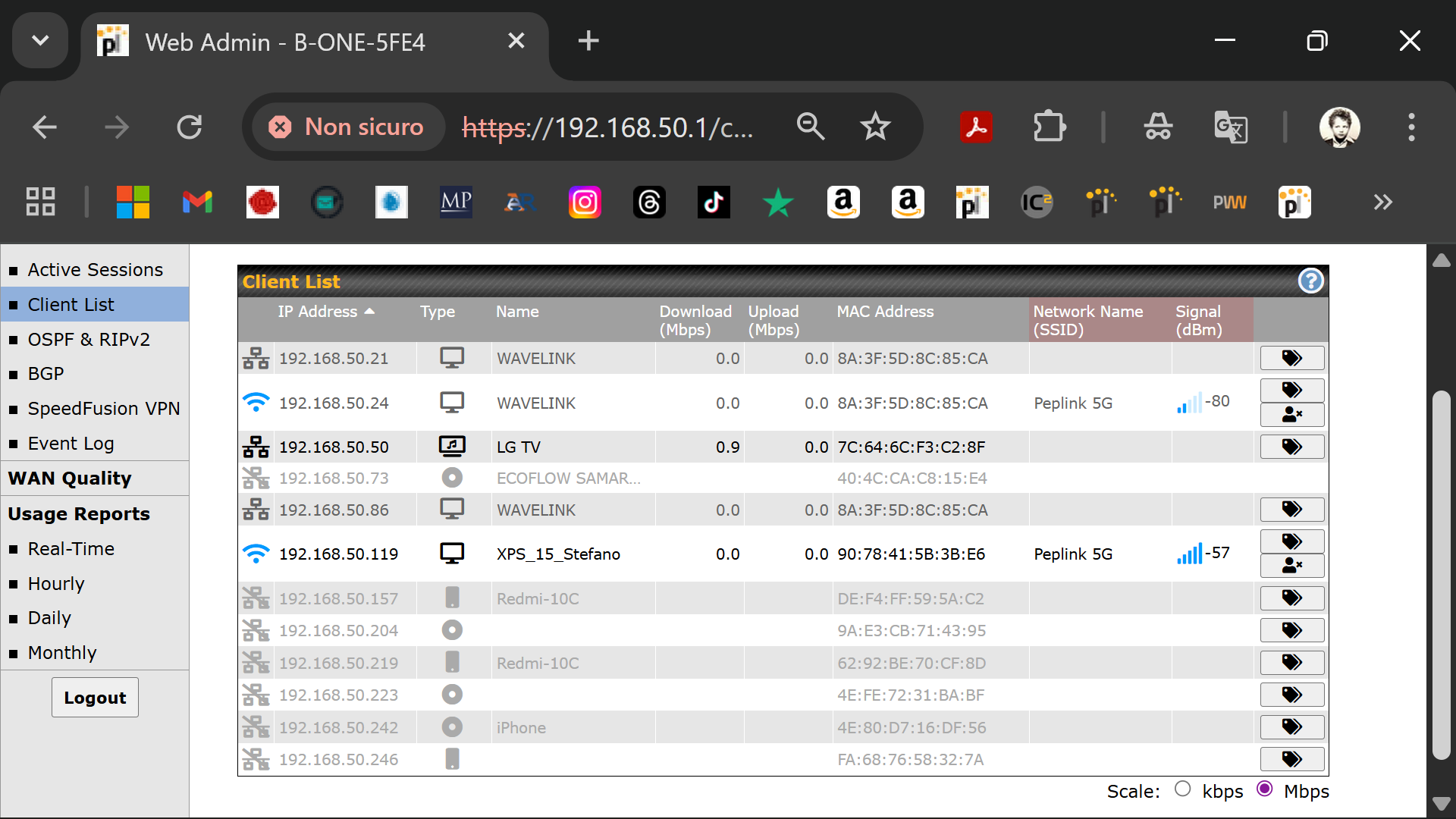
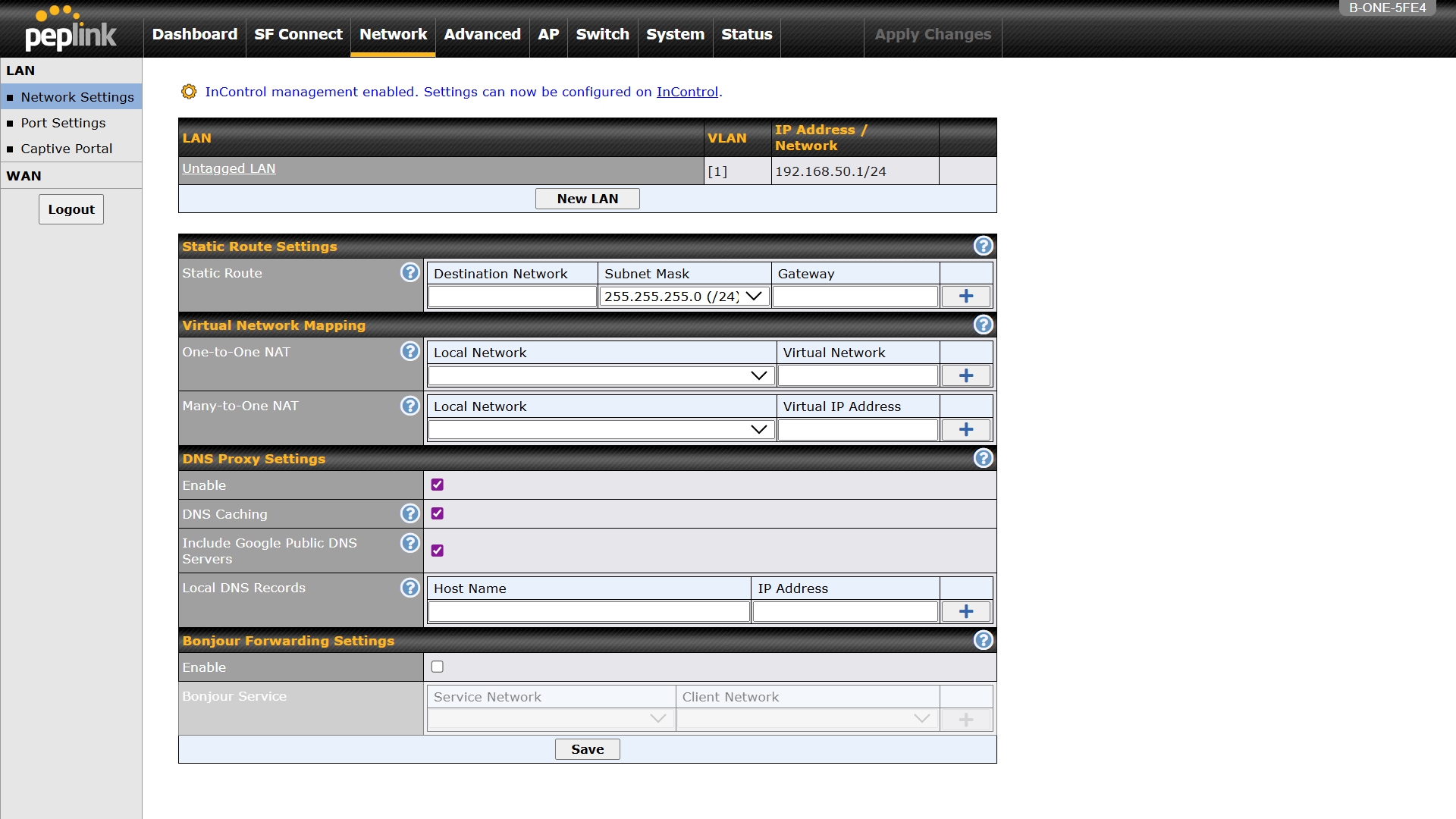
1 Like
I wonder if this is causing trouble - could the Ecoflow smart plug be connecting to the Peplink, realizing it doesn’t have good signal, then connecting to the WAVLINK, over and over? Do you see the Peplink connection problems with the WAVLINK turned off?
Yes, even with the Wavelink turned off, the socket is no longer able to connect to Peplink.
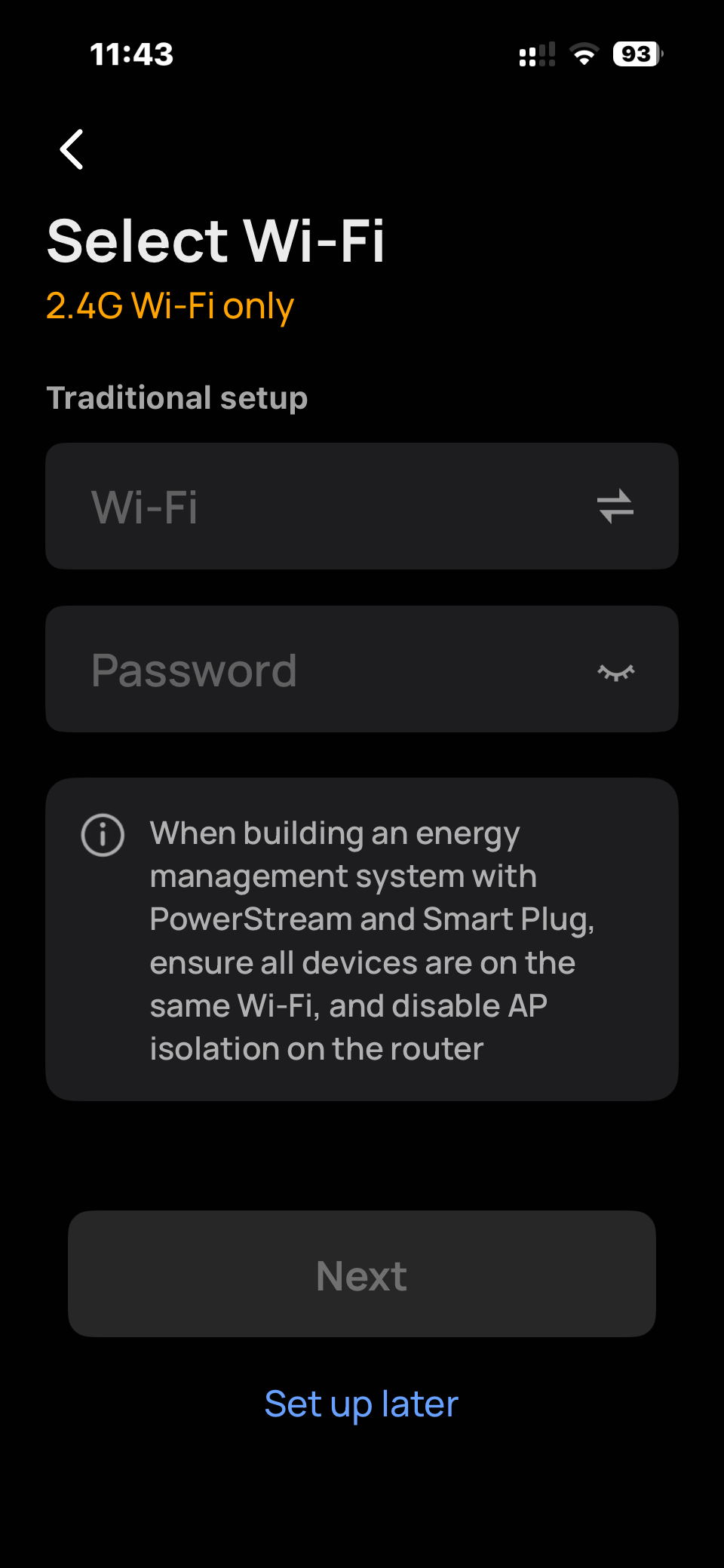
Hi…
I google it
" AP Isolation (Access Point Isolation) on a router is a security feature that prevents wireless devices on the same network from communicating with each other. When enabled, connected devices can still access the internet but cannot “see,” ping, or transfer files to other computers, phones, or printers on the same Wi-Fi network "
But how does this translate into practice?
I need to change some settings ?
And if so, which ones ?
Hi…
simple… two or more devices, using the same Wifi… cannot see one each other.
Those devices…
cannot ping between them.
cannot change tcp/ip packets between them.
So… Those devices… at same Wifi… cannot see another devices at the same WiFi.
There’s no other smartplug connected to same Peplink WIFI network.
While there are two smartplugs connected to the Wavelink repeater and they both work correctly.