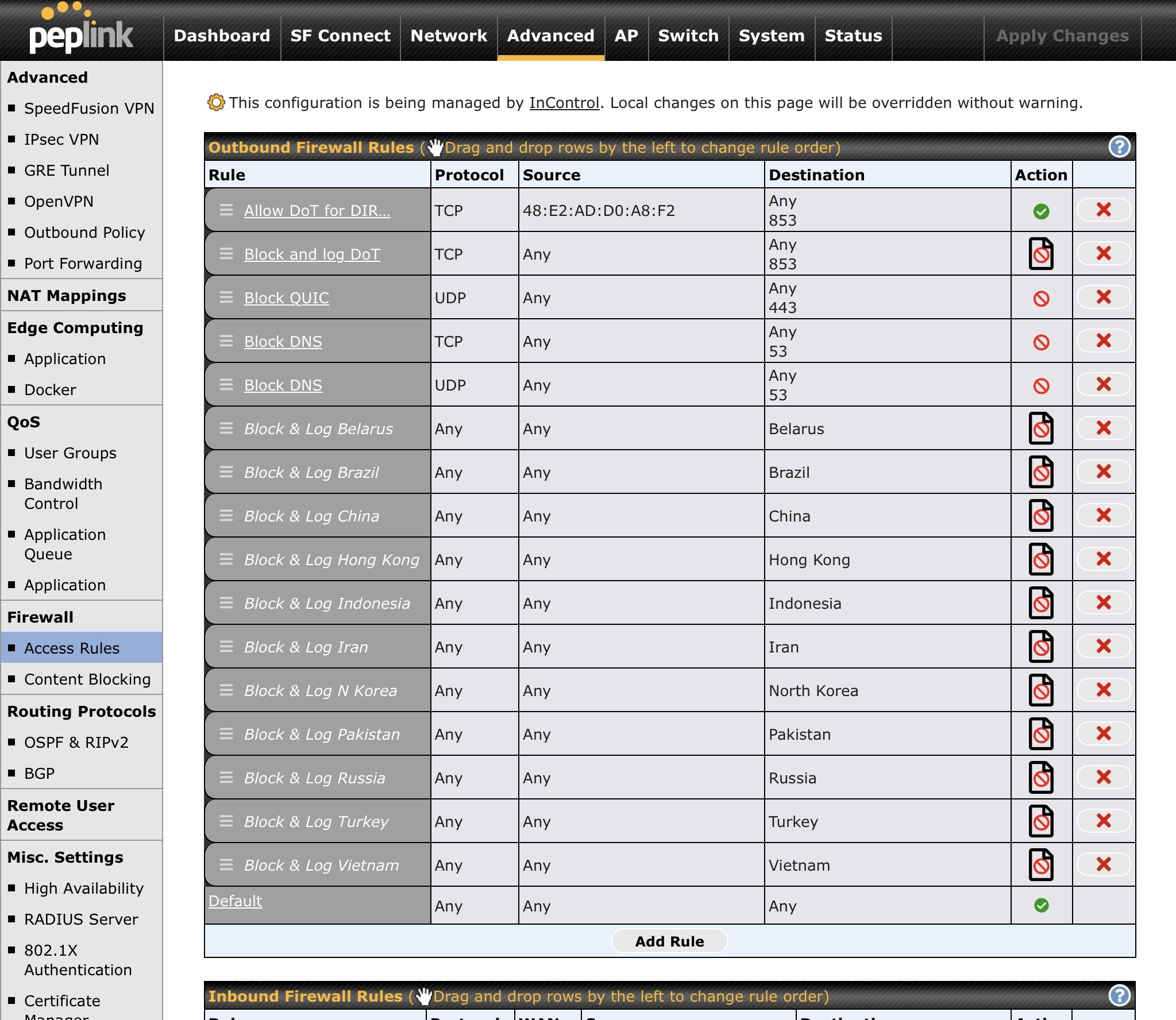
First, I have opened a ticket on the issue, but so far not receiving solution/resolution.
I just want to see if anyone else has this issue. I have a Max Transit and have used both the latest 8.5.5 and last 8.5.4 firmware.
My only WANs are cellular (T-Mobile) and OpenVPN over the cell WAN.
I have reconfigured DNS in multiple ways, none of which results in success.
Right now, I have DNS configured as:
-
DoH: Custom - Custom URL, with the identifier at the end of the string. IPv4 server values provided by NextDNS
-
Cell WAN - Use IPs of NextDNS provided IPv4 servers
-
LAN Network - DNS Proxy enabled; DNS caching enabled.
-
All VLANS - Assign DNS server automatically
For laptop and any browser, no special DNS settings. DNS server assignment is automatic for laptop, and there are no secure DNS settings set up for the browser (Edge). I’ve turned “Secure Browsing” both ON and OFF. Currently, I have it set for OFF (I’ve also had it set to ON using NextDNS as custom provider).
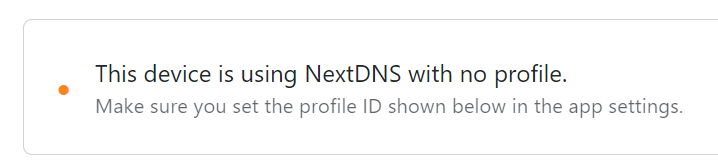
Using this configuration (and every other DNS configuration I’ve tried), my NextDNS indicates that the device (laptop) is using NextDNS with no profile, and using the https://test.nextdns.io/ website does not show any “Profile” entry.
{
“status”: “ok”,
“protocol”: “DOH”,
“client”: “172.56.198.31”,
“srcIP”: “172.56.198.31”,
“destIP”: “147.189.137.20”,
“anycast”: false,
“server”: “smarthost-bos-1”,
“clientName”: “nextdns-windows”,
“deviceName”: “Laptop”,
“deviceID”: “6E3E2”
}
Just wondering if there are current community members who are having issues with NextDNS - and if not, what their configuration is that allows NextDNS and PepLink to play together nicely.
I SWEAR that at one point in time this worked just fine (even a couple of months ago) - but at this point, I’m paying for the advanced features of NextDNS and not getting them…
TIA for any help/responses.