You can now easily add Peplink products and network icons to your diagrams, just like placing stickers.
Draw.io
- Download the full draw.io file for import
- Download libraries for import
(Last updated: 2026-02-03)
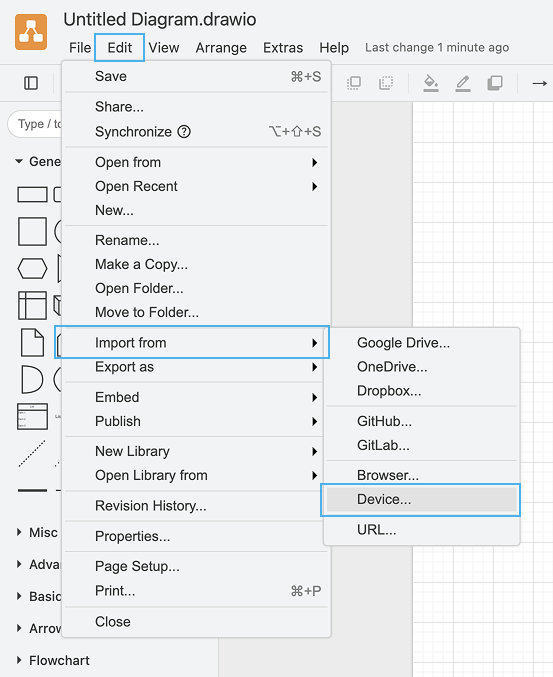
Import the full draw.io file
Download the full .xml to your device and import it here:
Import a library
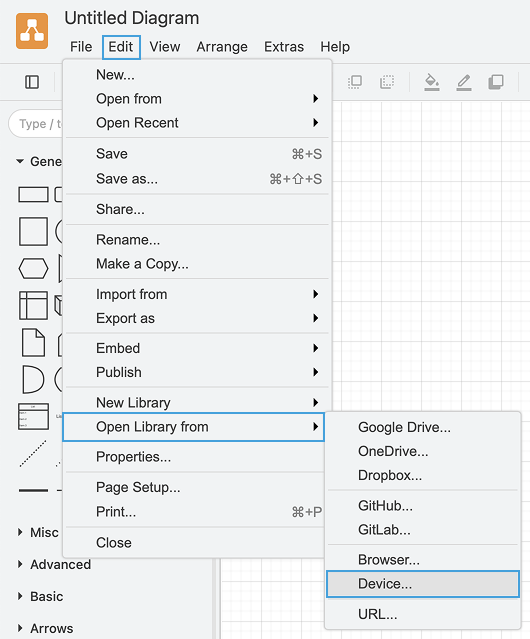
- Download the .xml files you need
- Click “File > Open Library from > Device” to upload the library
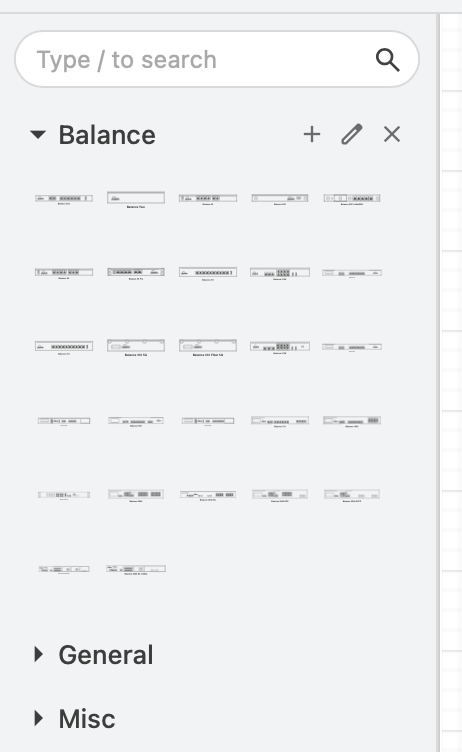
- Your library should appear on the left sidebar
Create a Customized Library
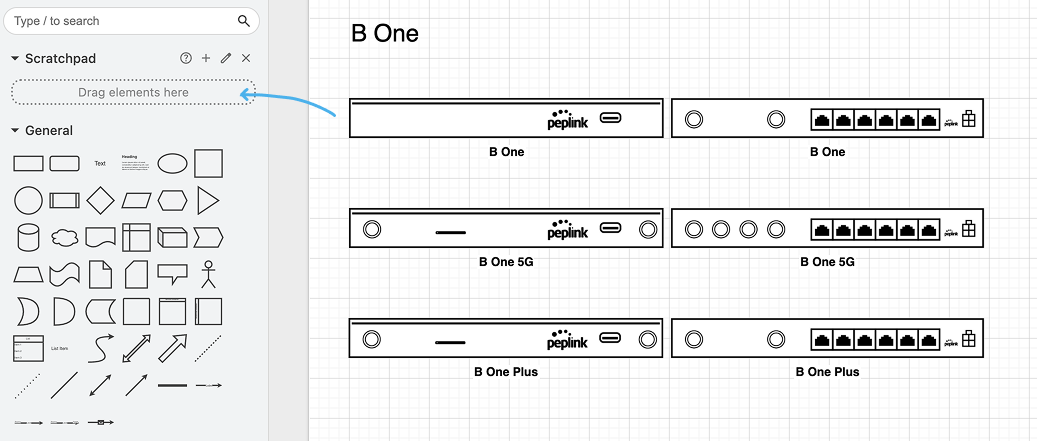
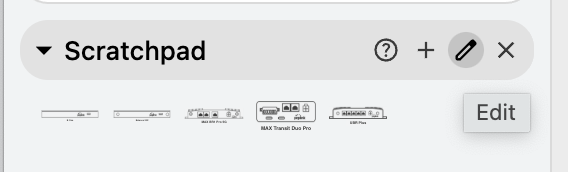
- Drag the element to the Scratchpad
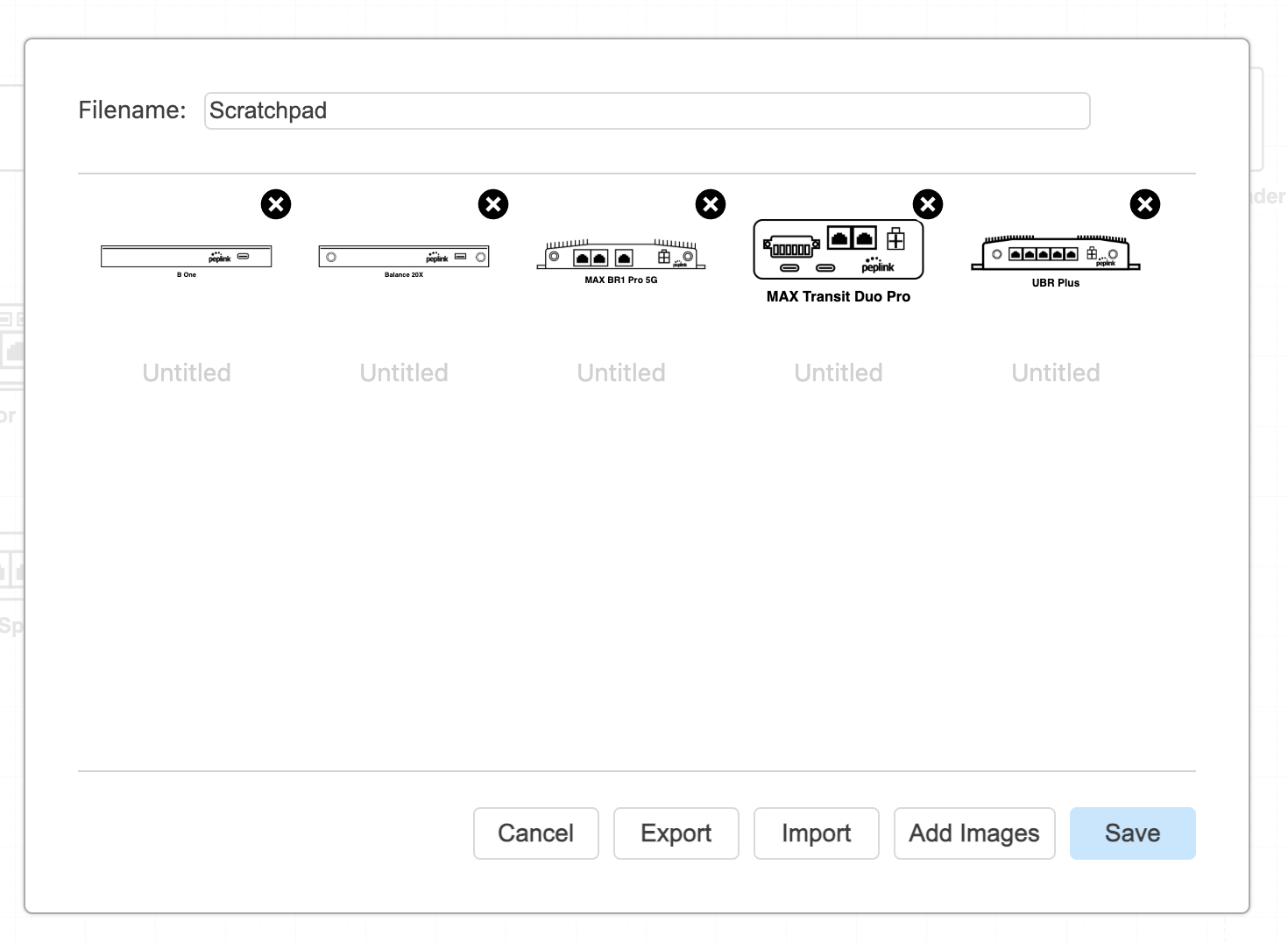
- Click “Edit” in the Scratchpad section
- Rename the elements for easier searching later
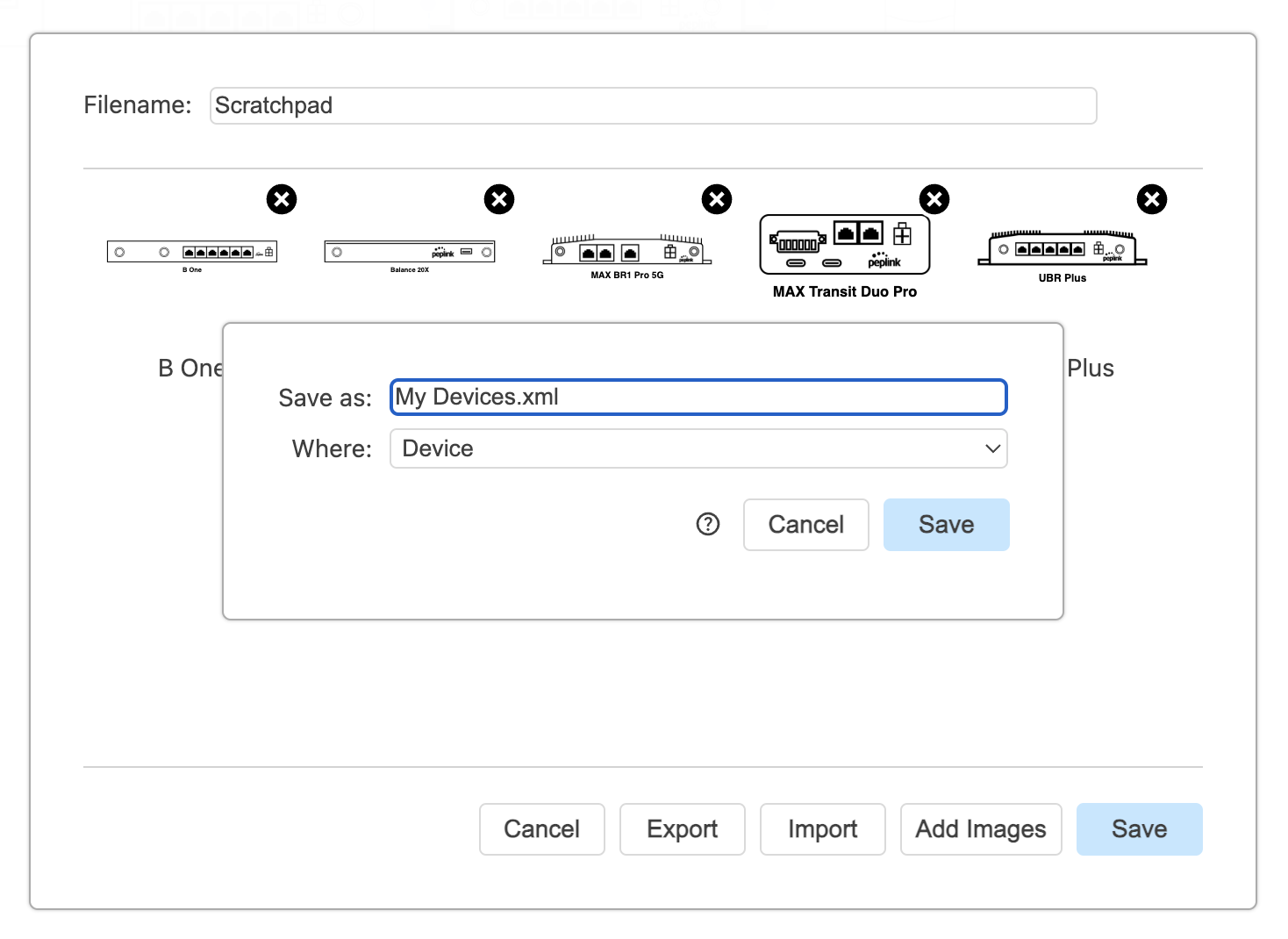
- Save / Export the Scratchpad as a new library
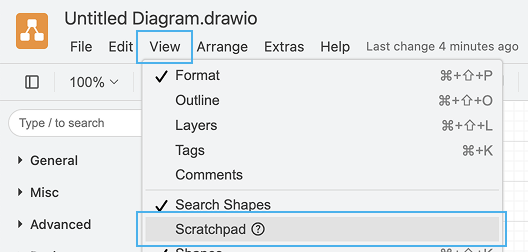
** If you do not find the Scratchpad feature in the left toolbar, you can enable it here:
Microsoft Visio
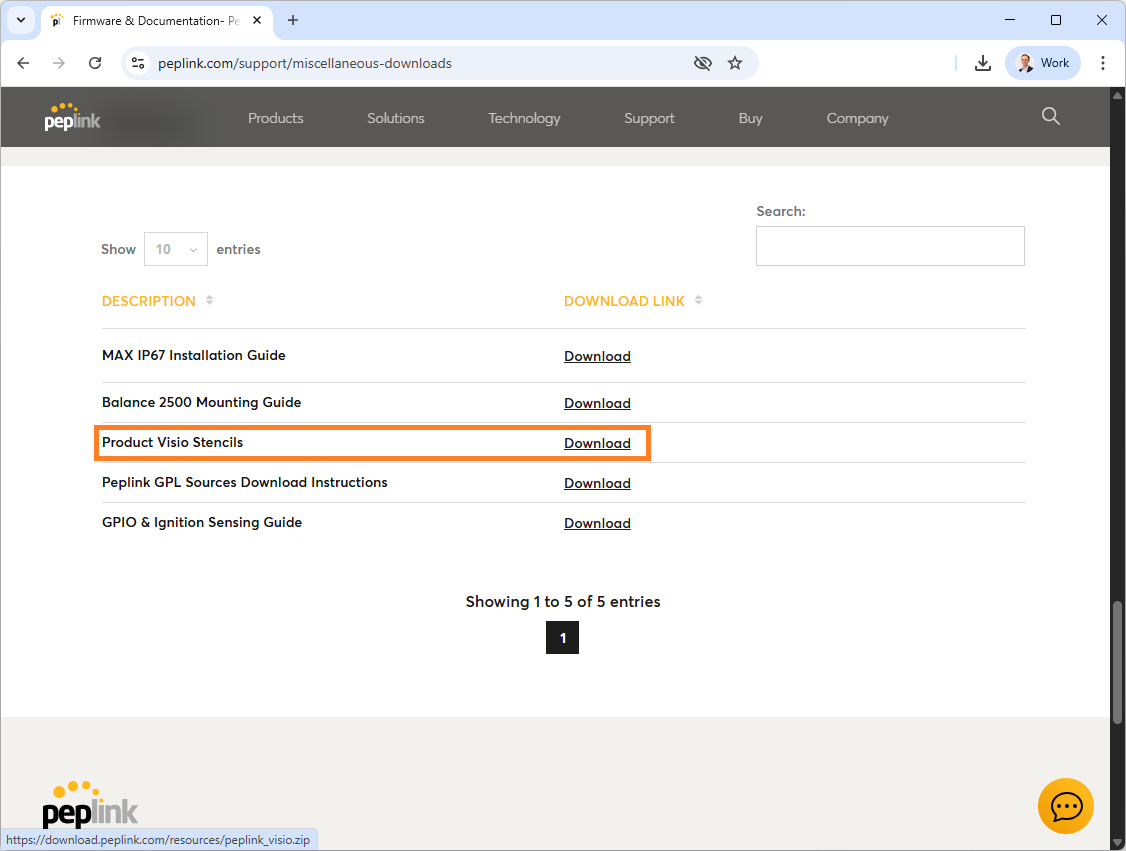
- Download the full Microsoft Visio file for import
- Download library for import
(Last updated: 2026-02-03)
Import the full Microsoft Visio file
Download the full .vsdx to your device and open it
Import library
- Download the .vssx files
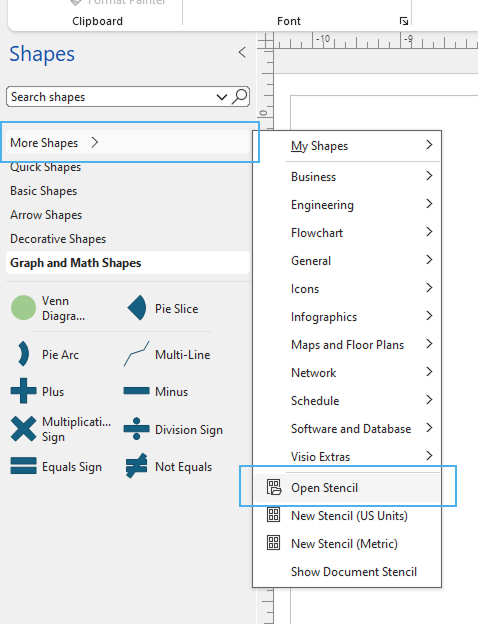
- Click “More Shapes > Open Stencil” to select the .vssx file
- Your library should appear on the left sidebar
Create a Customized Library
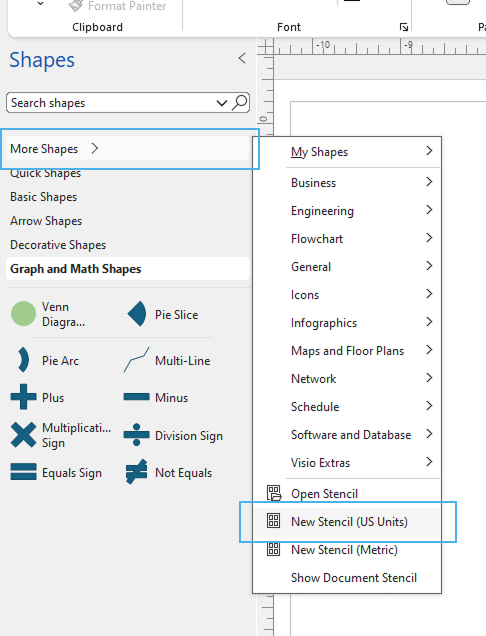
- Click “More shapes > New Stencil (US Units)”
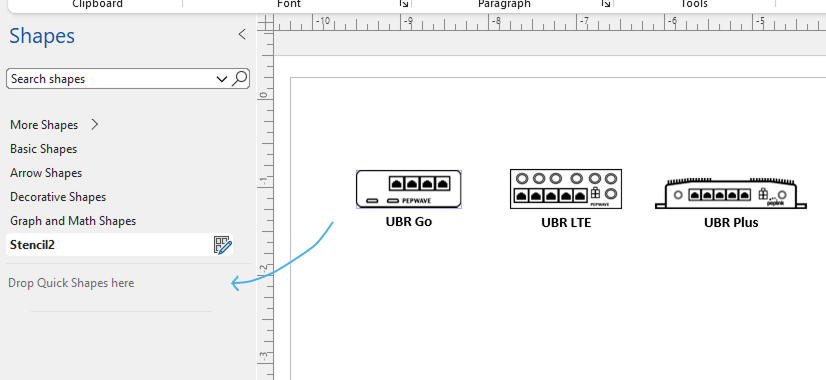
- Drag the element to the Stencil
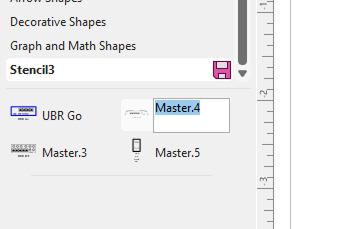
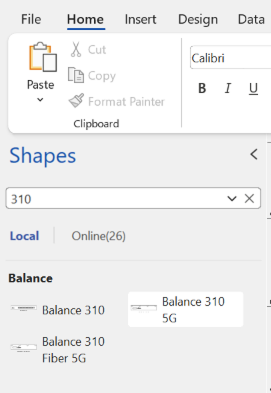
- Rename the elements so they can be searched later
- Save the Stencil as a new library