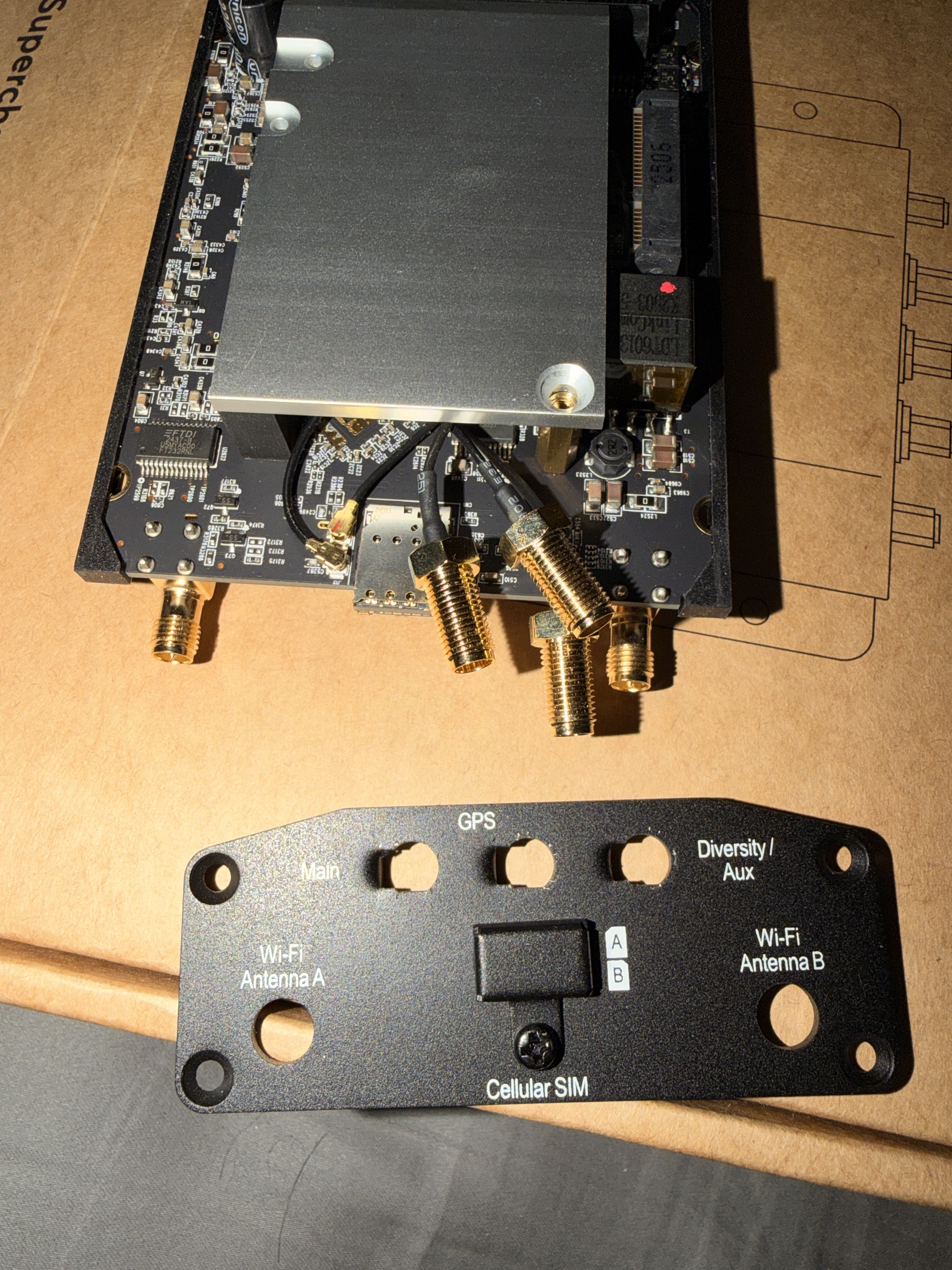
I had to take off the face plate for my new Max BR1 Mini. There are 3 cables, Main, GPS, Diversity. I think starting on left with main it is black, gray, black. Is that correct?
Hell @David_Maynor,
Welcome to the Peplink Community Forum.
Out of interest, why did you need to pull it apart? The casing is a key part of the RF Shielding and heat dissipation for the unit’s design. If this is a brand-new unit, you may have voided the warranty, regrettably, unless you had written permission from Peplink to open it.
Here are some thoughts on how you get this operational again:
-
Who is your local Certified Peplink Partner that you brought your Peplink solution from (https://www.peplink.com/buy/peplink-certified-partners/)? They are the best equipped people to help you get the most out of your Peplink solution.
-
Raise a Support ticket with Peplink at https://www.peplink.com/support/ and ask for help, even if it is out of warranty and mention your support ticket number back here.
-
If you do have written permission, contact that person for additional support.
-
Buy another unit, and this time, do not pull it apart.
-
Trial and error, see what connection works when you plug in your various antennas & GPS receiver.
I’m sure you’d like a direct answer, though Peplink Partners are not allowed to open the units without written permission and must not share or publish the internal workings of the routers.
Wishing you well on getting this working,
Marcus 
Its Black, Gray, Black. Cellular main, GPS/GNSS is gray, Diversity is black.
The Main and Diversity u.fl by the sim slots.
The gray cable winds under the shield and connects to a port labeled GNSS.
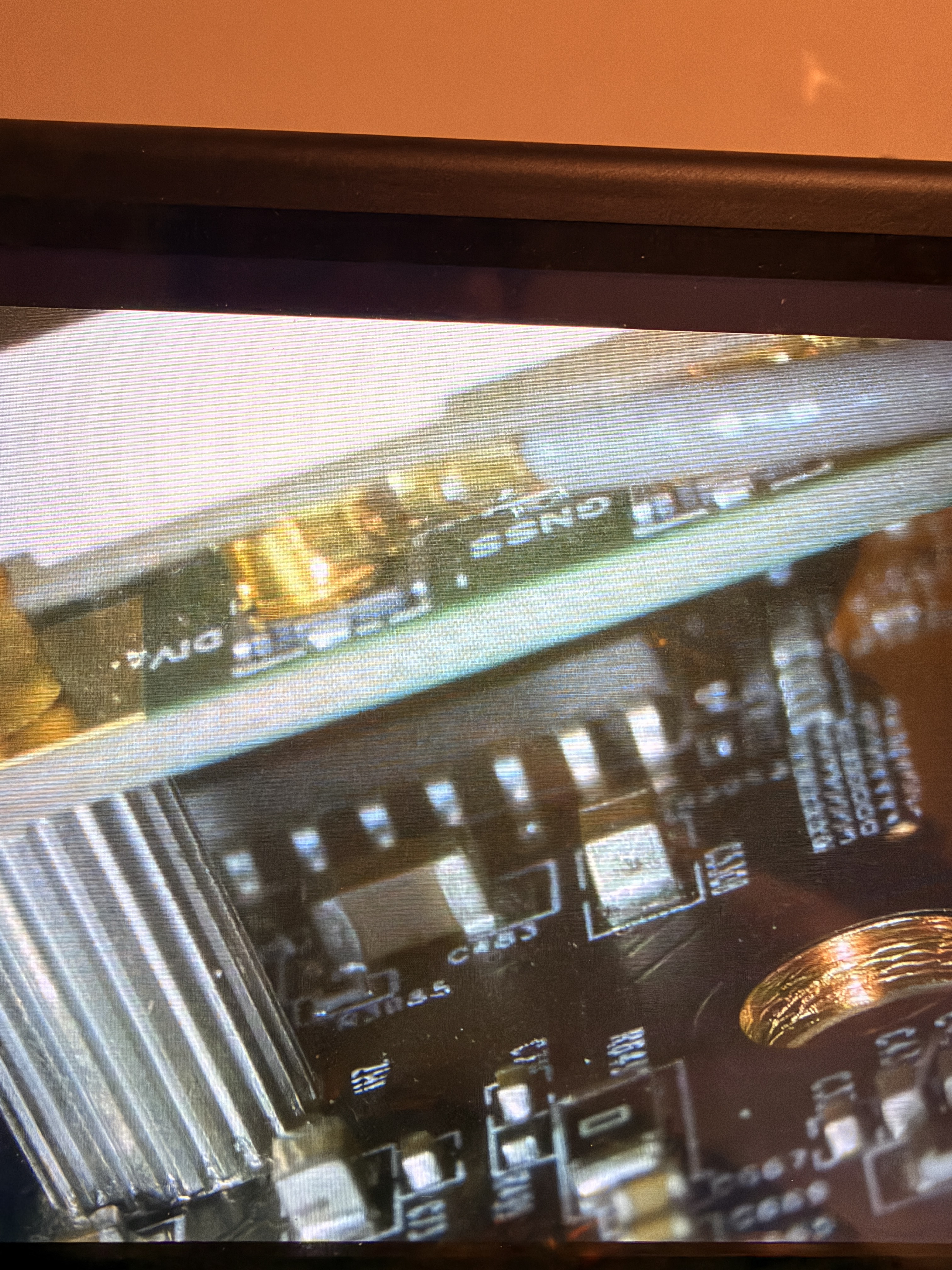
I had to take it apart as the main cellular sma connection was bent at a weird angle and i was trying to verify if it was just a light retaining nut that worked its way off in transit or the cable is bad.
I then remembered I am a professional reverse engineer and just used my lab microscope and a VNA to figure out which was which. The perils of working all night several days in a row.
Out of curiosity I skimmed the forum before posting and it looks like u.fl to SMA cable is a common replacement. How are other forum members doing the replacements?
1 Like
Just a note - if you are opening these up, the shielding is very important to remain in the original location. Performance could be impacted potentially if it is removed.
We strongly advise to contact your point of purchase to seek assistance if you feel your unit has an issue with the antenna or connector integrity. We can validate this through software. It’s a valid RMA if it isn’t tore open, but if it is, we won’t be able to do much.
1 Like