H Folks,
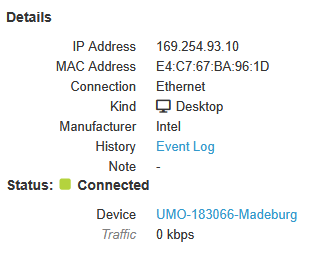
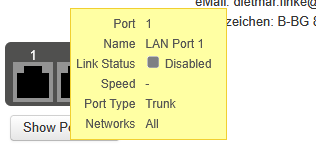
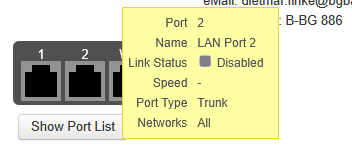
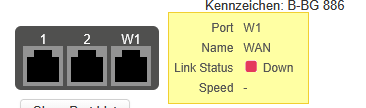
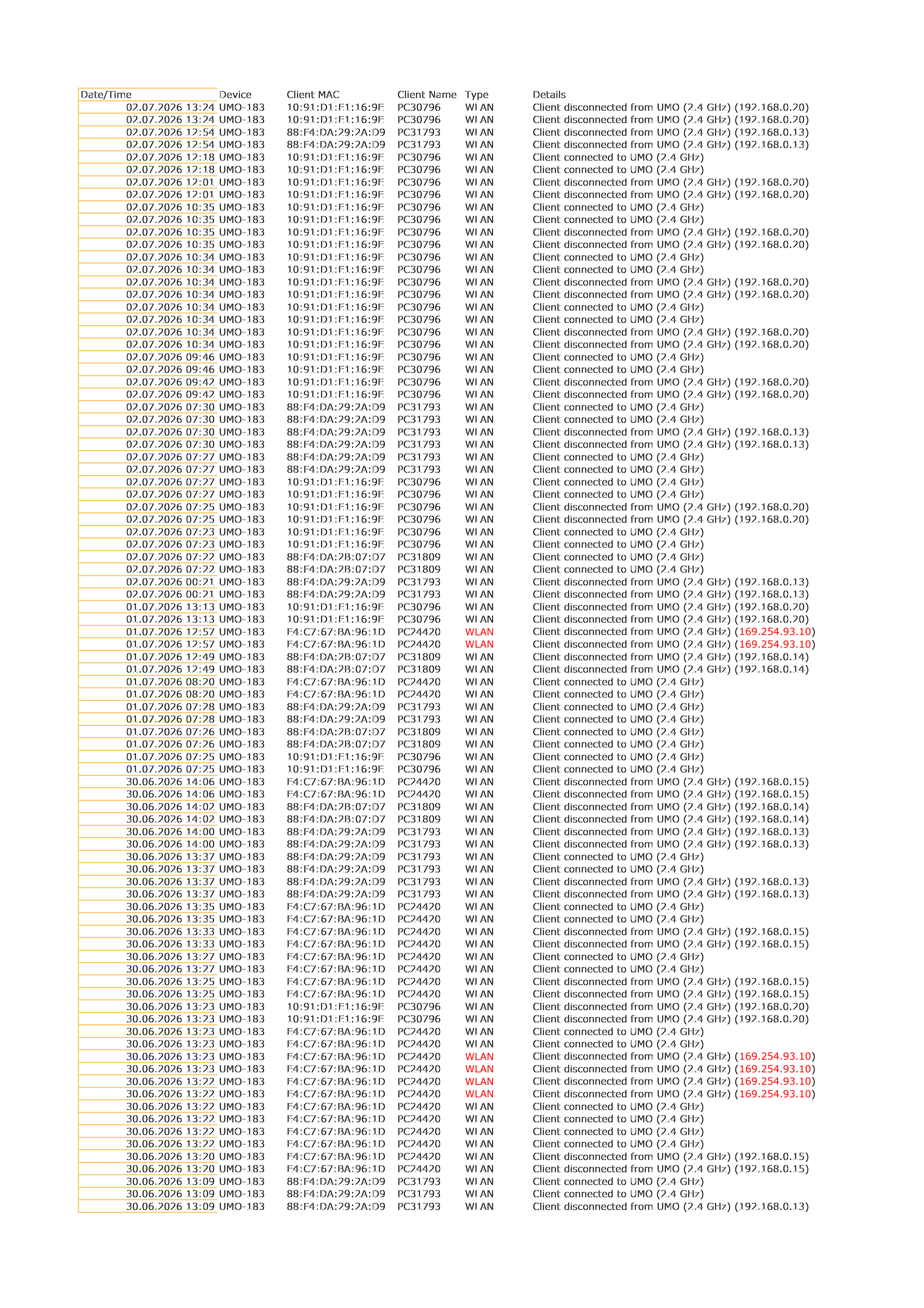
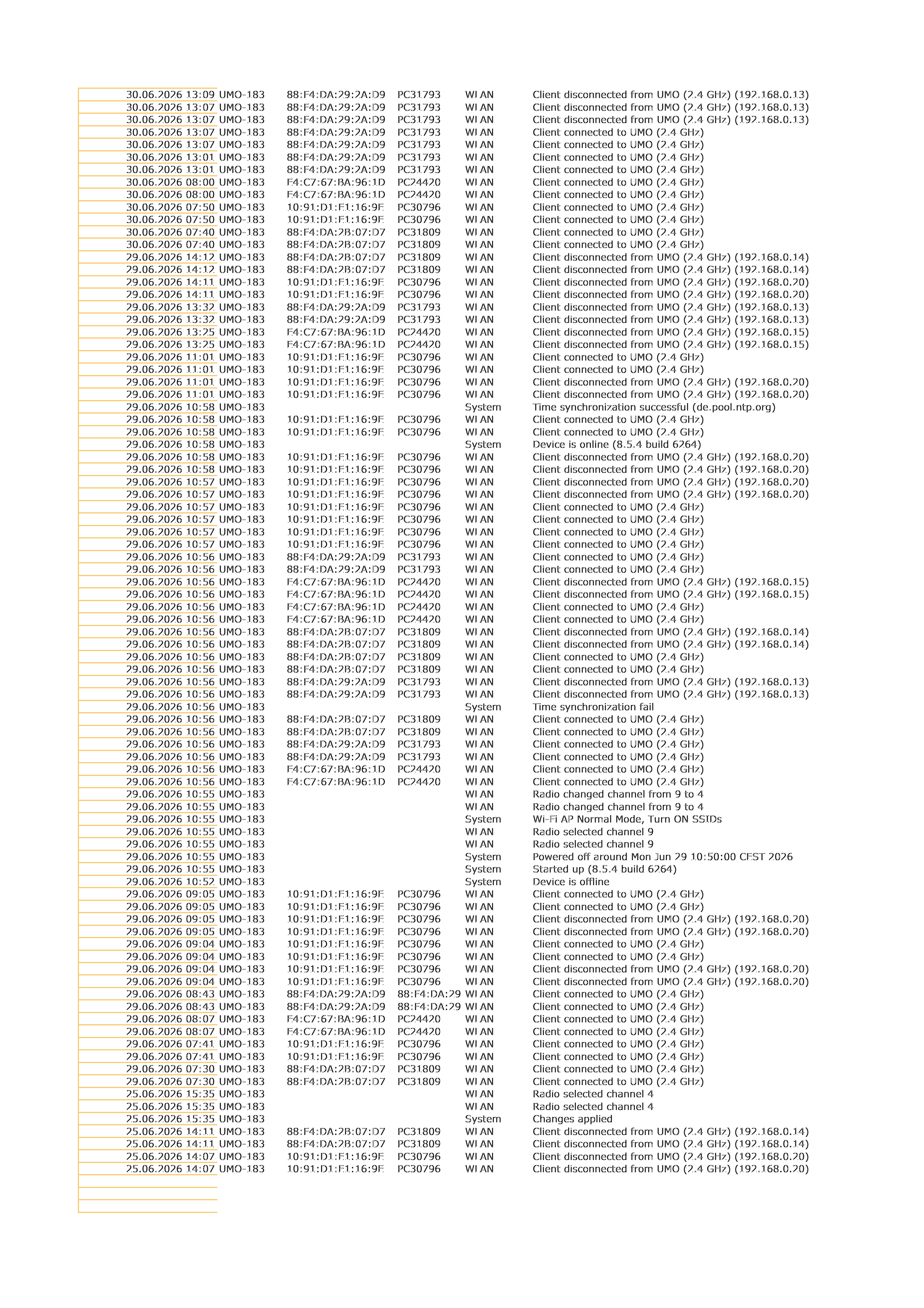
we have Max BR1 Pro 5G (8.5.4 build 6264) with LAN 1 and LAN 2 disabled, but a PC connects via LAN. How does it work???
This isn’t the first time I’ve seen a LAN connection with the LAN ports disabled.
I’ve also encountered this issue with older Max BR1 LTE devices.
Can someone please explain this?

OK, it looks like there’s another issue with the router or the clients:
- Multiple disconnects/connects within about 10 minutes
Take this PC, for example:
July 2, 2026 12:18 10:91:D1:E1:16:9E Client connected to UMO (2.4 GHz)
July 2, 2026 12:18 10:91:D1:E1:16:9E Client connected to UMO (2.4 GHz)
July 2, 2026 12:01 10:91:D1:E1:16:9E Client disconnected from UMO (2.4 GHz) (192.168.0.20)
July 2, 2026 12:01 10:91:D1:E1:16:9E Client disconnected from UMO (2.4 GHz) (192.168.0.20)
July 2, 2026 10:35 10:91:D1:E1:16:9E Client connected to UMO (2.4 GHz)
July 2, 2026 10:35 10:91:D1:E1:16:9E Client connected to UMO (2.4 GHz)
July 2, 2026 10:35 10:91:D1:E1:16:9E Client disconnected from UMO (2.4 GHz) (192.168.0.20)
July 2, 2026 10:35 10:91:D1:E1:16:9E Client disconnected from UMO (2.4 GHz) (192.168.0.20)
July 2, 2026 10:34 10:91:D1:E1:16:9E Client connected to UMO (2.4 GHz)
July 2, 2026 10:34 10:91:D1:E1:16:9E Client connected to UMO (2.4 GHz)
July 2, 2026 10:34 10:91:D1:E1:16:9E Client disconnected from UMO (2.4 GHz) (192.168.0.20)
July 2, 2026 10:34 10:91:D1:E1:16:9E Client disconnected from UMO (2.4 GHz) (192.168.0.20)
July 2, 2026 10:34 10:91:D1:E1:16:9E Client connected to UMO (2.4 GHz)
July 2, 2026 10:34 10:91:D1:E1:16:9E Client connected to UMO (2.4 GHz)
July 2, 2026 10:34 10:91:D1:E1:16:9E Client disconnected from UMO (2.4 GHz) (192.168.0.20)
July 2, 2026 10:34 10:91:D1:E1:16:9E Client disconnected from UMO (2.4 GHz) (192.168.0.20)
July 2, 2026 9:46 AM 10:91:D1:E1:16:9E Client connected to UMO (2.4 GHz)
July 2, 2026 9:46 AM 10:91:D1:E1:16:9E Client connected to UMO (2.4 GHz)
July 2, 2026 9:42 AM 10:91:D1:E1:16:9E Client disconnected from UMO (2.4 GHz) (192.168.0.20)
July 2, 2026 9:42 AM 10:91:D1:E1:16:9E Client disconnected from UMO (2.4 GHz) (192.168.0.20)
Router is in a RAV; PCs are within a radius of approximately 8 m (26.2 ft) of the router
Only 2.4 GHz active, medium power, 80 MHz bandwidth, signal strength averaging between -40 and -50 dBm
PC with Intel Wi-Fi 6E AX211 160 MHz (This may be the problem; it also doesn’t perform optimally with 802.11ax in other scenarios)