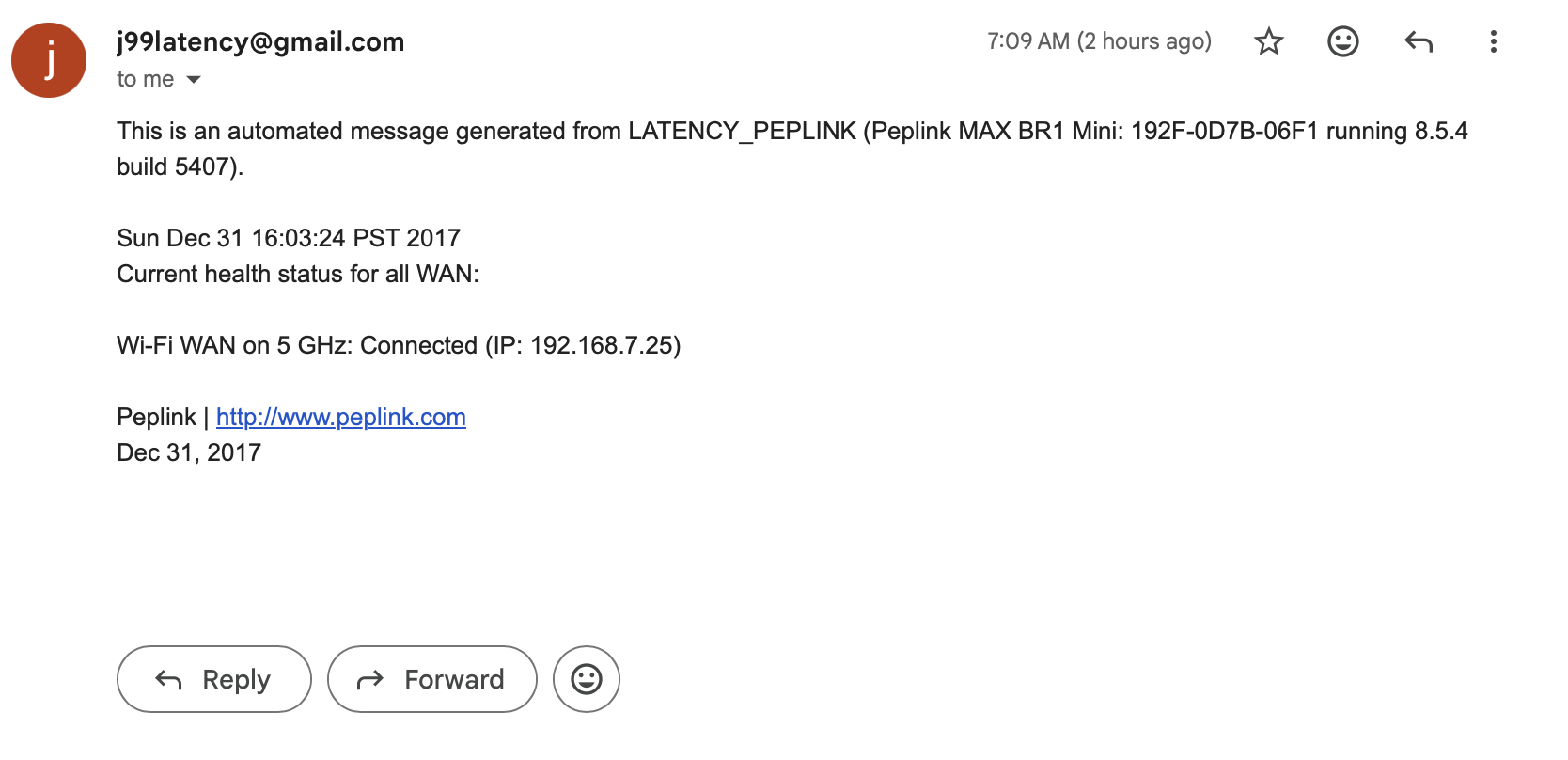
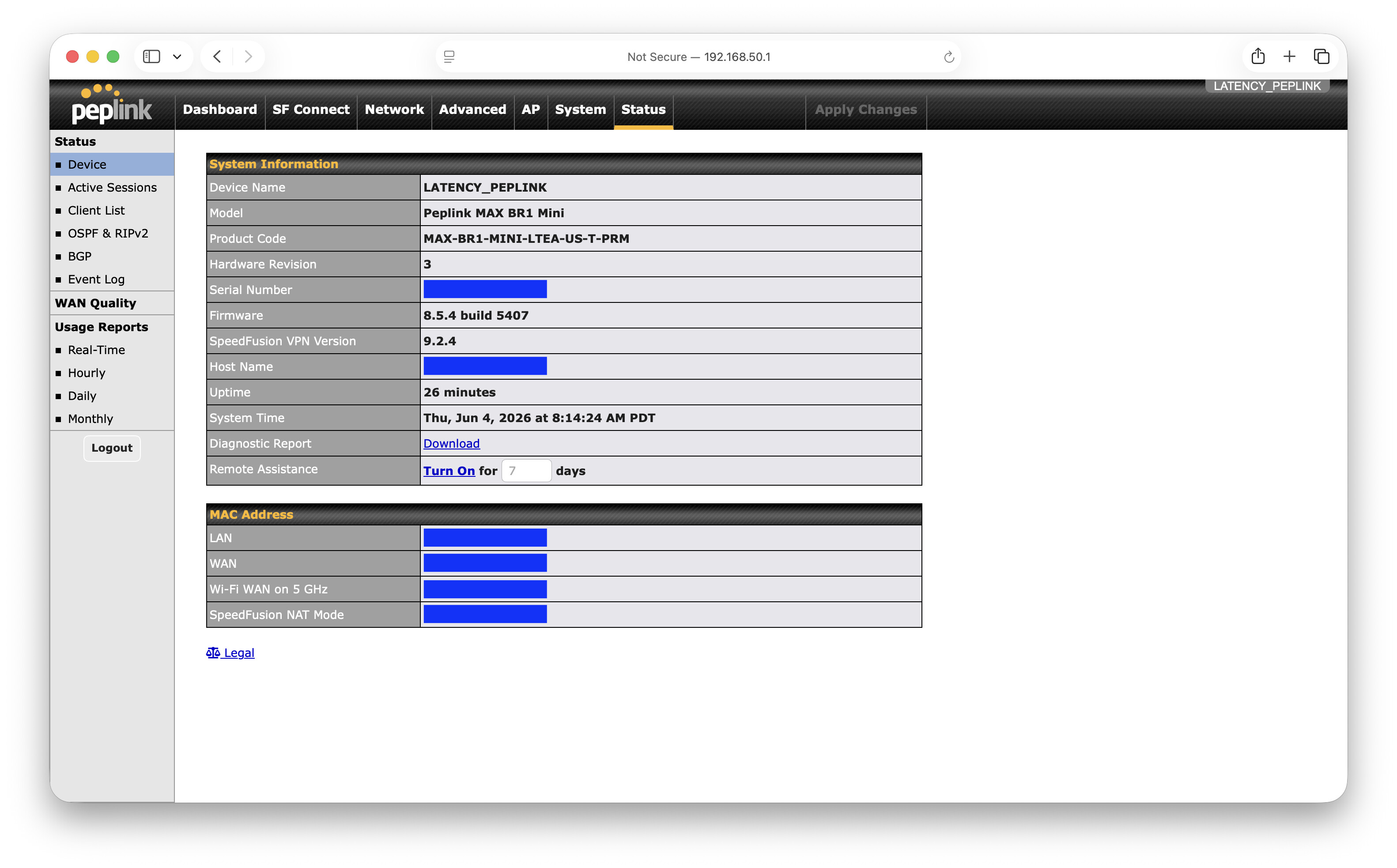
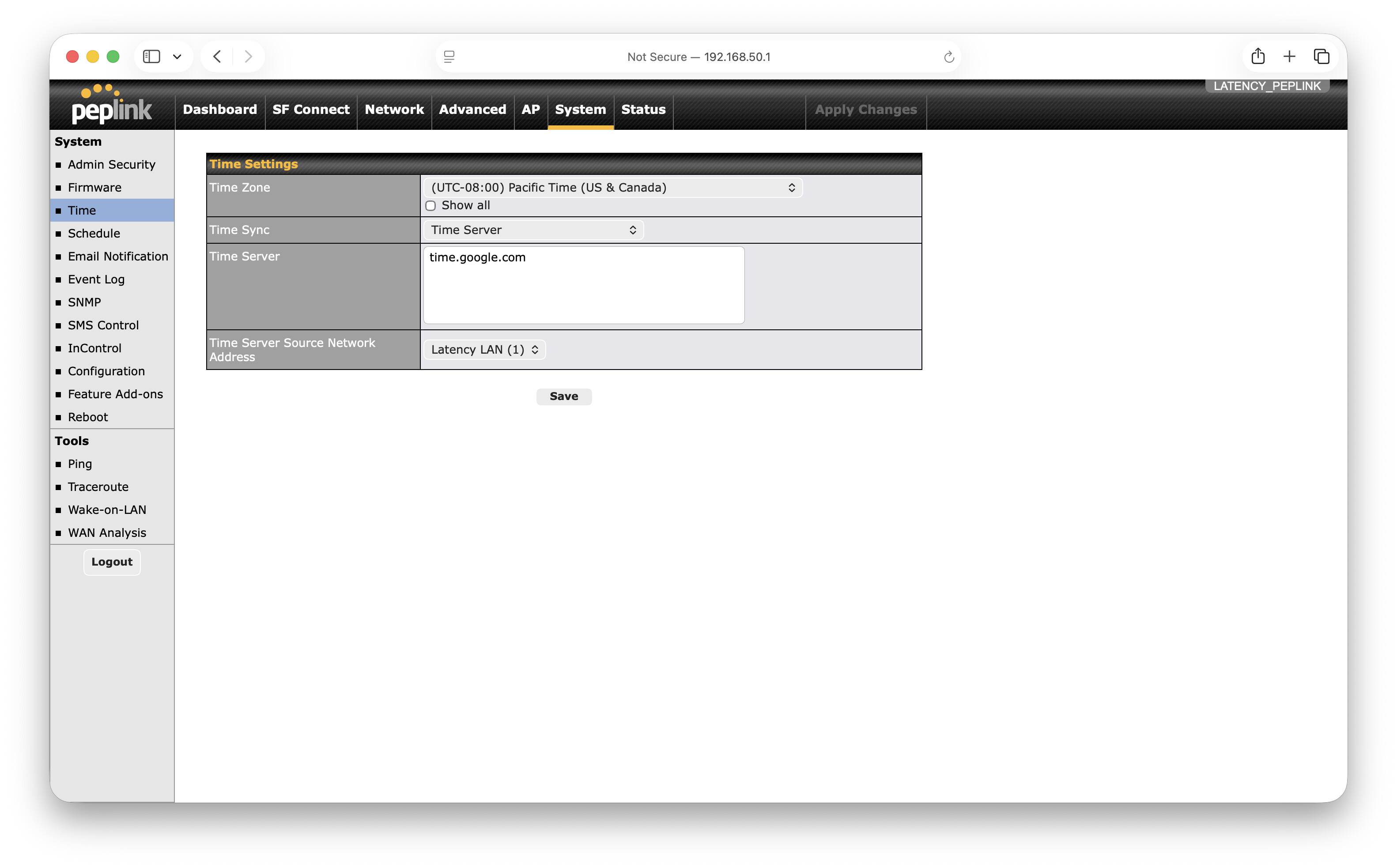
I recently enabled e-mail notifications on my MAX BR1 Mini HW3 running 8.5.4 build 5407 and the email notifications are showing Dec 2017 date and time instead of current 2026 June date and time. The router shows the correct current date & time in the Status tab / System Information. And the time setting are configured properly (can’t add more screenshots per forum’s rules)
Is there a different setting to adjust the date/time reported in these emails?
@Camille_Moussette ,
It looks like the timestamp may be using the device’s default system time after a reboot, before the device has successfully synchronized with the time server.
Could you please check whether the email was sent shortly after the device rebooted and before the device time was synchronized? If so, this would explain why the timestamp shown in the email does not match the actual event time.
Suggested that you should use IC2 email notification.
1 Like
The router boots in about 90 secs, and the WiFi WAN connection takes an additional ~45 sec to establish. AFAIK, that’s when the email notification is sent (confirming the successful WAN connectivity). So it’s a whole +2 min of uptime before the email is created and sent. Accessing the admin page after boot and before WAN is connected shows a current & accurate System Time.
I’ll look into InControl2 notifications, but it’s unfortunate that this basic feature doesn’t work as expected.