Unfortunately my upgrade from a BR1 Mini to a Balance 20x has been plagued with an odd issue.
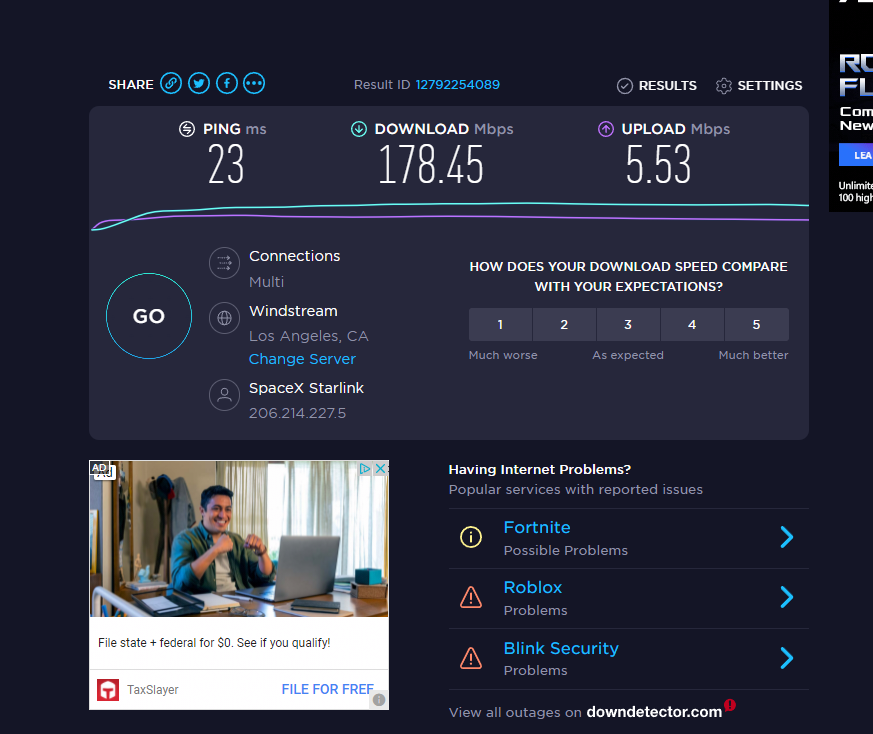
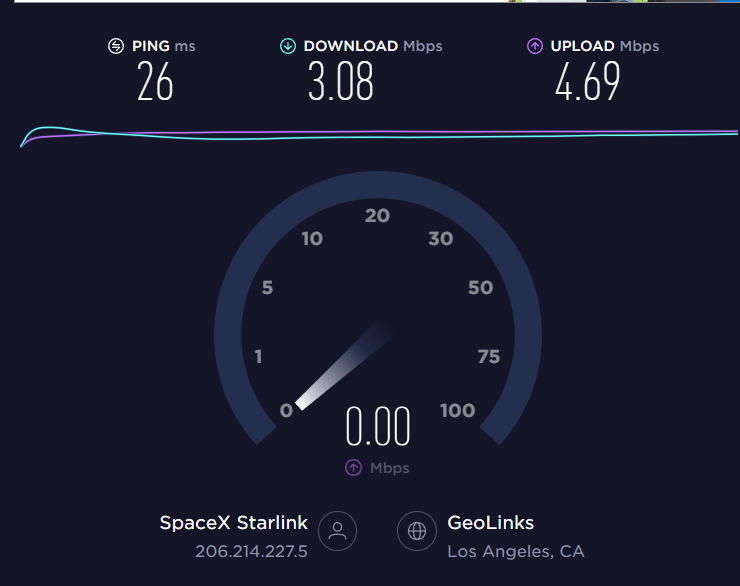
If I connect Starlink to my WAN on the Balance 20x I consistently get 5-10mbps downloads on any speed test site. If I instead hook Starlink to my GliNet Beryl and hardwire to the same machine, I get 160mbps down on any speed test site.
The same is true for wireless clients. This is using the same hardwires though I did try replacing them.
GliNet Beryl
Balance 20x
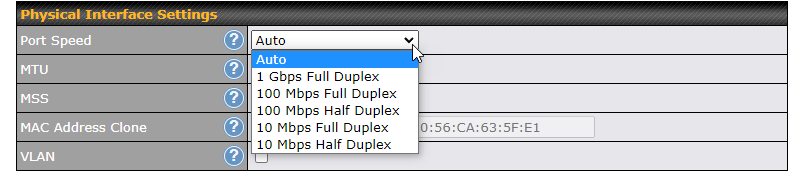
Any chance the port has negotiated at 10MBps instead of 1Gbps? Maybe set the WAN port speed manually to 1 Gbps Full Duplex and see if that helps (In Network > WAN connection settings)?
2 Likes
Thanks Martin! I’ve been setting this to auto and to 1gbps
Edit: I’ve done a few factory resets in my work to find the cause over the past 24 hours, found that setting to be on Auto. I just set it to 1gbps and kept “advertise speed” checked now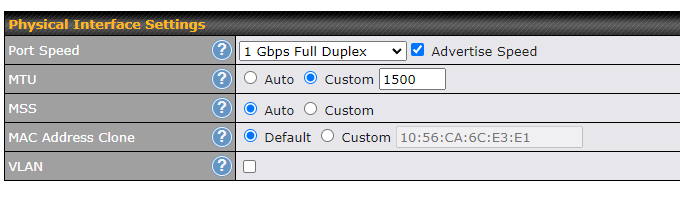
Unfortunately no improvement
Tried a few other things, so far no change:
- MTU auto or at the recommended 1500
- Removing wifi from the setup, excluding 2.4, etc
- Changing out ethernet cables
- Reset Starlink
- Changed from my gaming PC to my work macbook, same speeds
- added the Glinet as a switch so Starlink to Balance20x WAN to GlinetBeryl in Switch Mode to Hardwired computer, same speeds
Dylan its time to log a ticket with Peplink engineering to get their input on this as what you’re seeing is just not right…
2 Likes
Thanks Martin, I did just a few minutes ago. I appreciate you helping me confirm.