
Any idea how to fix this? I’m using a transit duo. I can’t connect to the router ip, but I can see that the router is online using incontrol. I’m able to see the ssid and connect but no internet connectivity exist.
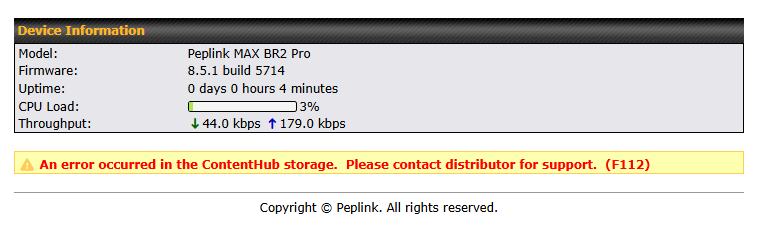
I got the same error on initial startup as well on the Peplink MAX-BR2-PRO-5GN-T-PRM running firmware 8.5.1-build-5714 as shown in the screenshot.
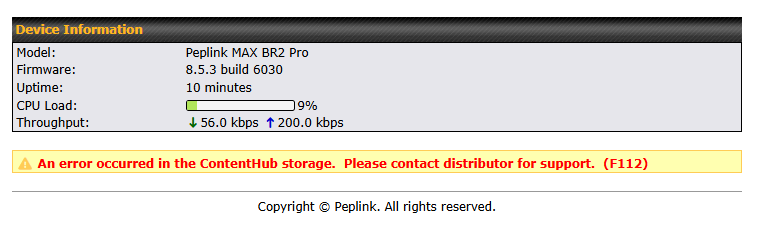
I upgraded to the most current firmware, but got the same error as shown in the screenshot above.
I manually downloaded the archived firmware and flashed it back to the original 8.5.1 build 5714, but got the same error as show below.
Next, I tried the “Restore Factory Settings”, and the error was gone after the reboot. LOL
I hope this helps…
The way you can sort this out is to initialize the storage using the Advanced > Docker / Edge Computing and you’ll have to initialize the storage, then this will go away.