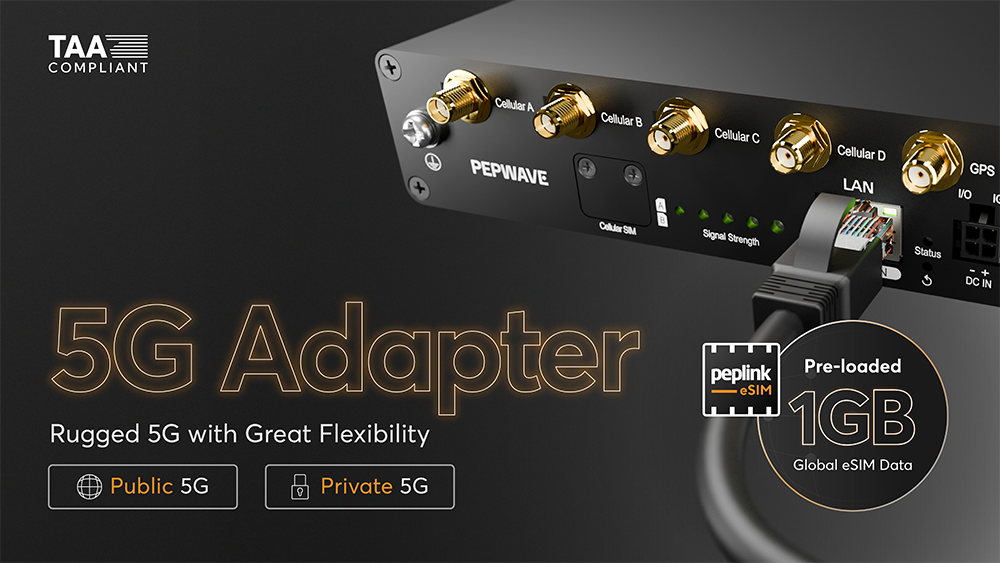
Deploy faster, scale easier, and eliminate complexity from day one, whether you’re building smart infrastructure or managing an industrial IoT rollout.
Meet the 5G Adapter, your plug-and-play solution for both public and private 5G networks.
Why it’s the right fit:
Instant Provisioning: Pre-loaded 1GB Peplink global eSIM data for immediate setup and eSIM profile downloads.
Remote Management: Monitor and troubleshoot via InControl and InTouch, enjoying full visibility without the costly site visits.
Zero Carrier Lock-in: Dual physical SIMs, eSIM, and RemoteSIM support give you flexibility to choose the best network for any location.
Versatile Deployment: Rugged hardware with GPS and ignition sensing for telemetry, field operations, and fleet deployments.
Zero-wait connectivity is here. Why wait to start?
You can use 5G Adapter as a stand alone device to connect to cellular networks or build a modular system where you connect synergised 5G Adapter to a main router.
I’ve done some testing with the 5G adapter and have a couple of questions:
Does the 5G Adapter not support IC2 Connection Tests? I have them enabled and setup for a group in IC2, but the button to perform connection tests doesn’t appear for the 5G adapter’s IC2 page.
I’ve looked through the settings and can’t seem to find a setting to enable IP Passthrough? The 5G Adapter FAQ doc says that it should be supported.
Is it intentional for the WAN Quality Report [-WAN-Analysis-Tool-] for the 5G Adapter to not display latency? or is this a bug?
EDIT: I meant WAN Quality Report, not WAN Analysis Tool. My apologies for the confusion.
Correction… my fellow colleague remind me that it is likely WAN Quality than WAN analysis. If WAN Quality without latency, then it does sound like bug.
Hi, What throughput can the device sustain without saturating the CPU and increasing latency? I’m looking at it as the 5G internet modem for a home network, where there are large downloads from time to time — would it hold up in that role?