Hello,
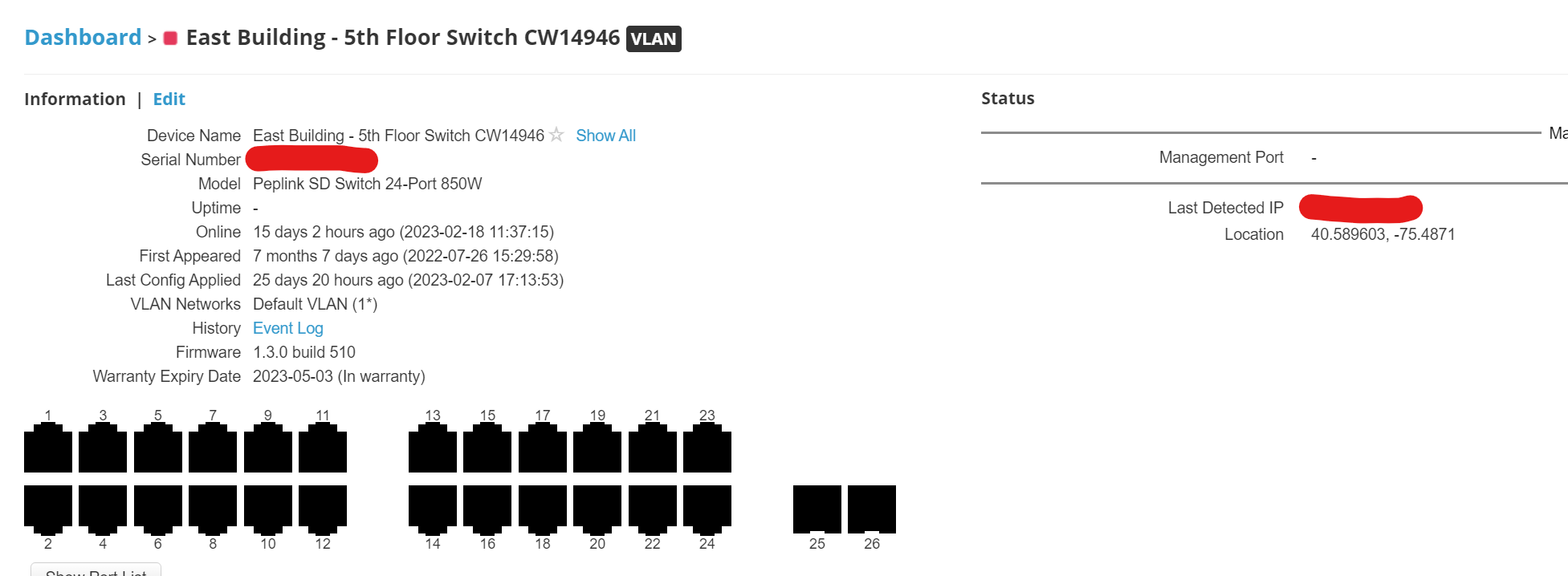
I have a client with a 20X router and 4 24-port Peplink switches. 1 of the switches is showing offline INcontrol and still passing traffic as the devices are still working.
The switch that is showing offline is not listed in the client list so I can use INTouch to hit the webGUI to see what is going on.
Does anyone have an idea how to can get to the switch through INcontrol to reboot it so I don’t have to roll a truck?
Can you use intouch on the 20x to access a lan side ip of the switch.
I had to change my switch to auto for ic2 instead of using a specific vlan.
1 Like
That was my plan but the missing switch doesn’t show up in the client list.
Can you do a layer2 tunnel to the client t network and do a ip scan for all the ips in that vlan.
Also if you added an IP to one of the vlans it won’t have a gateway as the switch would act as the gateway, but you should be able to find by either being onsite or doing a L2 vpn.
1 Like
Quick update. Sent a tech onsite and the switch fans were running at 100%. We power cycled the switch and the POE stopped working. The status light was red 100% of the time. Also could not access the webGUI of the switch.
Support RMA’d the switch.
2 Likes
Thanks for the update, sorry that happened. We haven’t had any problems with our switches so far.
Assign from misconfiguring.
1 Like